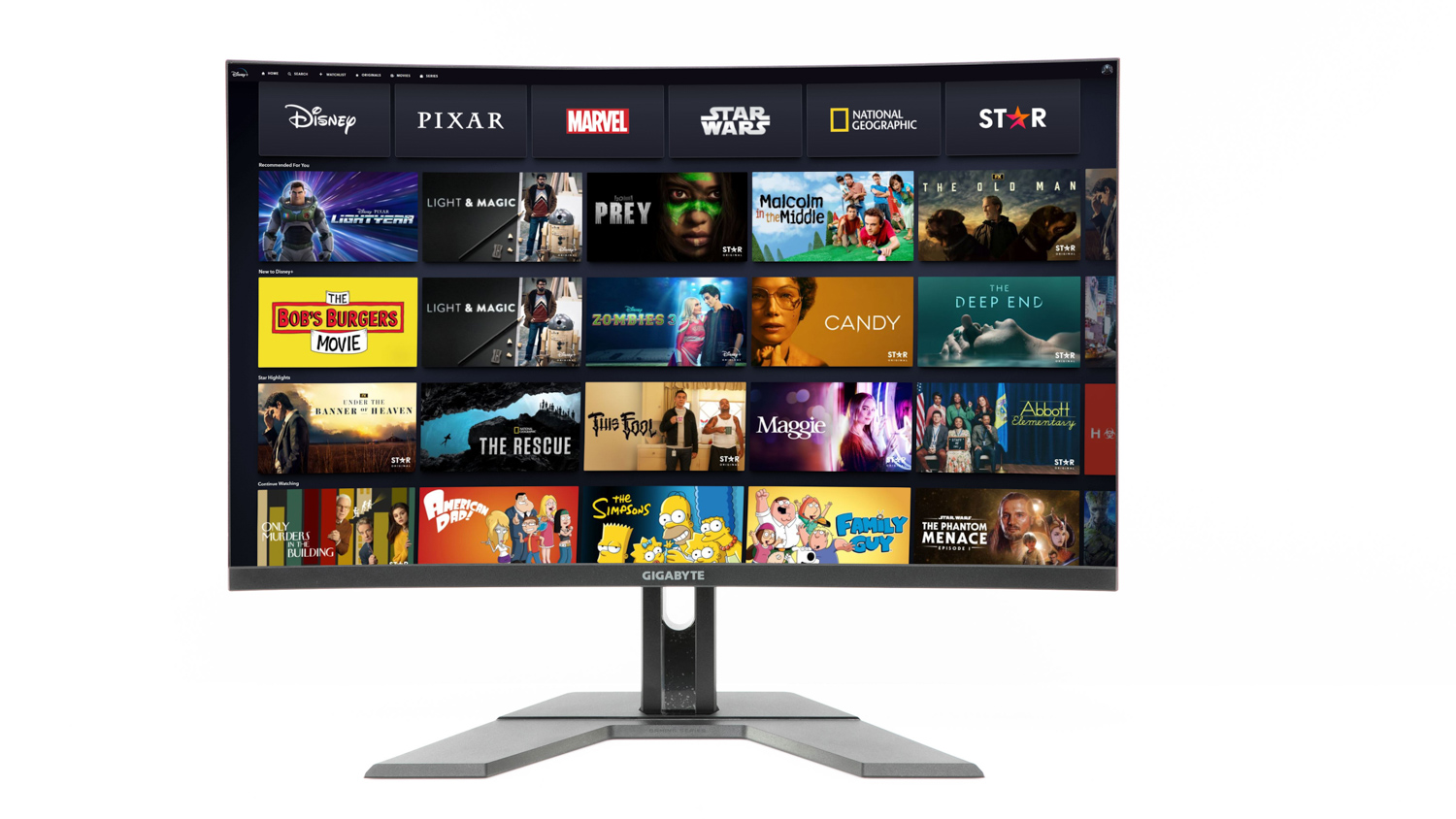
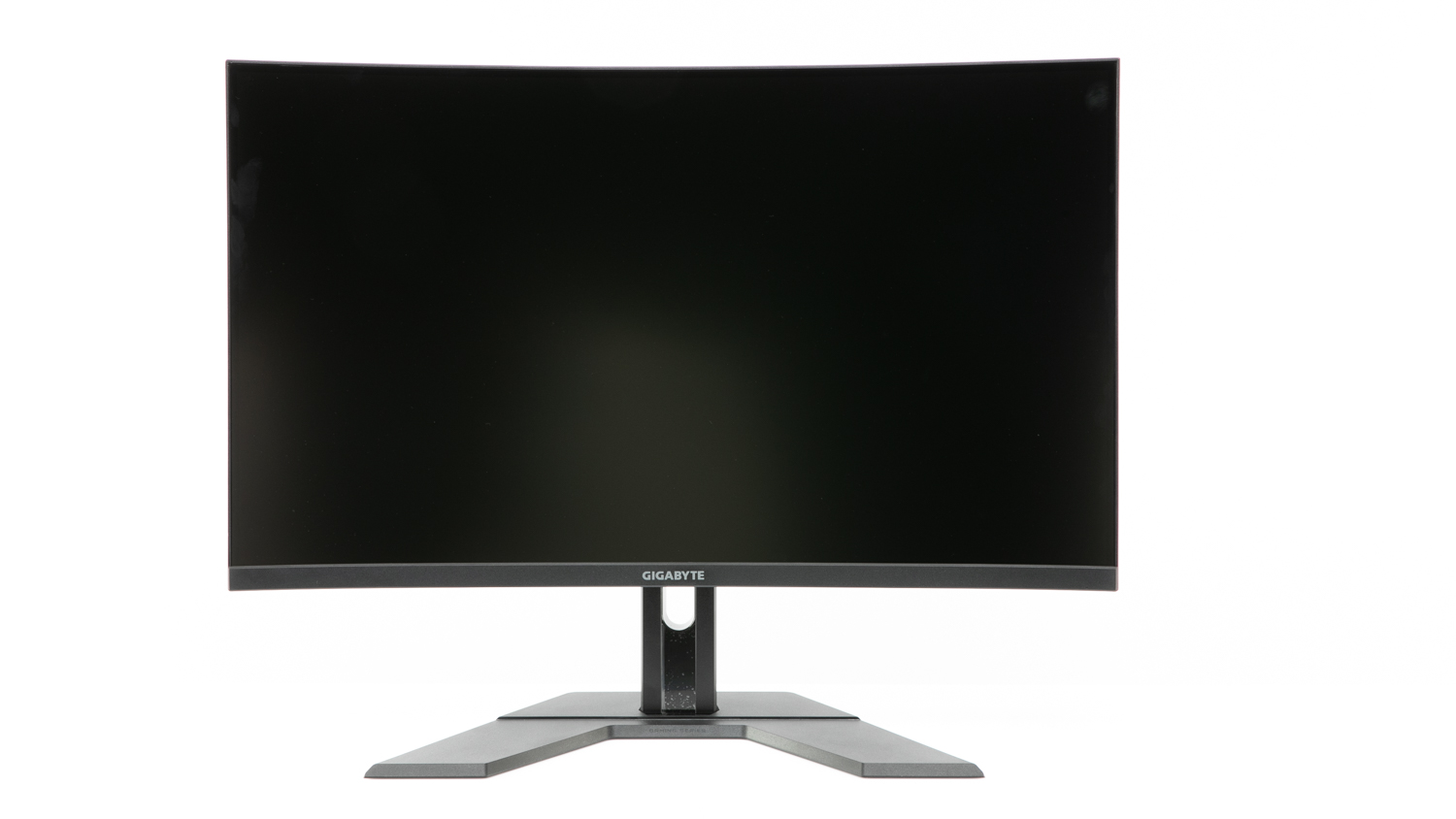
Gigabyte M32UC Gaming Monitor
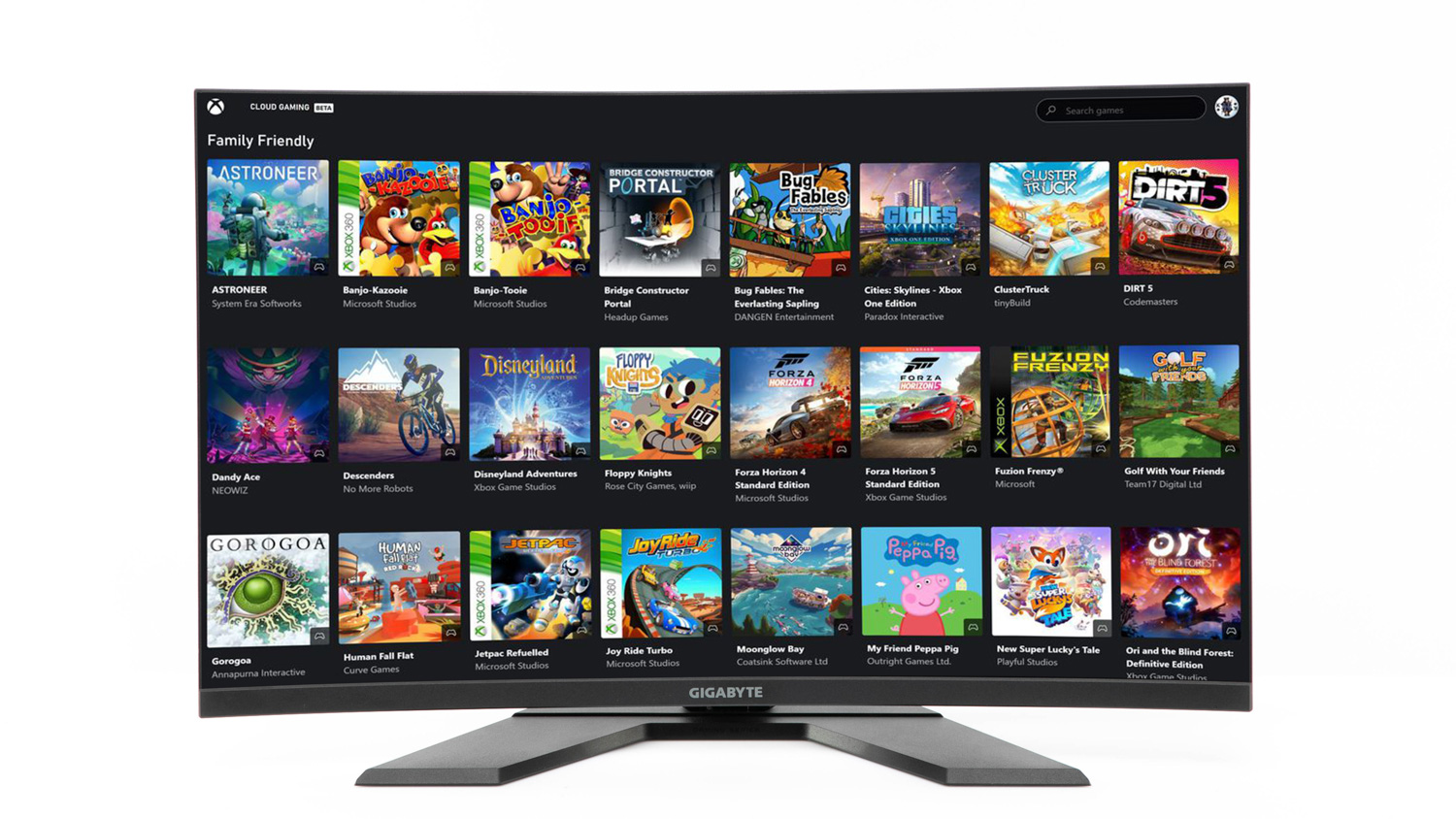
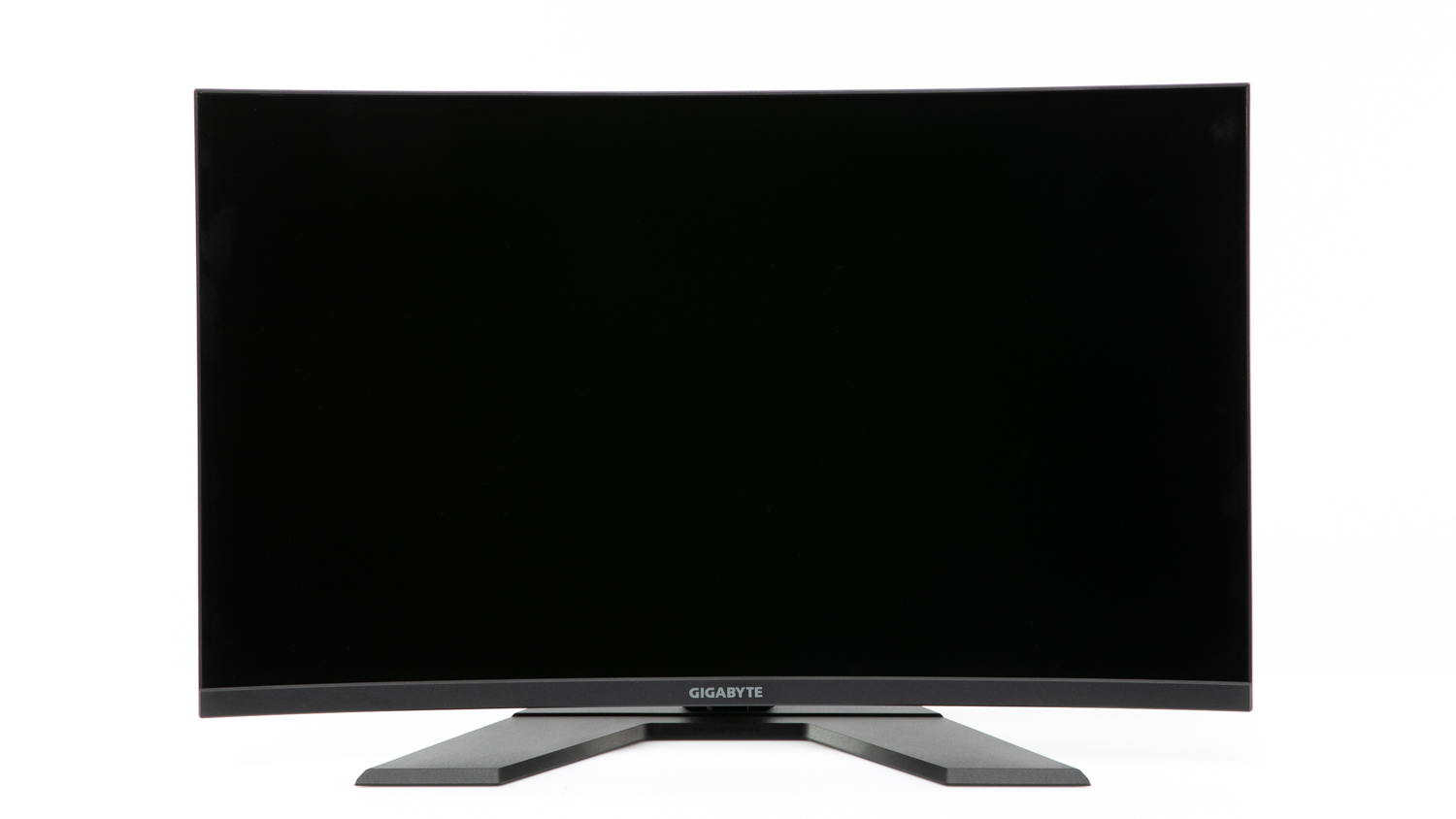
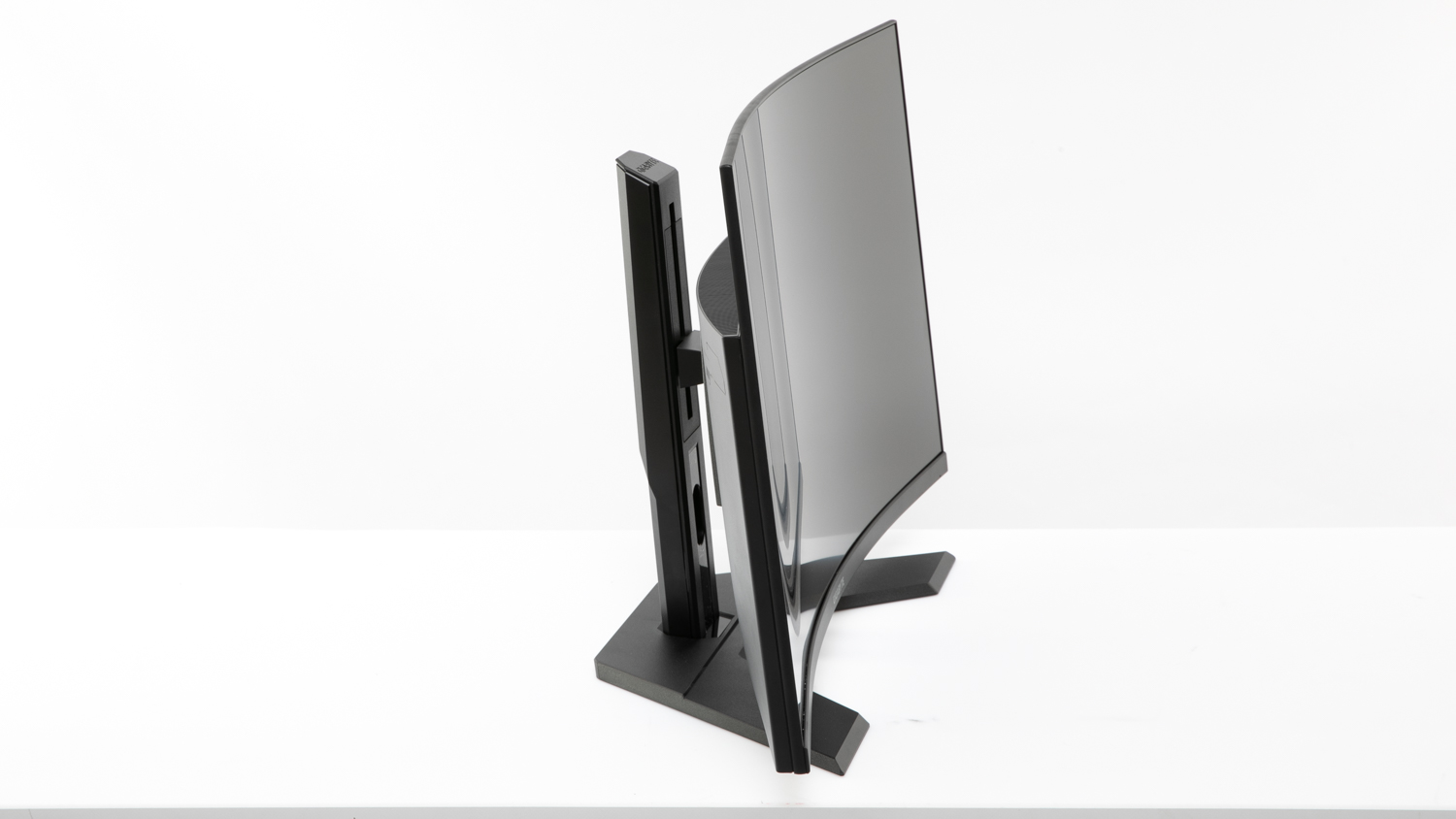
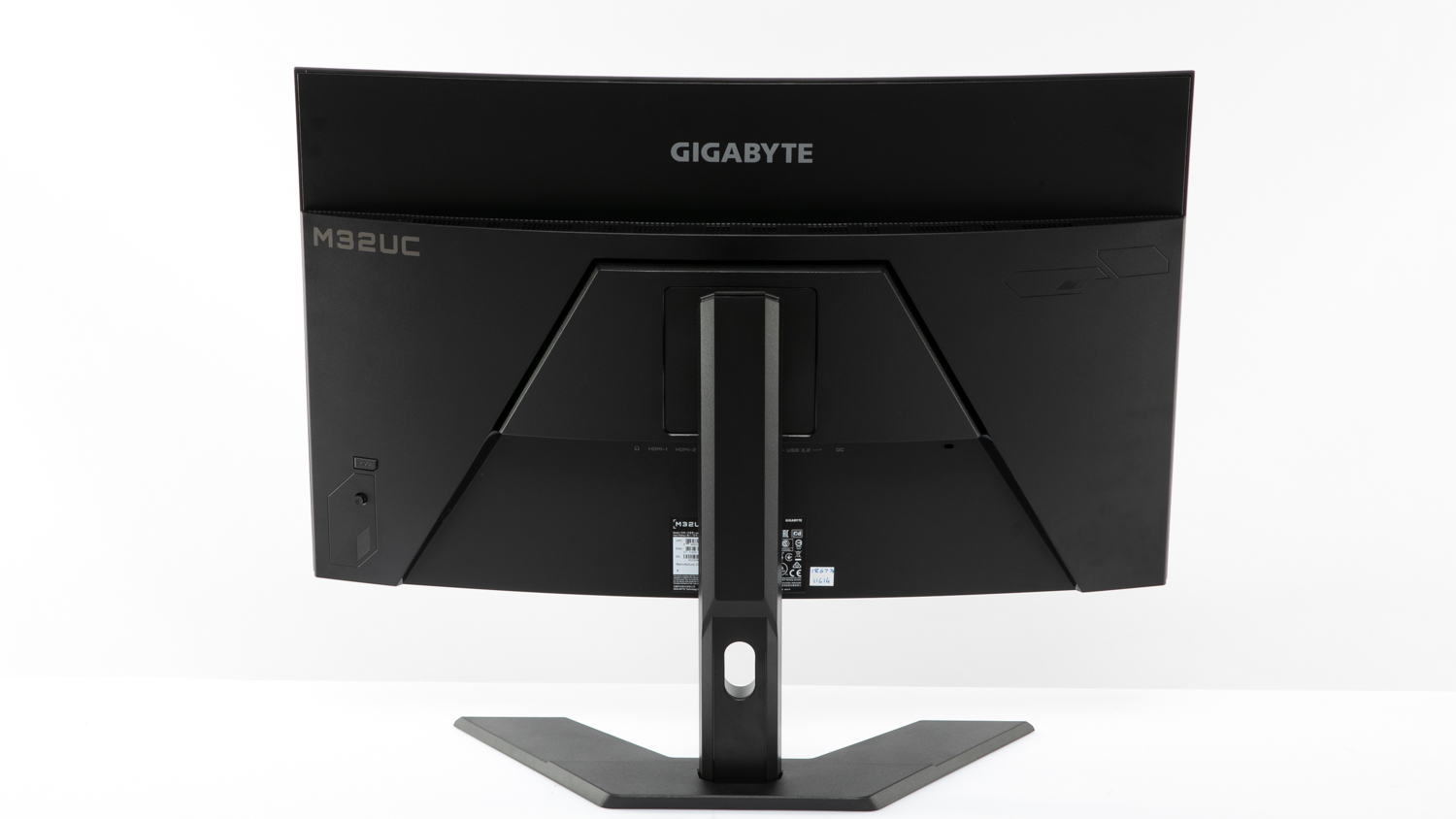

Pros
- Height and tilt adjustments can be made
- Very good image quality
- Very good text quality
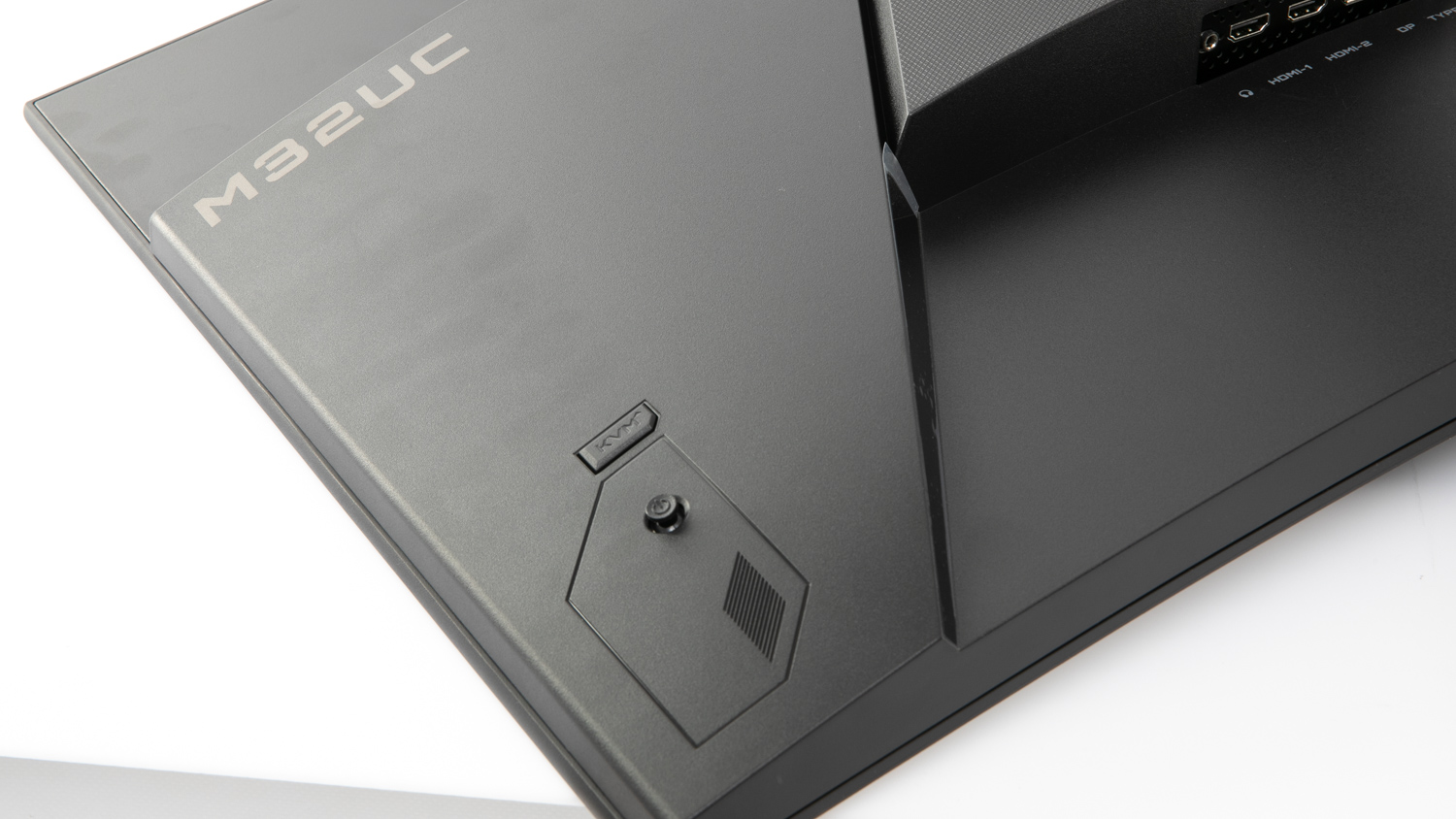
- Has a built-in KVM switch
- Very good for gaming
- Very strong improvement in clarity at 120Hz compared to 60Hz

Cons
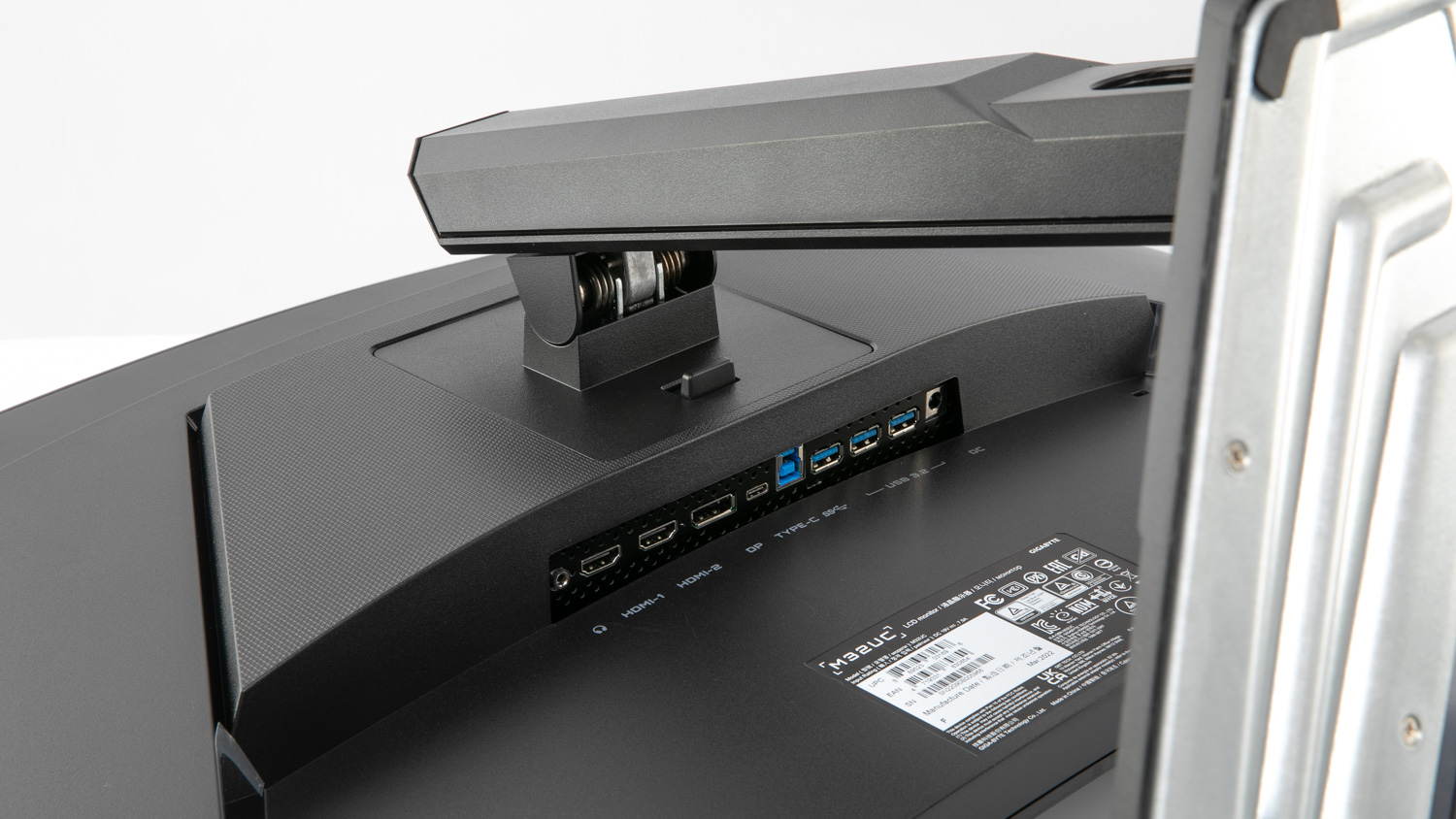
- Down-facing ports are awkward to access
- Busy menu with settings that are unclear
- Some visible light bleed from the backlighting
Recommended products
- Recommended
Test results
- CHOICE Expert Rating
- Gaming score
- Movie playback score
- Ease of use score
- Image quality score
- Screen reflections score
- Screen viewing angles score
- Text quality score
Related products
- Availability
- Tested model
Energy and sustainability
- Shop Ethical rating
- Annual running cost
- $31.00
- Energy star rating
- 4
- Warranty (years)
- 3
- Country of origin
- China
Specifications
- Display size (in)
- 32
- Screen size (cm)
- 81
- DisplayPort
- HDMI 2.1
- USB-C
- Remote control
- Monitor stand options
- Height, tilt
- Speakers
- Audio in
- Audio out
- Screen resolution (px)
- 3840 x 2160
- Screen finish
- Matte
- Curved
- Contrast ratio
- 3000:1
- Brightness level
- 350
- Ambient light sensor
- Response time
- 1ms
- Refresh rate
- 144
- Frame thickness
- 9
- HDMI inputs
- 2
- USB 2 input rear
- 3
- USB type
- 3.2
- Dimensions (mm, HxWxD)
- 715 x 560x 185
- Weight (kg)
- 7.8
- Headphone output
- Supplied cables
- 1 x DisplayPort to DisplayPort; 1 x HDMI; USB-A to USB-B; power
- Website
- www.gigabyte.com
Cost
- Price
- $1,099.00
Features
- Mirror or casting support
- KVM switching
- High Dynamic Range (HDR) support
- DisplayHDR 400
- Digital audio TOSLINK optical outputs
- Bluetooth
- Wi-Fi
- na