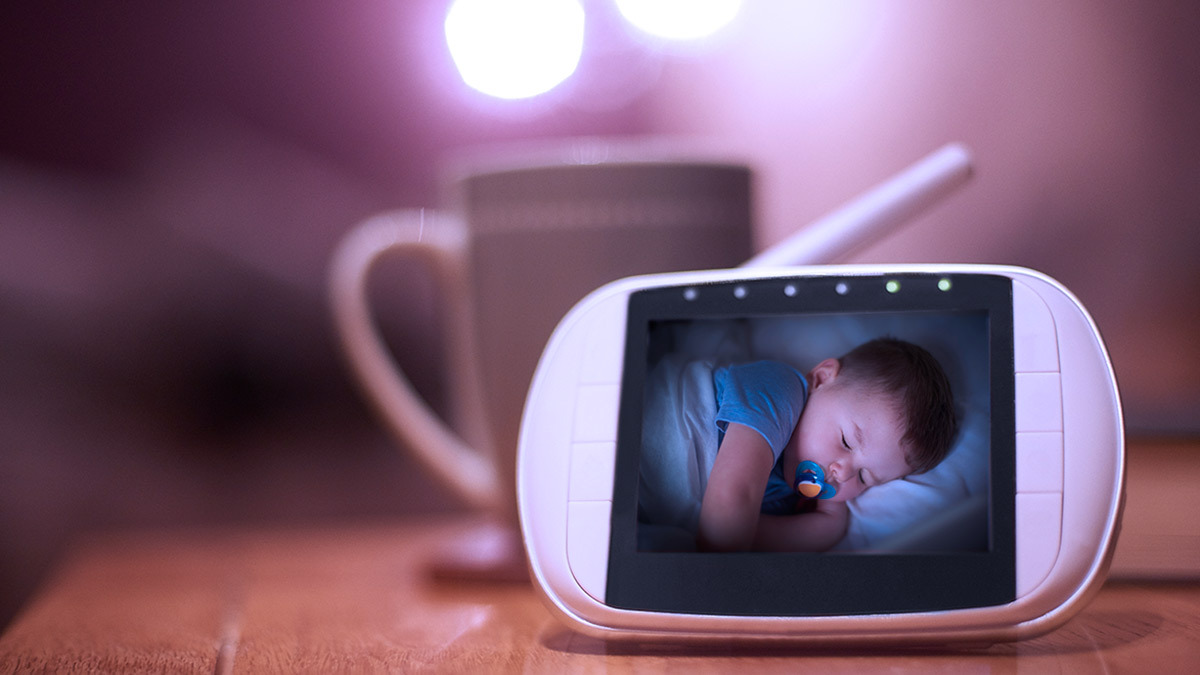
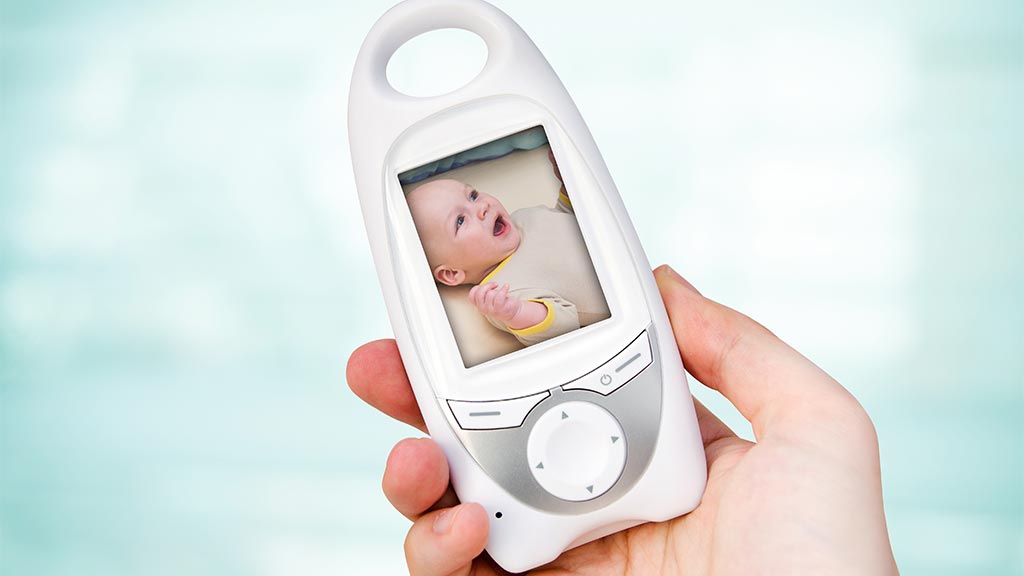
With the help of a baby monitor, you can hear and see your bub – or even transmit soothing sounds to them – from virtually anywhere.
These devices are handy if you have a large home where your child’s room may be out of earshot, but remember that Red Nose Australia recommends your baby sleeps in the same room as you for at least the first six months.
Most models offer both audio and video monitoring these days. While some have stuck with a dedicated monitoring unit (such as a tablet), others use smartphone apps, which can reduce the overall price.
We can help you decide which option is right for your home.
While it’s recommended that your baby sleeps in your room for the first six months (at least), it’s still a good idea to get a baby monitor from birth. That way, anyone else in the house will be alerted quickly if there’s an emergency, even when one parent is always watching the child.
Otherwise, we strongly recommend using a baby monitor from the moment you start leaving your baby alone for any period of time.
Types of baby monitors
Baby monitors fall into two broad categories:
Audio-based baby monitors
These are essentially a walkie-talkie between you and your baby’s room. These were common for decades, but have been almost entirely replaced by audio/video systems.
Video-based baby monitors
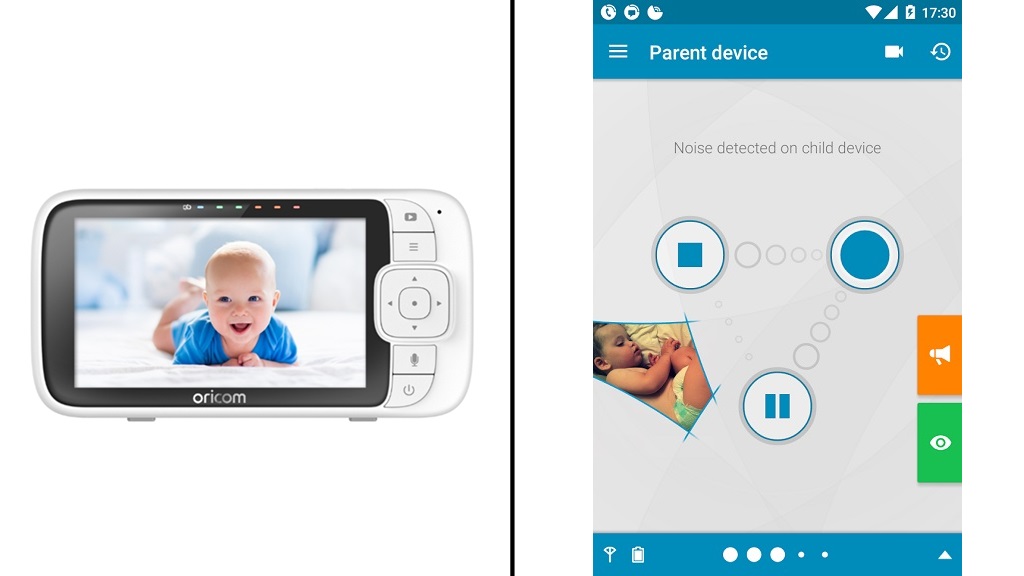
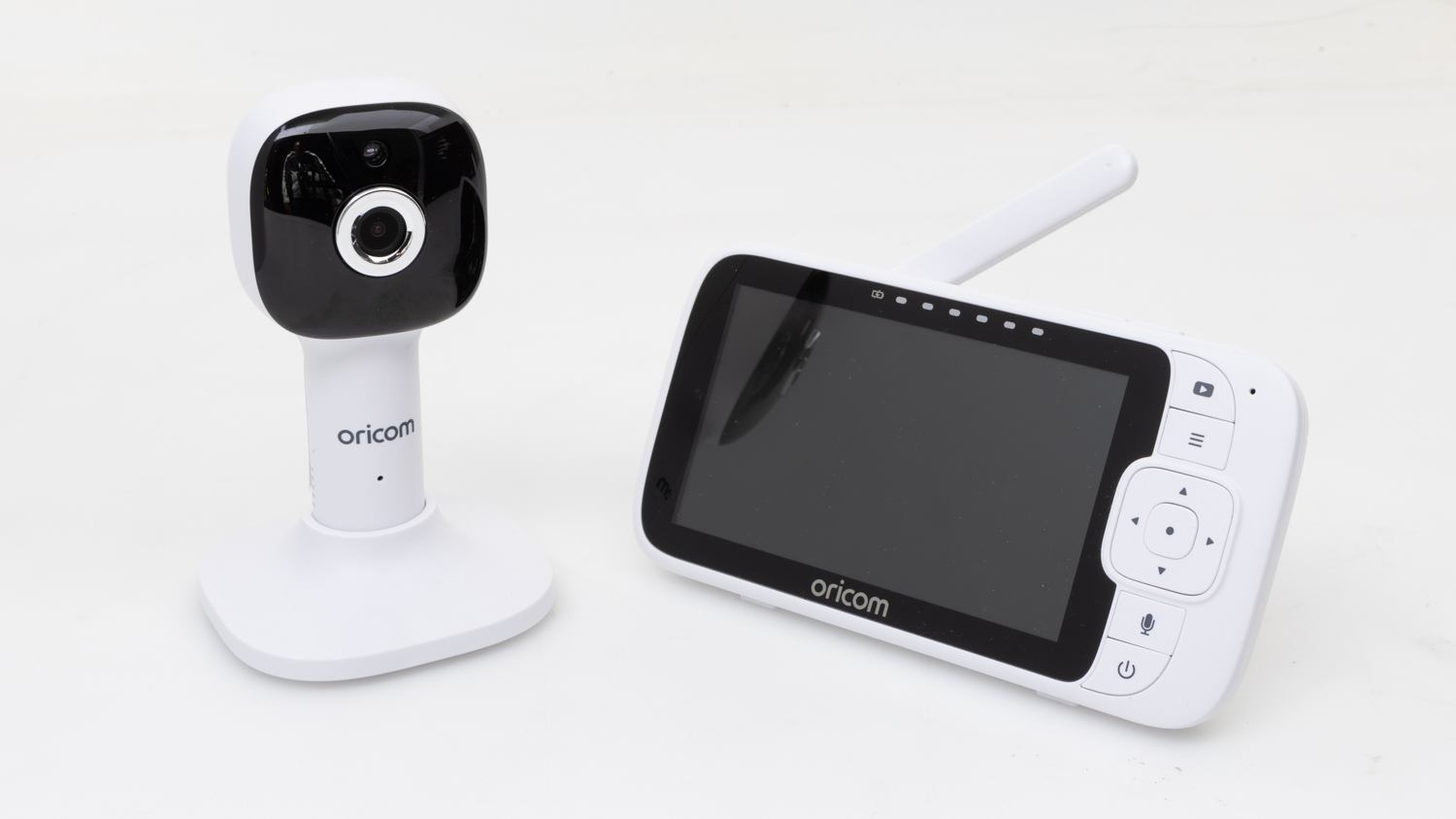
This type sends a video feed from a camera in your child’s room to a tablet-like viewing device (also known as a carer’s unit), or to your smartphone via an app.
A few apps let you use another smartphone or a tablet instead of having to buy a monitoring camera. The ‘child’ unit uses the device’s built-in microphone and camera to check baby’s sound and movements. Meanwhile, the carer’s phone lets you keep an eye and ear on them from anywhere in the house.
If your baby makes a sound during restless sleep or they start crying, then the microphone will pick up the audio and send it your way.
Some video monitors will also alert you with audio if they detect movement, or conversely if they detect no movement for a significant period of time.
A few apps even offer remote access outside the home, so you can receive updates at work or when out and about, while somebody else is at home with the baby.
Connection and performance
A Wi-Fi unit is usually the best option if you have good internet coverage in your home, particularly from something like a mesh network. But some baby monitors also offer connection via radio frequencies, a proprietary signal, or mobile networks such as 4G or 5G.
The baby monitor should be able to maintain quality sound and picture, even when you’re at the other end of the house. The monitor should also be able to pick up and reproduce soft sounds. Build quality is a big part of this, but you also need to consider interference from other devices.
Monitors that use common radio frequencies may pick up signals and interference from other nearby devices (including those of your neighbours), such as cordless phones, microwaves, or other baby monitors.
However, some monitors let you choose from several frequencies to minimise this, while others that use DECT (digital enhanced cordless communication) are more private and offer less interference.
Most baby monitors can stream and record in high-definition (HD), but some support higher resolutions including 2K and 4K UHD.
The marketing for these models will often claim that the increased detail gives you a clearer picture of how your baby feels while it’s sleeping, but there’s more to it than resolution alone.
Installing software that supports 2K or 4K is one of three parts of the puzzle. The camera also needs a good-quality lens and a decent processor to properly capture and output video to ensure the added detail and clarity remains. Otherwise, footage won’t look much better than HD, especially at night.
A low-end processor can also cause other issues, including blocky or smeared video, over- or under-exposed light, and blotchy colours.
Most baby monitors are cheaper than cameras or smartphones, which can be a good indication of the quality of the lens and processor. So, while they can technically record in 2K or 4K, it might not look very good.
This isn’t the only issue with higher resolution video:
Video streaming limitations: Baby monitor video receivers usually use HD screens, so you can only view 2K or 4K content when it’s saved to a different device. In other words, you’re paying for something that you won’t use most of the time. This might not be an issue if you’re streaming from the baby’s room to a smartphone or tablet app.
Storage: Higher resolution video takes up more space on your hard drive, SD cards or cloud storage accounts. Extra space costs money, which can add up over time.
Cameras with high-definition video should be suitable in most environments.
Baby monitors vs smartphone apps
As far as performance, picture and sound quality go, we’ve come across good and bad apps and carer’s units across the board. Additional functions and features are also fairly comparable. And both types connect to a dedicated camera in the child’s room.
App pros and cons
Monitors that use an app are typically cheaper as you don’t need to cover the cost of a proprietary carer’s unit. The app may cost a little extra on top of the monitor, but this is rarely more than ten dollars.
You’re also likely to have your phone nearby at all times, and it can switch to mobile data if the Wi-Fi drops out.
But older phones may not support the latest versions of the carer’s app, so double check compatibility before you buy.
Baby monitoring apps can also drain your phone’s battery. The last thing you want is your phone to shut down when you’re relying on it as a baby monitor.
Carer’s unit pros and cons
Carer’s units are designed to work with the included camera out of the box, so you don’t need to worry about compatibility issues.
They typically use physical controls (which you may prefer over a touch screen) and come with mounts or kickstands for easy access while in use.
But these units are usually larger than phones and most pockets, so you need to find a place to put them that’s in earshot. It can be easy to forget the carer’s unit if you duck upstairs or head outside for a while.
There are plenty of options for a carer’s unit or smartphone app.
Using a smartphone as a baby monitor
Installing a baby monitor app on two smartphones (or tablets) is a viable, and potentially cheap, option if you have an old phone kicking around the house. But there are a few considerations:
The phone must have a good-quality camera and microphone.
The phone must be plugged into a power point so it can monitor your baby 24/7.
You have to find and install a stand or mount to position the phone towards the sleeping area.
Almost all phones position the charging port at the bottom, which can make mounting tricky. Wireless charging can get around this, but this feature isn’t very common and typically reserved for more expensive models of smartphones and tablets.
Also, picture quality in dark lighting conditions can be very poor unless you turn on the phone’s light, which could disturb baby’s sleep.
The difference between a security camera and baby monitor quite often comes down to branding and aesthetics. In fact, we usually add one or two security cameras to our baby monitor tests just to see how they stack up.
The main difference is that almost all modern security cameras connect to an app on your smartphone or tablet via Wi-Fi or mobile data. They don’t come with their own viewing device.
If you already have security cameras around the house then you may want to consider this route; however, you won’t get some of the purpose-specific features that come with a dedicated baby monitor, such as two-way audio communication or playing a soothing tune.
Most brands let you monitor multiple cameras from within the same app, so you can simply integrate the baby’s room into your existing security system. Some “smart” cameras can even hook up to your smart TV for a larger and more-detailed viewing experience.
While some baby monitors can cost as little as a few dollars for an app, other physical baby monitors we’ve tested range in price from $39 to almost $800. Our test results have shown a higher price tag isn’t always an indicator of better performance, and we even recommend some that cost less than $100.
Baby monitor subscription services
Yes, even baby monitor manufacturers are reaching for a slice of the subscription pie. Far be it from anyone to tell others how to parent, but the features on offer don’t seem to be worth the monthly fee. Most brands will offer two core extras – a cry translator and cloud storage.
Ever seen that episode of ‘The Simpsons’ where Homer’s half brother builds the baby translator? Well, now you can live that reality with paid features like CryAssist, which supposedly interprets the meaning behind your baby’s tears. Are they sleepy, fussy, hungry, or gassy? Now you can know, apparently.
Suggesting that you need a computer to truly understand your child’s needs feels a bit predatory. It probably isn’t worth the asking price (which varies between brands).
Cloud storage does make it easier to back up, save and access videos of your baby, especially while you’re out and about. But why pay for this when you can easily move video from the camera’s internal storage/SD card onto your computer or phone and into a free cloud storage service? You’re really just paying for convenience here.
There are plenty of features and functions to consider, whether you go for a camera with a dedicated carer’s unit or smartphone app.
Movement monitor
This sounds an alarm when the baby is restless, or when there is no movement after a specific length of time. This time limit will be noted in the instructions.
Infrared camera
This is useful if the baby’s room gets quite dark or if you’re monitoring them at night, though the image will show up as black and white and can have poor contrast.
Sound indicator lights
The visual sound indicators will light up to alert you when bub cries. They allow you to ‘see’ the noise your baby makes rather than hear it.
Camera mount type
There’s a range of camera mounts available that let you place the camera in a variety of locations. It’s very important to consider this, especially if you’re in a rental property where you may not be able to screw the camera into a wall.
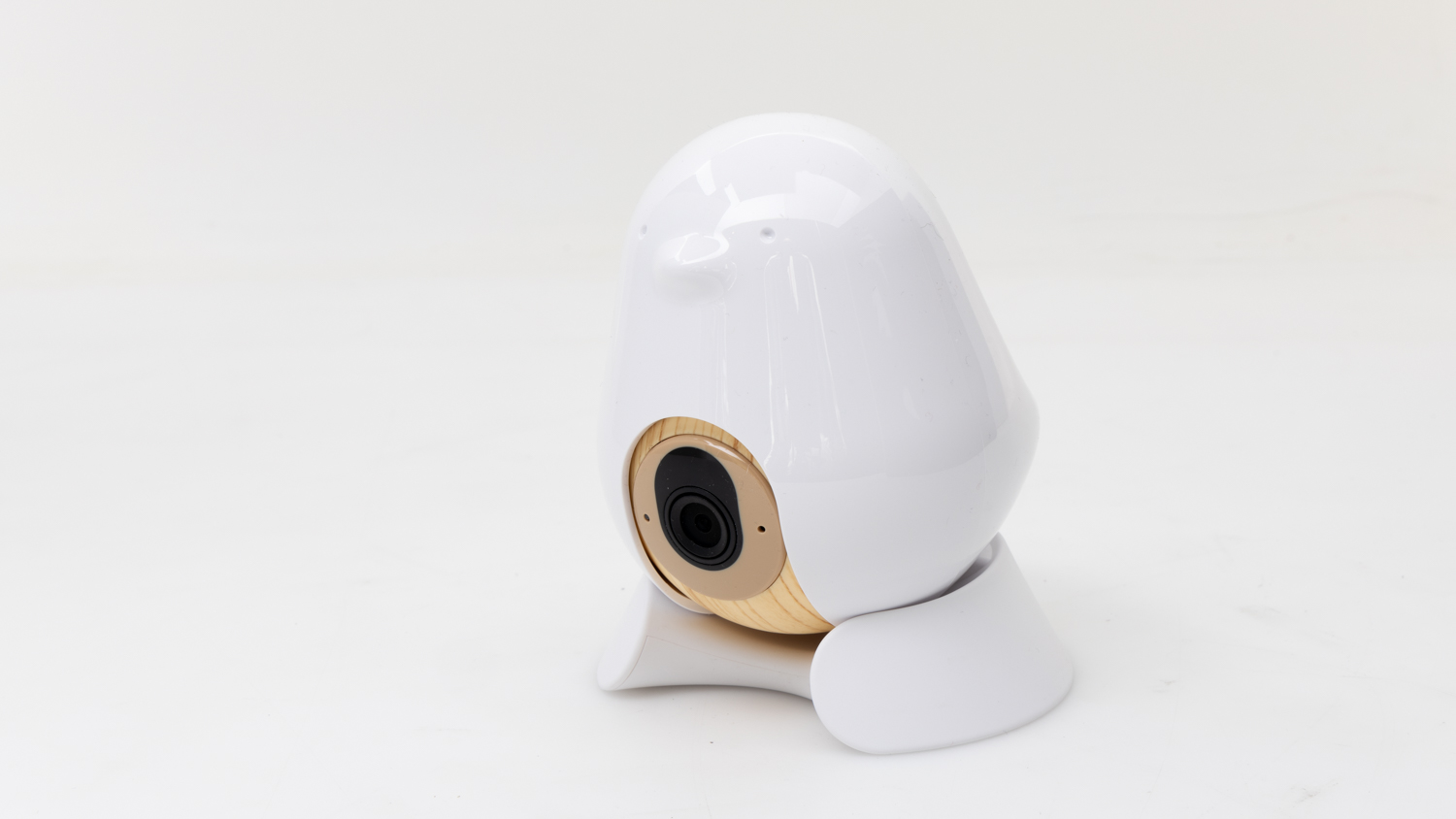
Flat surface: For placing the camera on a surface such as a chest of drawers, changing table or windowsill. This is the most common mount type.
Clamp: Lets you attach the camera to the side of a bookshelf, top of the bassinet or floor lamp, for example.
Wall mount: Includes fittings to drill the camera into the wall.
The most versatile models offer a combination of these mounts, giving you the freedom to place the camera pretty much anywhere you want.
Camera viewing angle
A shallow viewing angle will only really show what’s directly in front of the camera. This isn’t a bad option if you’re able to position the monitor in front of the baby in such a way that it can’t move out of frame.
Cameras with a wider angle will capture more of the room, which is useful if placement is restricted or you need to keep an eye on two or more kids. Some cameras can be controlled remotely with pan and zoom functions so you can keep better track of what’s going on.
Two-way communication
This puts a speaker in the baby monitor so you can communicate with your child from another room. It can help when the baby is restless and you don’t want to risk waking them up by going into the room.
Some models support two-way communication.
Room temperature monitor
This lets you set an alarm that activates if the room temperature goes above or below the limits you’ve chosen.
Lullaby mode
The baby monitor can play a tune into the room to relax a restless baby or send them gently off to sleep.
Night light
Some models include a night light for babies who don’t like to sleep in the dark.
Battery power
A back-up option that can keep the camera rolling if the mains die or the camera is accidentally unplugged.
Video recording
You can record footage from the video baby monitor in some models, though this isn’t a standard feature. If it’s available, then you’ll need to buy an SD card to store the footage. Check the instructions and make sure you buy a card that’s compatible with the monitor, particularly the class type.
Multi-cam support
Gives you the option to connect additional cameras to the same account. You can place these in the same room or multiple rooms if you need to monitor two or more kids. Security cameras usually allow this through a single app, within the same manufacturer.
Remote access
Access the live stream while you’re away from home (hopefully while someone else is looking after the baby), not unlike a smart doorbell or security camera. This feature may require a monthly/annual fee.
These are some broad points you should consider during set-up.
Where to put your baby monitor
Whether the monitor is audio only or audio plus video, make sure it has a clear view of your child with no blind spots where your baby could exit the frame. If your model supports video, watch the live feed while setting up the camera so you can find the best position. Try to put it relatively high up so you’re looking down at an angle.
If the monitor uses Wi-Fi, get it as close to the router, repeater or mesh hub as possible. This will ensure a strong signal that has a lower risk of dropping out.
Try not to point the camera directly towards any windows or light sources. This could “blow out” the image (think a white-out like a snow storm) and make things difficult to see, especially if you’re using infrared. It also could interfere with movement detection.
Keep the monitor away from other electrical devices and anything that emits noise, if possible. Poorly built electronics don’t tend to have good shielding, which can interfere with video and audio signals.
How close should the baby monitor be?
This is up to you, though check the instructions for manufacturer recommendations. As a guide, we position the camera and audio-only devices one metre away from the “baby” during our tests.
Sensitive microphones should be positioned a bit further away, but not so far that environmental sounds start to interfere. Similarly, don’t move the camera back to the point where your baby is difficult to see.
Protecting your family’s privacy
Audio-only baby monitors operating on public transmission frequencies mean that anyone with a receiver (such as a two-way radio, walkie-talkie or another baby monitor) could listen in to conversations you have near the baby monitor. Be aware of this.
If you’re using a Wi-Fi-enabled baby monitor, set it up with a secure login password known only to you and separate to your local Wi-Fi password. If you don’t change your camera’s login password from the default (which is often blank), you risk leaving your connection vulnerable to hackers.
Make sure your Wi-Fi monitor is upgraded to the manufacturer’s latest firmware version to close potential security loopholes (the instructions should tell you how to do this), and also make sure that any associated smartphone apps are up to date.
SIDS and baby monitors
There’s no evidence that using a baby monitor will prevent SIDS (sudden infant death syndrome).
Peter Zaluzny is a Content producer in the Digital home team. He covers everything from home entertainment and personal safety devices to tech for your car and mattresses.
Peter enjoys cutting through the nonsense to help people understand the products they’re considering to buy. He helps consumers make educated, informed decisions.
Peter has a Bachelor's degree in Journalism and a Bachelor of Arts from the University of Wollongong.
Peter Zaluzny is a Content producer in the Digital home team. He covers everything from home entertainment and personal safety devices to tech for your car and mattresses.
Peter enjoys cutting through the nonsense to help people understand the products they’re considering to buy. He helps consumers make educated, informed decisions.
Peter has a Bachelor's degree in Journalism and a Bachelor of Arts from the University of Wollongong.
For more than 60 years, CHOICE has been fighting the good fight for Australian consumers.
In the past year alone we've uncovered systemic issues with sunscreens, investigated shonky supermarket pricing, fought for stronger scam protections and helped make complex energy pricing fairer and clearer.
CHOICE is here to provide unbiased advice and independent testing in our world-class labs. We buy the products we test, just like you do, and our expert reviews are influence free. We’re here to help you choose smarter. Hopefully you’ll also save some money along the way.
Thanks to CHOICE, you’ll never be alone when a business treats you unfairly. You can support our work by joining or donating to our cause.