The National Broadband Network (NBN) is going through a bit of an overhaul. NBN Co, the organisation responsible for managing the NBN, is rolling out upgrades to improve download and upload speeds and increase bandwidth. Many of these improvements have already been passed on to the consumer at no extra cost.
Yes, you read that right – faster internet for free.
You may have noticed that your files are downloading a bit faster than before, that you can stream higher quality videos without buffering, or that connection issues no longer occur when multiple people are online at home at the same time. Or maybe you haven’t noticed any changes at all.
In any case, it’s important to get across the updates to figure out whether your NBN plan is still the best fit for your household. You may be able to upgrade to an internet plan that is five times faster than your current plan at no extra cost, depending on where you live.
Whether or not you’re eligible for the upgraded speeds, depends on your:
Connection type
Current plan
Connection types
Your NBN connection type determines the maximum download speed you can get at your address:
Hybrid Fibre Coaxial (e.g. newer apartments) (HFC): Max download speed: now 2000Mbps
FTTP: Max download speed: now 2000Mbps,
Fibre to the Node (FTTN): Max. download speed: 100Mbps.
Fibre to the Curb (FTTC): Max. download speed: 100Mbps.
Fibre to the Building (e.g. older apartments)(FTTB): Max. download speed: 100Mbps.
Check your connection type
You can check the type of connection available where you live, using the NBN address checker.
Plan speeds
50Mbps or below
Slower speed plans – anything offering 50Mbps or below – are unaffected by the upgrades, so you won’t be eligible.
100–250Mbps
Those with HFC, FTTP and some FTTB connections are eligible for speed upgrades, which should happen automatically.
Those on 100Mbps plans will see download speeds increase to 500Mbps
Those on 250Mbps will have increased speeds of 750Mbps.
500Mbps
Those with HFC, FTTP and some FTTB connections are eligible for the automatic speed upgrades to 1000Mbps.
1000Mbps
If you’re already on a plan with 1000Mbps, previously the highest available speed, you’re unaffected by the free upgrades.
But there’s a new higher-speed plan available at a higher price: 2000Mbps .
Text-only accessible version
Plan names (wholesale), Old speeds (download and upload), New speeds (download and upload), connection requirements.
Home Fast II: 100/20Mbps, 500/50Mbps, HFC/FTTP.
Home Superfast: 250/25Mbps, 750/50Mbps, HFC/FTTP
Home Ultrafast: 1000/50Mbps, 1000/100Mbps, HFC/FTTP
Home Hyperfast: new speed tier, 2000/100Mbps, (HFC) or 2000/200Mbps (FTTP)
Notes: Maximum download/upload speeds in megabits per second (Mbps). Connection requirements for typical home on fixed line connection. Does not include FTTB, fixed wireless or satellite plans. Home Hyperfast internet requires FTTP for maximum upload speeds of 200Mbps. HFC has a maximum upload speed of 100Mbps.
If you’re not sure whether an upgrade has taken place, you can try:
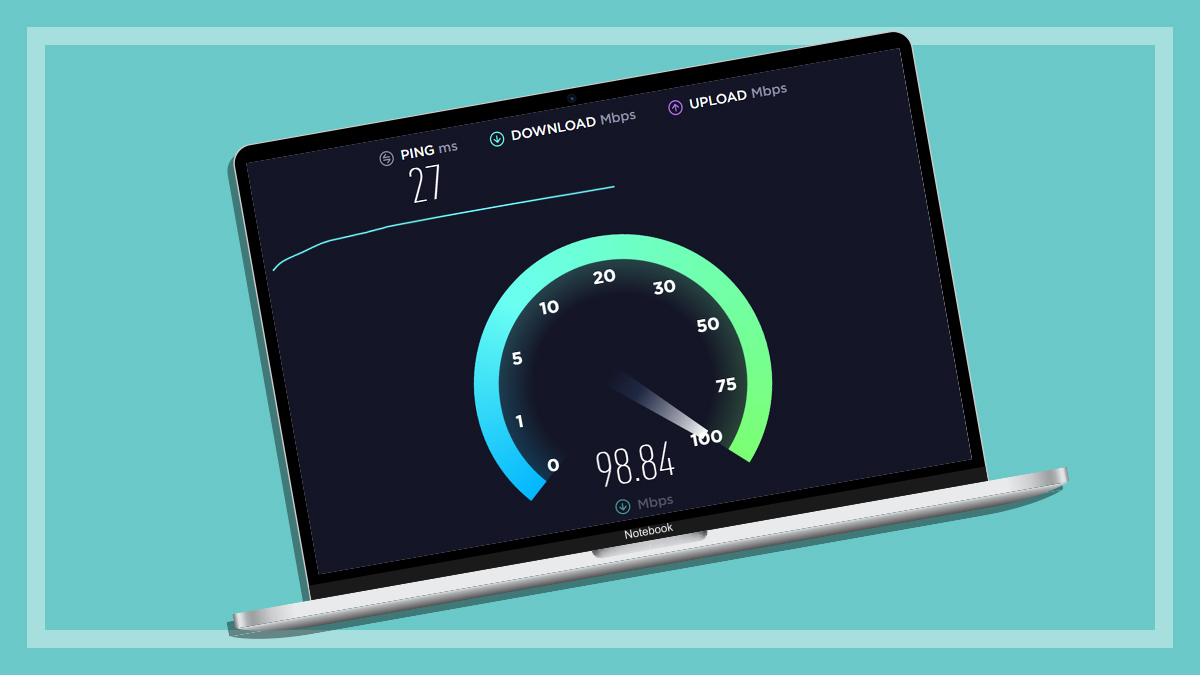
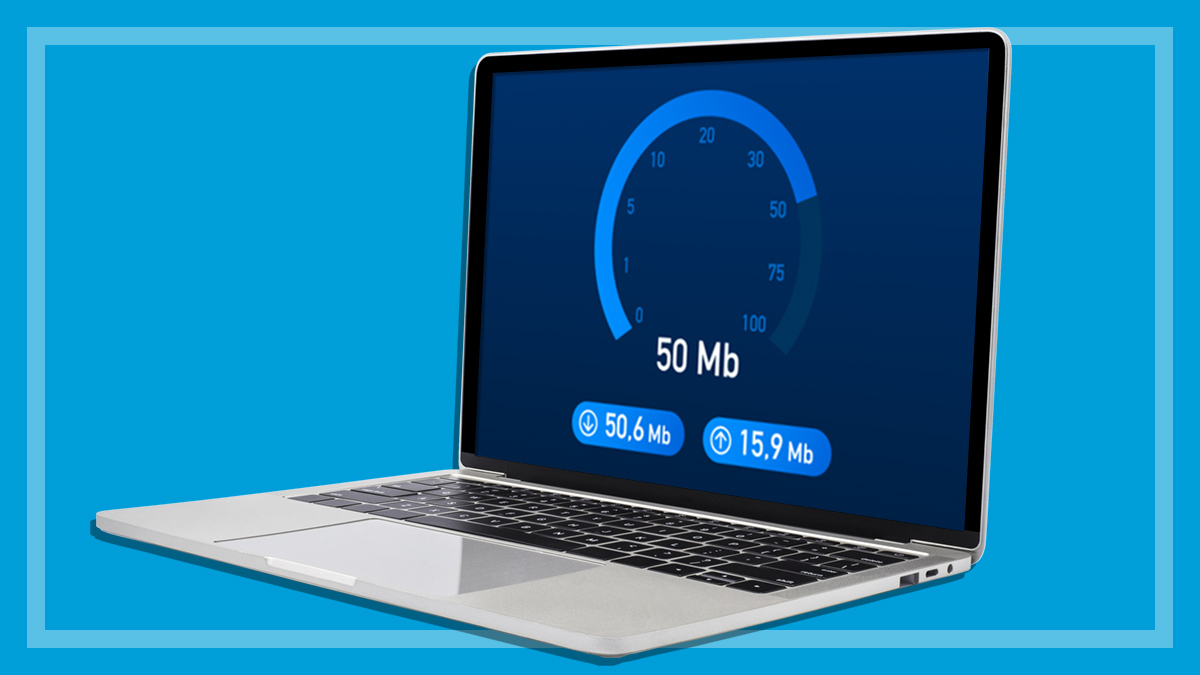
Checking how close your connection currently gets to the advertised plan speed, using a speed test. This will measure and display your connection speeds in Mbps.
Checking your home’s NBN connection status at the NBN address checker to confirm that you’re eligible.
Speeds vs typical evening speeds
Also keep in mind your plan’s typical evening speeds. As well as maximum potential speeds, ISPs also advertise “typical evening speeds”, which reflect how your plan performs in the real world. For example, a 500/50 plan may have typical evening speeds of 490/40Mbps.
The evening is the time of day when the number of concurrent users on your provider’s network is at its peak. As more homes log on, there’s less data to go around, so speeds start to slow down. So, while your plan may be technically capable of 500/50, it’ll likely peak around the advertised evening speeds.
I don’t have FTTP or HFC, how do I get the free speed upgrade?
Customers on FTTC and FTTN can’t access speeds above 100Mbps, but may be able to upgrade their technology to a modern fibre connection, at no extra cost.
1. Check if you can upgrade to fibre
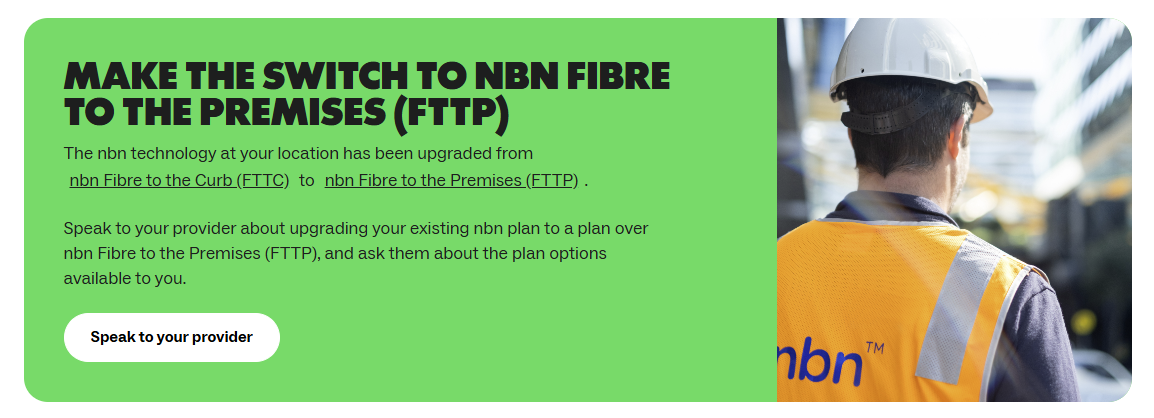
First, find out if your property can convert to fibre. Go to the NBN address checker then enter your address and click “Check residential”. If eligible, you’ll see a green banner that says “Make the switch to NBN Fibre to the Premises (FTTP).
This search result indicates that FTTP upgrades are available in your area.
2. Speak to your provider about switching
Next, contact your ISP to arrange an upgrade. There may be installation costs, but ISPs regularly offer FTTP upgrades for free. It may be worth waiting until one of these promos rolls around, or you could just ask for a freebie.
Do I need to upgrade or switch to the fastest NBN plan?
Most users won’t need gigabit (1000Mbps and above) internet plans, which are more expensive than typical household plans – but there are some scenarios where very fast plans may be useful.
You may benefit from ultra-high-speed internet if you’re regularly downloading large files, massive programs and games (including updates) or frequently streaming 4K UHD video.
Why we've partnered with WhistleOut

We've partnered with search engine WhistleOut to help you find and buy the right plan for you.  While we make money if you buy through WhistleOut, this doesn't influence our rankings. 100% of the money we make goes straight back into our nonprofit mission.
I’m eligible for the upgrade, but I’m not getting the advertised speeds. What’s wrong?
There are a few things you can do to troubleshoot a slow internet connection before contacting your ISP. These are:
1. Turn the NBN box and your router or modem/router off and on again
This resets your network, which can resolve a myriad of technical issues.
2. Connect to your 5GHz Wi-Fi network
All modern modems and routers support at least two Wi-Fi bands: 2.4 and 5GHz.
If your internet-connected devices are running slowly (tapping out at around 60Mbps), switch to the 5GHz network. The steps for selecting a particular network will be in the instruction manual for each device.
3. Checking your modem/router speeds
Your existing modem might not support the new higher speeds.
Check the specifications for your router (or modem/router) and note the maximum download and upload speeds.
If they fall below the expected speeds for your NBN plan, you may need to upgrade to some new equipment that supports the speeds. Search the make and model of your equipment for the relevant info.
If your internet is still falling well below the advertised speeds, contact your ISP.
Peter Zaluzny is a Content producer in the Digital home team. He covers everything from home entertainment and personal safety devices to tech for your car and mattresses.
Peter enjoys cutting through the nonsense to help people understand the products they’re considering to buy. He helps consumers make educated, informed decisions.
Peter has a Bachelor's degree in Journalism and a Bachelor of Arts from the University of Wollongong.
Peter Zaluzny is a Content producer in the Digital home team. He covers everything from home entertainment and personal safety devices to tech for your car and mattresses.
Peter enjoys cutting through the nonsense to help people understand the products they’re considering to buy. He helps consumers make educated, informed decisions.
Peter has a Bachelor's degree in Journalism and a Bachelor of Arts from the University of Wollongong.
For more than 60 years, CHOICE has been fighting the good fight for Australian consumers.
In the past year alone we've uncovered systemic issues with sunscreens, investigated shonky supermarket pricing, fought for stronger scam protections and helped make complex energy pricing fairer and clearer.
CHOICE is here to provide unbiased advice and independent testing in our world-class labs. We buy the products we test, just like you do, and our expert reviews are influence free. We’re here to help you choose smarter. Hopefully you’ll also save some money along the way.
Thanks to CHOICE, you’ll never be alone when a business treats you unfairly. You can support our work by joining or donating to our cause.