04.What to look for
• Built-in digital tuner All TVs on test have both analog and HD tuners.
• On-screen menus should be easy to read and understand without having to resort to the manual.
• The remote control should be easy to read, with large, well-spaced buttons and clear labels.
• Wall-mountable All models on test can be easily mounted on a wall, although the wall-mounting kit is an optional extra.
• Input connections Check those on the TV match the output on the devices you want to hook up to it, such as a DVD player/recorder, cable TV or games console, and that there are enough connections for all the devices you want to attach at the same time.
• USB connection This can be useful for reading photos, video and music from your digital devices. All TVs on test with a USB connection can play some video and image files, and some also allow you to add a USB wireless dongle to play video stored on your home network.
• Network connectivity on the TV is becoming more important with the increasing popularity of broadband internet access that allows you to download and watch HD video on your TV. All TVs on test with a LAN connection can handle some degree of internet connection.
• Digital Living Network Alliance (DLNA) is a new standard for networking electronic devices designed to make it easier for you to enjoy downloaded video, photos and music on your consumer electronics products such as TVs, DVRs and Blu-ray/DVD players.
• HDMI (High-Definition Multimedia Interface) is a digital connection for sound and video in one cable; the latest DVD, Blu-ray and HD set-top boxes should have one. Even if you don’t have any gadgets with HDMI output now, future entertainment devices will, so it’s worth having a couple of HDMI sockets on your TV. A new HDMI standard known as 1.4 is set to replace the current 1.3a standard and claims to have stronger support for Blu-ray playback; however, CHOICE testing has shown the current standard HDMI cables to be more than adequate for Blu-ray and 3D Blu-ray movie footage over standard cable lengths under five metres.
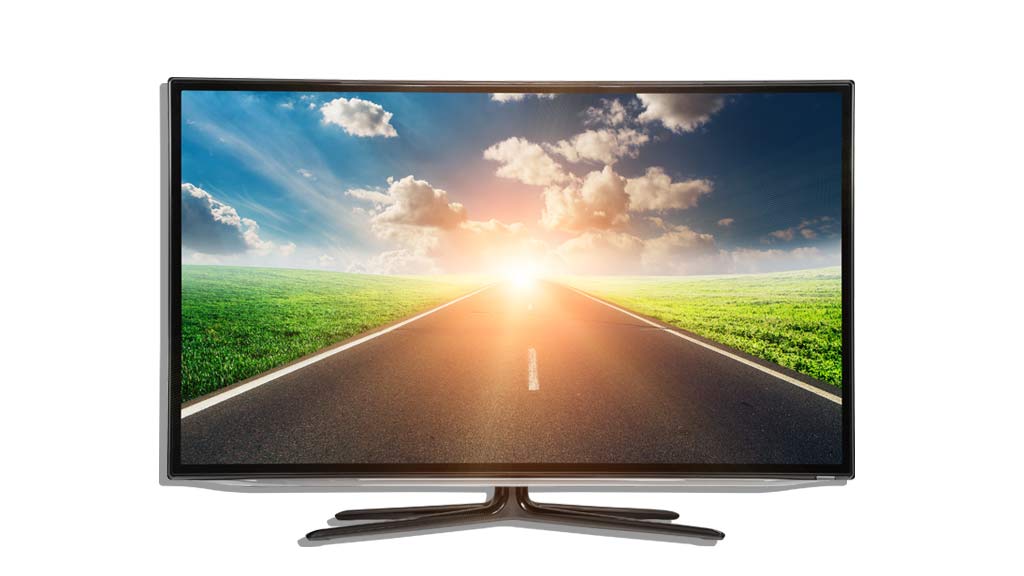
• Screen resolution is 1080p for most of the TVs in this test. The p stands for “progressive scanning”, where the whole picture is shown at once as a complete video frame, compared with 1080i, which interlaces one line after another in quick succession to build each video frame. Lower resolutions such as 1360 x 768 or 1024 x 768 may mean you have to sit further from the screen, but don't necessarily mean a lower quality picture.
• Audio outputs are usually at the back of the TV. All models on test have at least one digital audio output, but only the Panasonic models have an analog-out via RCA. All except the LG 50PK750 have a headphone connection.
Digital tuner performance
Digital tuners pick up the signal from free-to-air digital broadcasts. They tend to deliver either a very good picture, nothing, or an image so badly broken up that it’s unwatchable.
Over the past few years of testing we've found even the poorest tuners will handle most problems. Some may have a problem in particularly difficult circumstances, such as where there’s a lot of electrical equipment in use nearby. If you think you're likely to have a problem in your area, make sure you specify to the retailer that you'll need a tuner that can handle your needs and get an agreement that you can return the set if it performs poorly. An agreement such as this is binding under the Trade Practices Act.
In this test they’re all high definition tuners which means they can accept and display both high and standard definition (SD) channels. Some free-to-air broadcasters are introducing different programs on their HD and SD channels, so an HD tuner has some advantage over an SD in that it gives you some more choice of programs, as well as higher resolution and better sound quality.
How much power do they use?
Although the amount of energy used by each TV when on standby is small, it adds up quickly across the nation. The more we can reduce the constant load on the electricity grid the less demand there will be for base load power.
The new standard for measuring TV energy consumption when in use requires “out of the box” settings, so our power consumption figures in the table take this into account. LCD generally consume less power than plasma TVs of the same size, but there’s a clear indication that higher resolution will mean more power use when running. Although the increase isn’t great, it’s yet another reason not to spend extra on resolution you don’t need.
TVs that use LEDs as a light source can be more efficient than plasma, or the more traditional fluorescent backlit LCD TVs. The comparison table has more detail on how much power each TV uses when in use.