CHOICE tested 12 wireless routers that you can use with the NBN
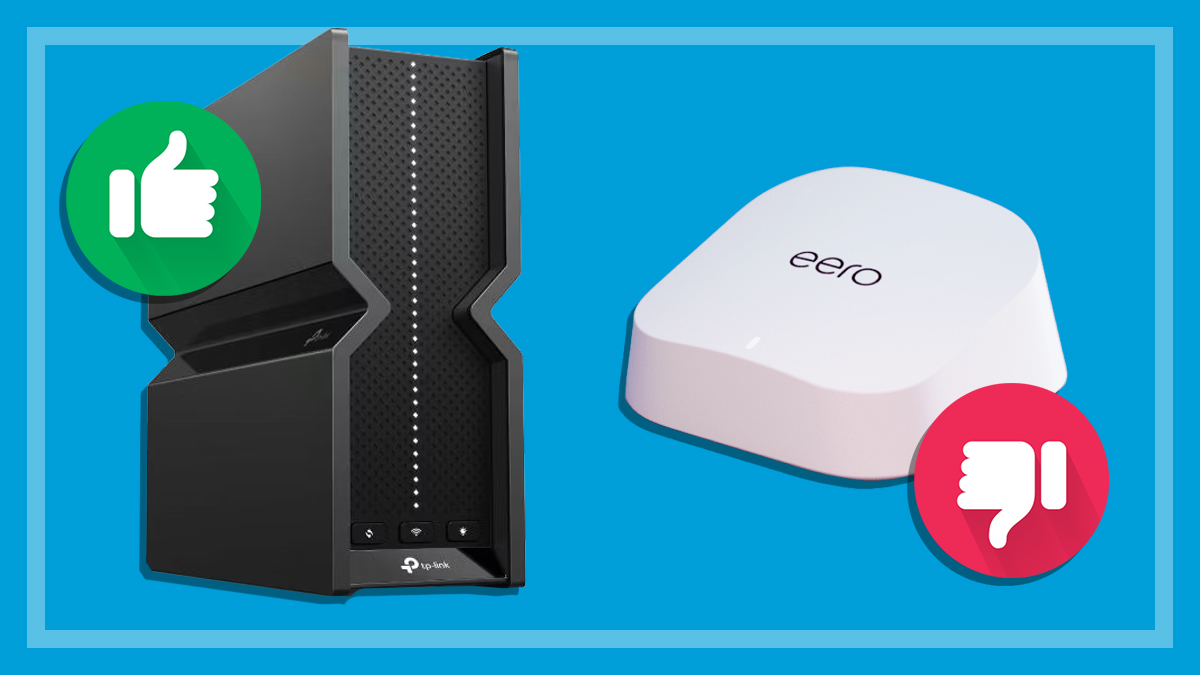
Three budget routers that cost under $300 performed well for the price
Four expensive models scored over 70%, earning a CHOICE recommendation
The internet is an essential service but the cost of entry can get pretty steep. A router alone can cost well over $500, depending on your home network needs.
What happens if you’re setting up a new house or replacing a router that’s reached the end of its life? Don’t bust out the second mortgage calculator just yet. There are some solid, affordable wireless routers available.
They may not be the fastest or have the best performance for data-hungry households, but these budget routers can still deliver good internet speeds and stability at an affordable price.
CHOICE router reviews are free to read as part of a paid partnership with NBN Co. All CHOICE testing and reviews are conducted independently by experts.
Bandwidth vs speed in budget routers
Bandwidth is one of the main limitations that you’ll probably encounter with a budget router. It’s important to understand what it means as this may affect your home network performance.
When internet service providers (ISPs) and the National Broadband Network (NBN) talk about internet speeds, they really mean download speeds and bandwidth. Using a 500Mbps plan as an example, this means:
Speed: A single device (e.g. a laptop) can reach download speeds of 500Mbps if nothing else is connected and active on the network.
Bandwidth: 500Mbps worth of data to be shared between all of the devices that are connected and active at the same.
So, if four devices are connected to your 500Mbps network at the same time, each one can access 125Mbps download speed. The ins and outs are a bit more complex but that’s the gist.
Text-only accessible version
500Mbps NBN connecting to a single device in a home can deliver a maximum download speed of 500Mbps for that device.
500Mbps NBN connecting to four devices in a home can deliver a maximum download speed of 125Mbps per device.
This is a technical example that doesn’t factor in the range of devices and their networking capabilities, typical evening speeds, content being consumed on each device etc. Actual performance will vary.
Modern budget routers are usually quite good at delivering a fast, stable connection to a single device (assuming you have a high-speed plan). Bandwidth can become a bit of an issue when you start connecting a lot of devices.
Most have enough bandwidth requirements for a handful of devices used by a typical family, like smart TVs, phones laptops and maybe a few smart appliances including cameras and smart lights.
Bandwidth can become a bit of an issue when you start connecting a lot of devices
But these routers start to struggle under the weight of a busy network with lots of devices demanding high-speed connections at the same time. We’re talking multiple devices streaming 4K video, lots of online gamers and people transferring large files while working from home.
Our performance test includes a multi-client assessment for scenarios like these. So, if you live in a bandwidth-heavy household, check these results in our review.
Budget routers tend to limit the bells and whistles in order to keep costs down, which can impact performance, depending on your needs. For example, they don’t tend to perform very well over long distances or through obstructions like walls, floors and other objects around the house.
They don’t tend to perform very well over long distances or through obstructions
Features and functions are usually pretty limited compared to more expensive models and most don’t have tri-band support. This means budget routers are limited to the 2.4 and 5GHz networks, while higher-end options can connect to the superfast 6Ghz wireless band.
The best wireless routers on a budget revealed
These Wi-Fi 7 wireless routers offer the best bang for your buck. Note that all three fell just short of earning a CHOICE recommendation.
Obstructed range results contribute to the performance score.
TP-Link Archer BE230 ain’t bad for under $200.
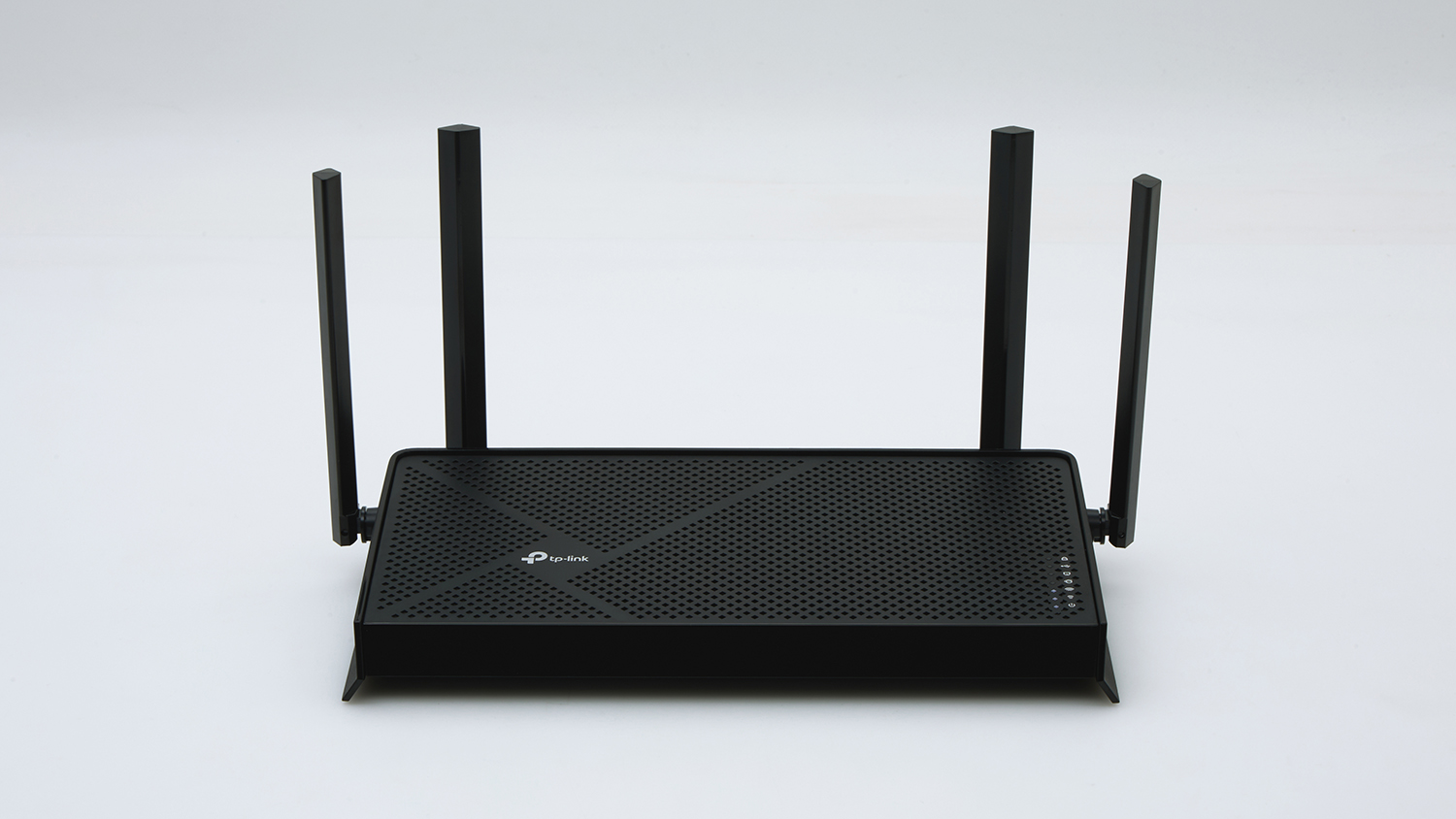
TP-Link Archer BE230
CHOICE Expert Rating: 71%
Price: $197
Performance score: 66%
Parental controls score: 80%
TP-Link’s Archer BE230 isn’t exactly the fastest kid on the block. But you’d be hard pressed to find another router that performs this well for less than $200.
This “little router that could” is more than capable of handling typical day-to-day tasks for smaller households of about two to four people. Video streaming, online gaming, general web browsing and so on shouldn’t cause any problems.
Speeds and stability are consistently good (74%) when multiple devices are connected and active. You can jump on Fortnite while someone else is streaming 4K video on the TV and another person is doom-scrolling TikTok without issues like lag, dropouts or buffering.
But it’s not that great at maintaining a strong signal through obstructions (45%). Things like walls, windows, floors and other objects will impact speed and stability, so this may not be the best wireless router for larger homes.
The Archer BE400 offers more grunt for an extra $100.
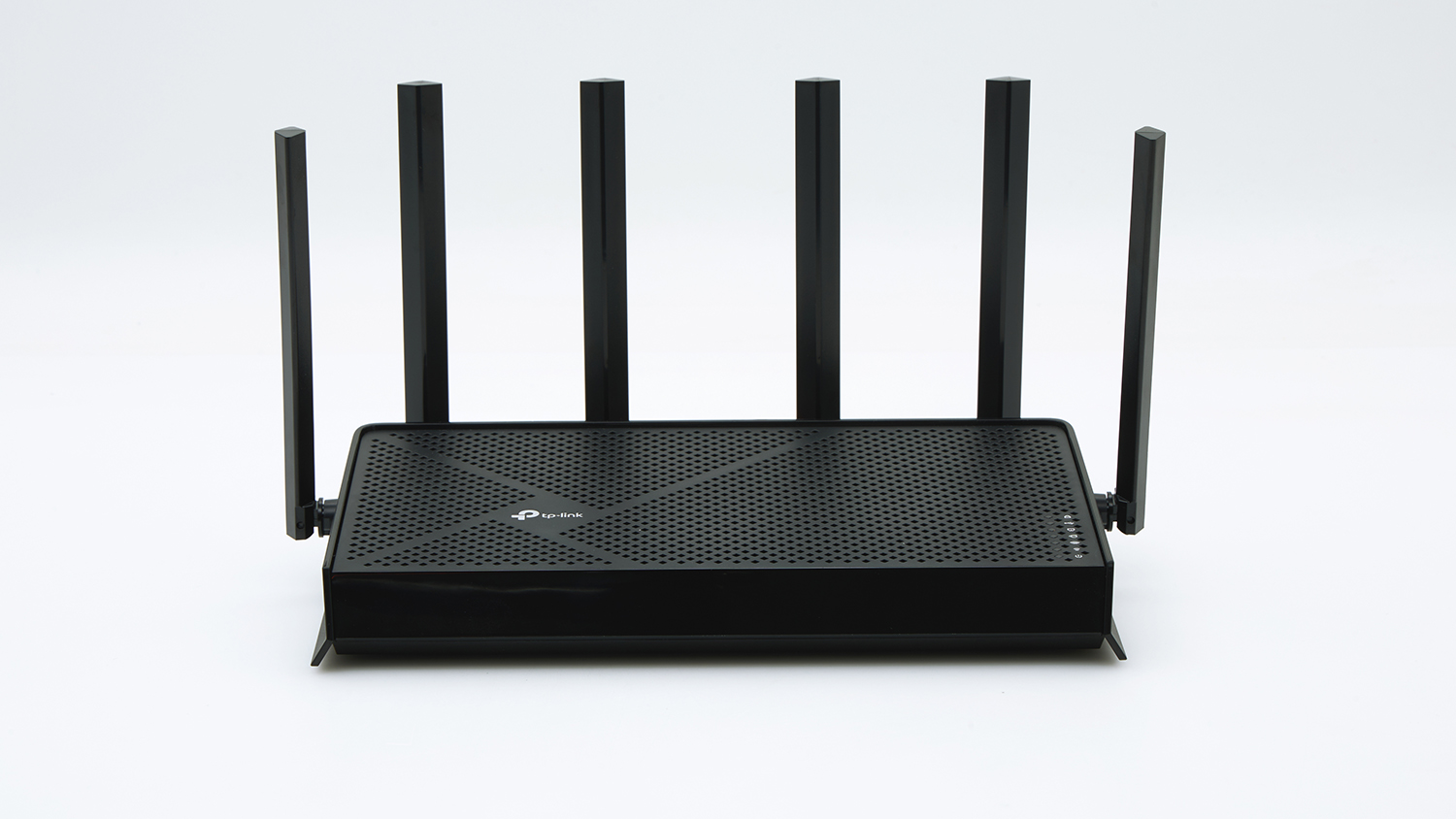
TP-Link Archer BE400
CHOICE Expert Rating: 71%
Price: $299
Performance score: 69%
Parental controls score: 80%
Need a little more speed without breaking the bank? If TP-Link’s Archer BE230 doesn’t have quite enough grunt for your needs, take a look at its big brother – the BE400.
Specifications and performance results are almost identical to the BE230, but the extra $100 does deliver a decent performance boost on the 5GHz band. It claims to be twice as fast as the BE230, and it did indeed deliver better results during our single device data transfer test.
It also maintains a much stronger signal through obstructions (54%) and should be a good option for medium-sized households working on a budget. Though it’s still worth looking into a simple mesh network or Wi-Fi repeater if this router can’t quite broadcast to every corner of the house.
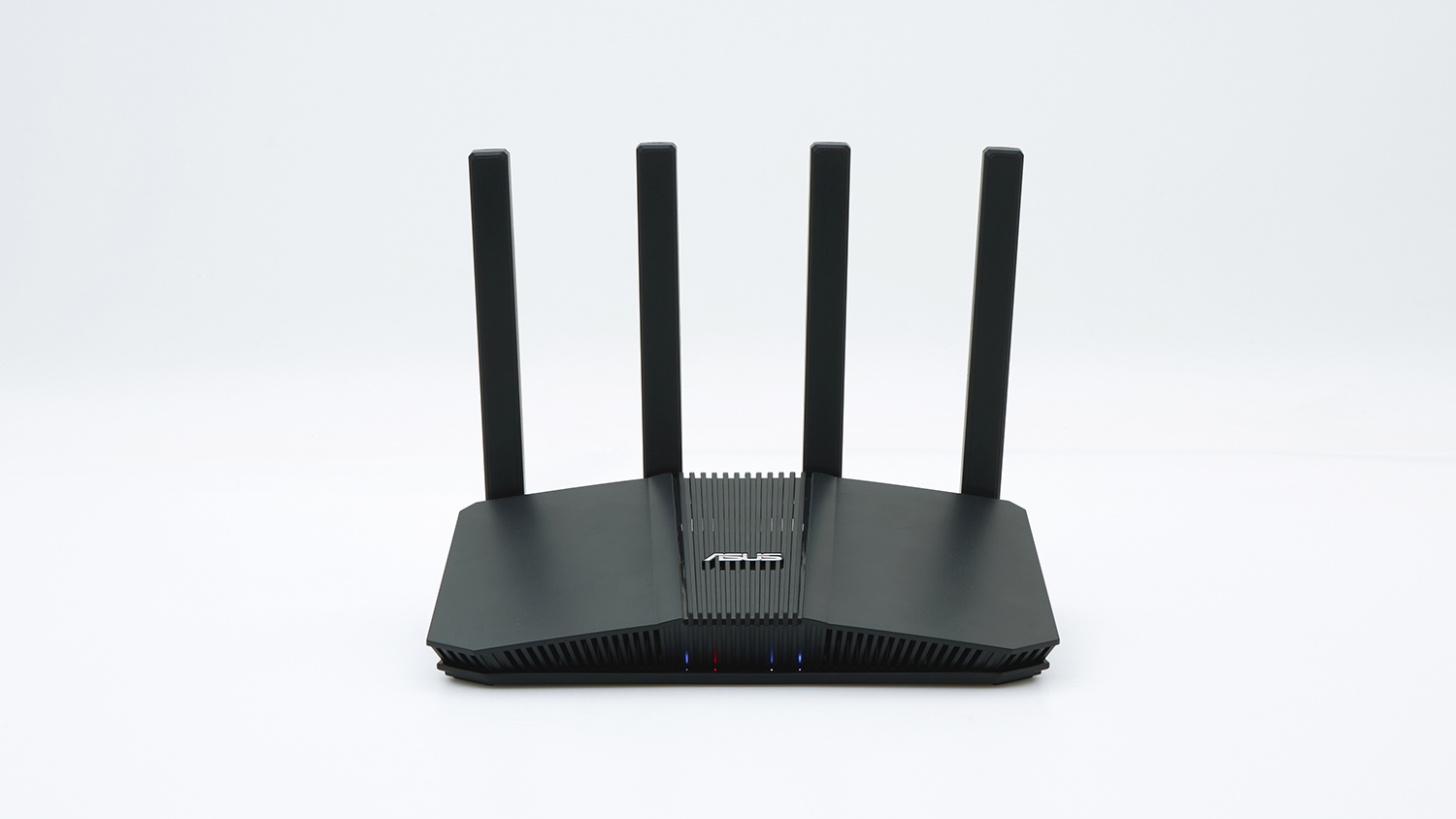
As far as performance goes, this Asus router falls a little short of the TP-Link models above. However, it’s still a solid performer that may be worth picking up during a decent sale.
Speeds are OK across the board and it does a good job of retaining a stable connection when multiple devices are online (73%). Though performance really takes a hit when the Wi-Fi signal encounters obstructions (45%), limiting its usefulness to apartments or small properties, rather than large homes.
Built-in support for Asus’s proprietary mesh network technology, AiMesh, may also be useful if you’re setting up a mesh system using Asus equipment. Home networks are easier to configure if you stay in a brand’s ecosystem.
But in that case, you’re better off saving a little more money for the far superior Asus RT-BE88U. It earned a CHOICE recommendation but with a recommended retail price of $599, it’s not what you’d call budget.
We've partnered with search engine WhistleOut to help you find and buy the right plan for you. While we make money if you buy through WhistleOut, this doesn't influence our rankings. 100% of the money we make goes straight back into our nonprofit mission.
Peter Zaluzny is a Content producer in the Digital home team. He covers everything from home entertainment and personal safety devices to tech for your car and mattresses.
Peter enjoys cutting through the nonsense to help people understand the products they’re considering to buy. He helps consumers make educated, informed decisions.
Peter has a Bachelor's degree in Journalism and a Bachelor of Arts from the University of Wollongong.
Peter Zaluzny is a Content producer in the Digital home team. He covers everything from home entertainment and personal safety devices to tech for your car and mattresses.
Peter enjoys cutting through the nonsense to help people understand the products they’re considering to buy. He helps consumers make educated, informed decisions.
Peter has a Bachelor's degree in Journalism and a Bachelor of Arts from the University of Wollongong.
For more than 60 years, CHOICE has been fighting the good fight for Australian consumers.
In the past year alone we've uncovered systemic issues with sunscreens, investigated shonky supermarket pricing, fought for stronger scam protections and helped make complex energy pricing fairer and clearer.
CHOICE is here to provide unbiased advice and independent testing in our world-class labs. We buy the products we test, just like you do, and our expert reviews are influence free. We’re here to help you choose smarter. Hopefully you’ll also save some money along the way.
Thanks to CHOICE, you’ll never be alone when a business treats you unfairly. You can support our work by joining or donating to our cause.