Recent upgrades to the National Broadband Network (NBN) have unlocked high-speed internet for many Aussie homes, but you need the right equipment to get the best network performance.
Wireless router manufacturers make all sorts of claims about speed, stability and general performance but these don’t always stack up in the real world. They’re technically accurate, sure, but not entirely reflective of what you’ll get from a typical home setup.
Some models are very good at maintaining a high-speed connection on a single device but struggle when multiple people get online. Others are fine for smaller properties but struggle over long distances with obstructions like walls, windows and floors across multiple stories.
Some models are very good at maintaining a high-speed connection on a single device but struggle when multiple people get online
Then there are the routers that perform brilliantly but may be overkill for the average family. Though these are great, your home network might not require a router that costs over $500.
To help you make the right decision, CHOICE experts tested twelve wireless routers that range from $200 to $600. These are the top performing and most affordable models that aren’t likely to drop out when you’re “working from home” and watching Married at First Sight on the toilet.
CHOICE router reviews are free to read as part of a paid partnership with NBN Co. All CHOICE testing and reviews are conducted independently by experts.
Wi-Fi is pretty complicated when you really get into the weeds, but most of us only need to understand two things when shopping around for a router: Wi-Fi bands and Wi-Fi versions.
Wi-Fi bands
This one is pretty straightforward. Bands are frequencies used to distribute a Wi-Fi signal, measured in gigahertz (GHz), not unlike radio waves.
Bands at the lower end of the spectrum have slower speeds/less bandwidth but greater range, which inverts as bands move up the spectrum. The three main bands on consumer-grade routers are 2.4, 5 and 6GHz.
The 2.4Ghz band is slower and has less bandwidth but greater range. 5GHz is much faster but can’t travel as far and may have trouble with obstructions such as walls or doors. Dual-band routers can connect to 2.4 and 5GHz bands while tri-band can also access 6GHz for maximum performance.
Wireless routers use firmware that adheres to the global Wi-Fi standard. This standard specifies how Wi-Fi-enabled devices perform, connect to the internet and talk to each other. Things would be a mess without this standard as it more or less ensures that consumer-grade devices can work together without issue.
Every few years, the standard is updated to improve speeds/bandwidth, security and overall performance as new routers are released. When the update is complete, a new version of Wi-Fi is released to manufacturers who install it in their Wi-Fi-enabled devices, including routers. Versions are bound to the hardware, so you can’t upgrade your router to a newer Wi-Fi version at home.
Older routers running Wi-Fi 5 or earlier can’t reach the maximum speeds currently available to consumers on the NBN
The latest version is WiFi 7 (2024) which succeeds Wi-Fi 5 (2013), Wi-Fi 6 (2019) and Wi-Fi 6E (2021). New releases are backwards compatible with devices running older Wi-Fi versions so you’re not going to get kicked offline when using a Wi-Fi 5 laptop on a Wi-Fi 7 network, for example.
Why is this important? Maximum data transfer speeds (download and uploads) have increased with each version. Older routers running Wi-Fi 5 or earlier can’t reach the maximum speeds currently available to consumers on the NBN.
This is because routers can only send and receive a certain amount of data at a time. This data is measured in megabits pers second (Mbps) or gigabits per second (Gbps) once the total number of megabits exceeds 1000 (1000 Mbps equals 1 Gbps).
Text-only accessible version
Typicalmaximum Wi-Fi speeds for recent Wi-Fi versions
Wi-Fi 7 (802.11be): up to 2000 megabits per second.
Wi-Fi 6 (802.11ax): up to 1000 megabits per second.
Wi-Fi 5 (802.11ac): up to 500 megabits per second.
Wi-Fi 4 has a typical peak speed of up to 100 Mbps. Speed tiers refer to maximum typical speeds across three NBN plans sold by ISPs. Figures in brackets refer to the technical Wi-Fi version name as per the Institute of Electrical and Electronics Engineers (IEEE) standard. This may appear in your router information in place of the general name.
That’s why you need a router with a Wi-Fi version that matches or exceeds your NBN plan’s maximum speeds, especially if you’re eligible for a free speed upgrade. Without one, you may be paying for a plan that you can’t completely utilise.
All of the routers in this article support Wi-Fi 7 and can access the maximum NBN speeds currently available to consumers on the most expensive plans, which is 2000Mbps download (aka 2Gbps or gigabit internet).
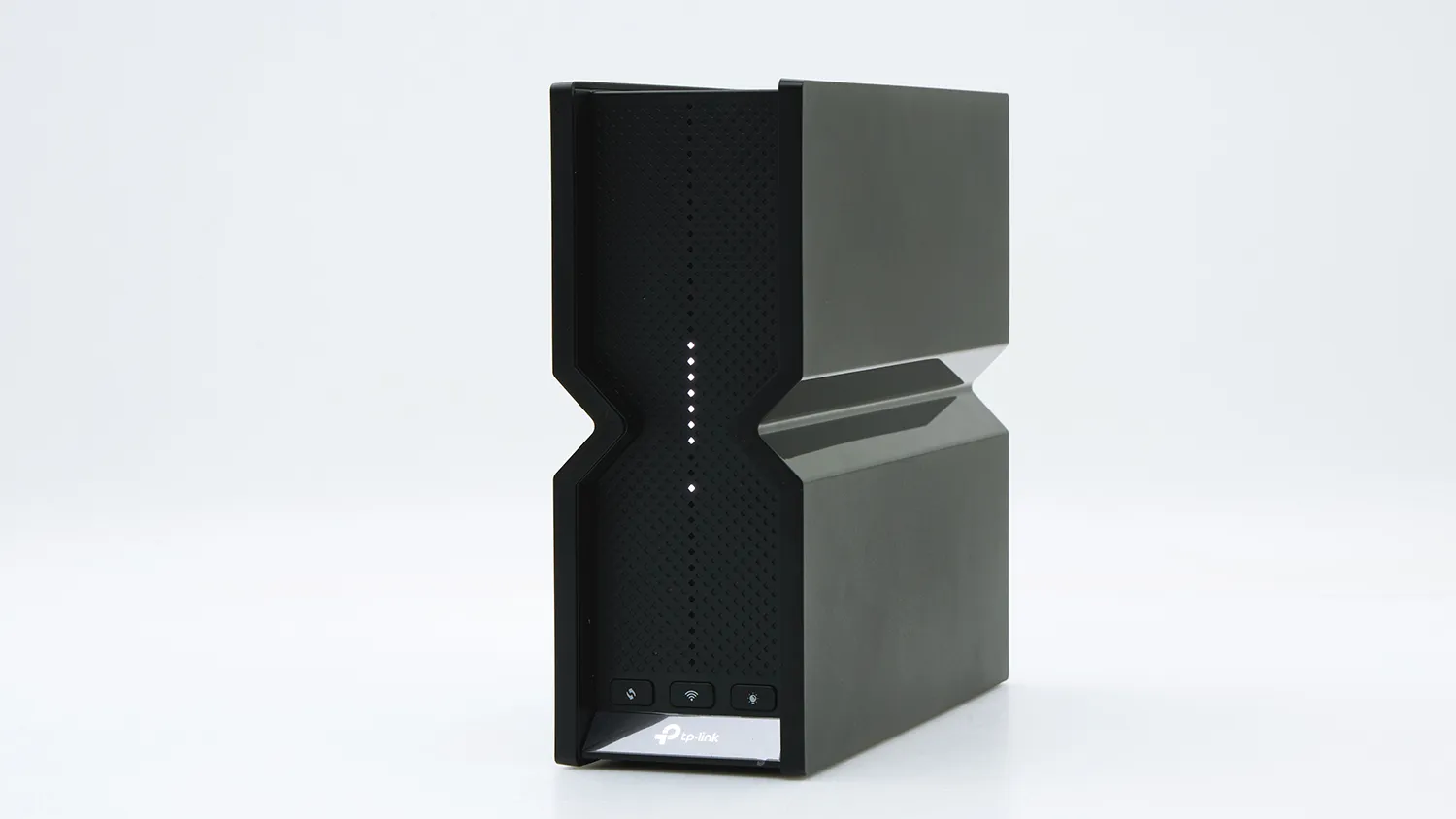
The TP-Link Archer BE550 is the best performing wireless router in our test.
TP-Link Archer BE550
CHOICE Expert Rating: 81%
Price: $499
Performance score: 83%
Parental controls score: 80%
If you’re prepared to splash some serious cash on a wireless router, consider the Archer BE550. Not only is it the top performer in almost every aspect of our test, it’ll future-proof your home network for years to come.
Single device download speeds are excellent (90%) and our multi-device test delivered results that were unmatched by quite a large margin (96%) compared to the next best router (85%) in this part of the test.
That makes this router an ideal option for larger households with multiple users on a high-bandwidth plan. You can simultaneously stream video in 4K to your heart’s content, provided you’re not too far away from the router, as it can have trouble with walls and floors in two-storey houses, even on the 2.4GHz band.
It’s also quite easy to use with a robust set of parental controls that are easy to set up in the associated app. There’s really nothing in our results to suggest that this router can’t suit the needs of all but the most speed/bandwidth hungry households.
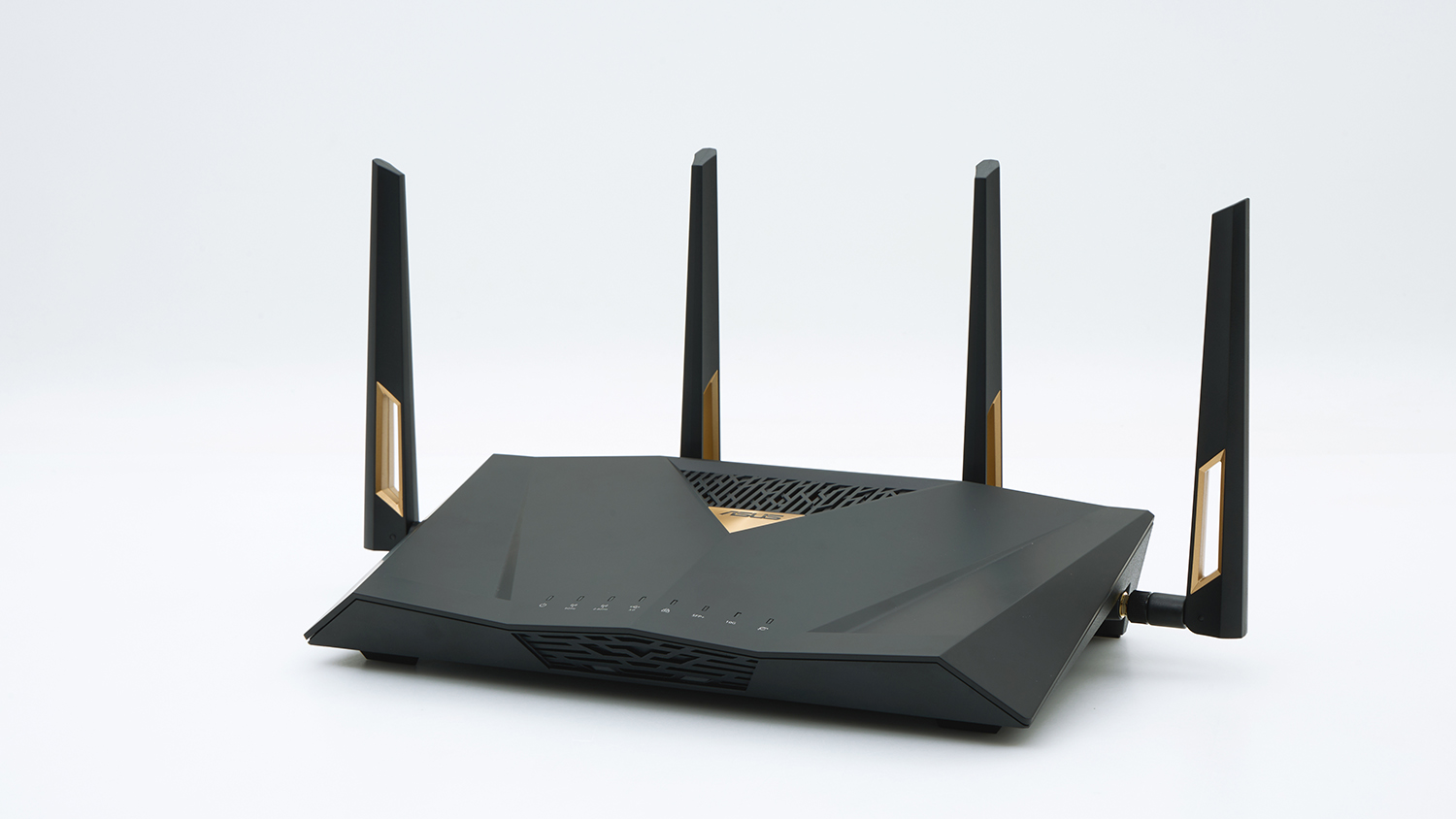
Our home networking expert described this router’s design in two words – “physically imposing”. Aesthetics don’t factor into our test but it’s still worth noting that the RT-BE88U wouldn’t look out of place in Blade Runner.
But this isn’t a case of style over substance, because beneath its eye-catching exterior are the guts to match. Asus has built a high-performance router that can help drive a busy network with ease, even though it doesn’t support the 6GHz band. But like most of the routers we looked at, it’s not great at dealing with obstructions (57%).
Just to be clear, it does support Wi-Fi 7 so users on gigabit NBN plans can access the speeds they paid for. But it’s limited to two signal bands – 2.4 and 5GHz – whereas most other high-end routers support the third 6GHz band.
Asus has built a high-performance router that can help drive a busy network with ease
In its place is a dedicated Internet of Things (IoT) network designed for smart appliances and similar devices such as lights, security cameras and washing machines. This frees up the other bands for work and entertainment so you’re far less likely to encounter congestion issues on your phone, laptop, smart TV and so on.
Configuration options run deep, well beyond the needs of the average user if you’re into that sort of thing. You don’t need an IT degree to use this router mind you – you can still get great performance using the recommended settings.
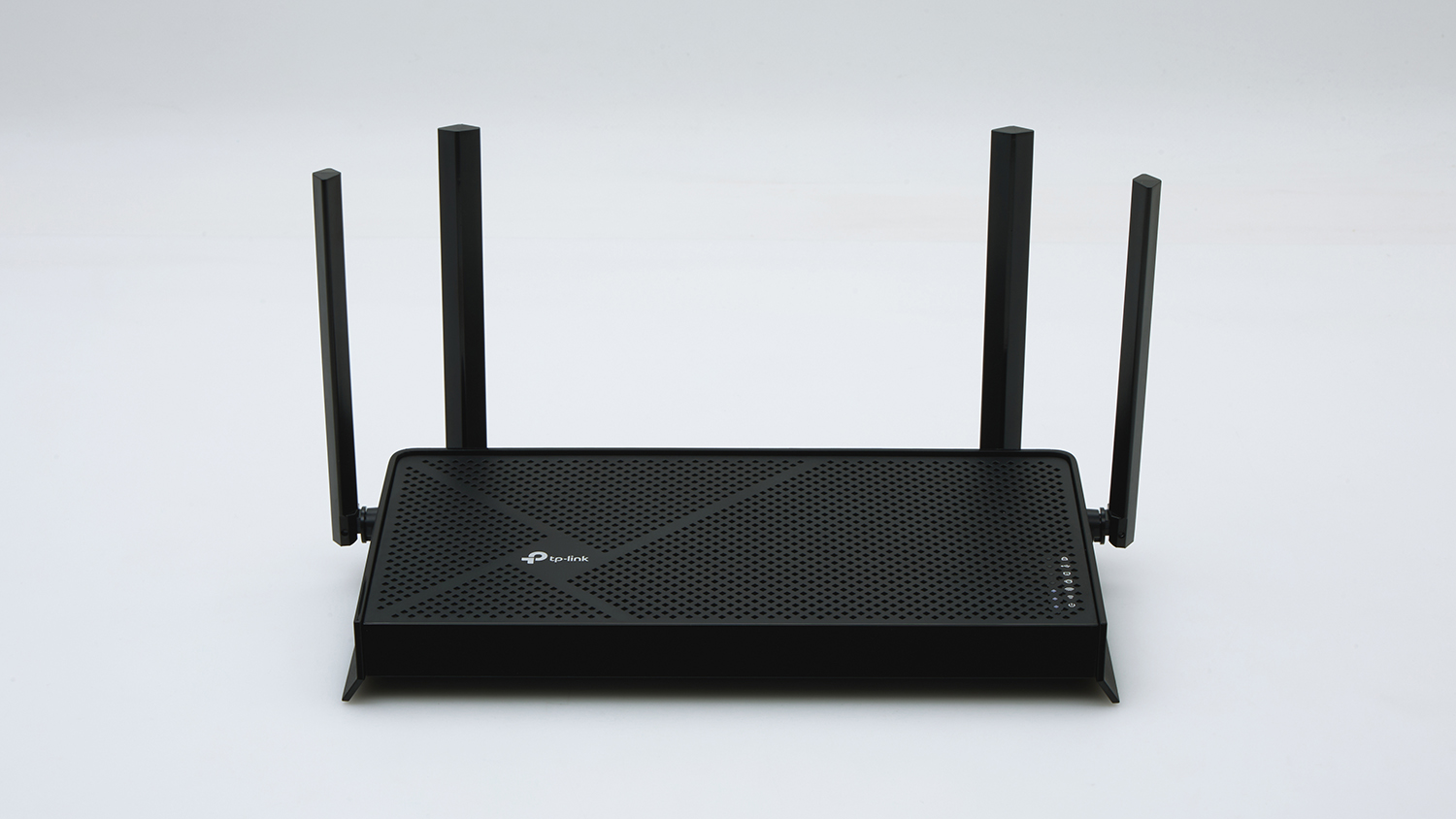
TP-Link’s Archer BE230 offers great bang for your buck
TP-Link Archer BE230
CHOICE Expert Rating: 71%
Price: $197
Performance score: 66%
Parental controls score: 80%
TP-Link’s Archer BE230 is the best bang-for-your-buck router in our test – in fact, it’s the cheapest. Despite its low cost, it can maintain good speeds and stability while multiple users are online, making it suitable for families or smaller share houses shopping on a budget.
Though it can’t beat the blazing speeds of the fastest routers in our test, the Archer BE230 shouldn’t have any trouble with typical video streaming, online gaming, general web browsing and so on. Performance even remained fairly stable during our multiple user test, which is pretty impressive given the price point.
Harmful content and URL filters are very good, among the best in our test in fact (80%). Settings are extensive and easy to navigate, so even non-techy parents shouldn’t have much trouble setting up online safety controls.
But range, once again, is pretty poor (45%) when there are walls, windows and other obstructions. It should still work well in an apartment setting or small- to medium-sized homes. Larger properties may want to consider another model with better range results.
While we didn’t come across any obviously terrible routers in our test, these average performers took out the bottom two places. Generally speaking, you can find better alternatives for similar prices.
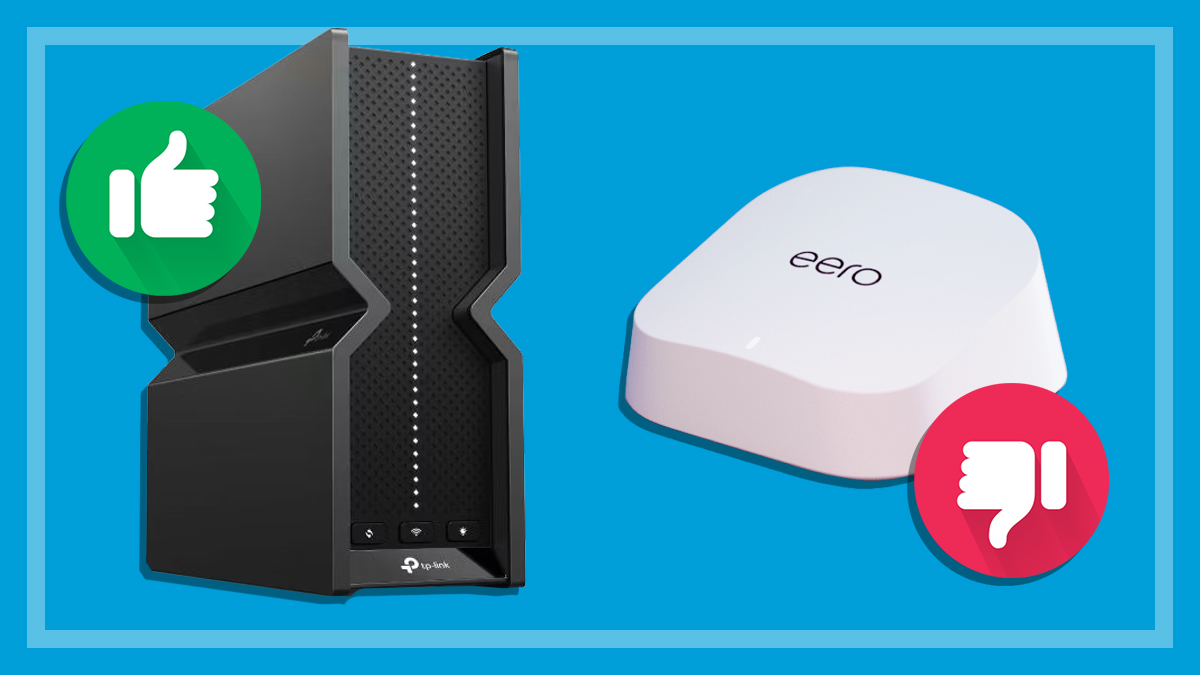
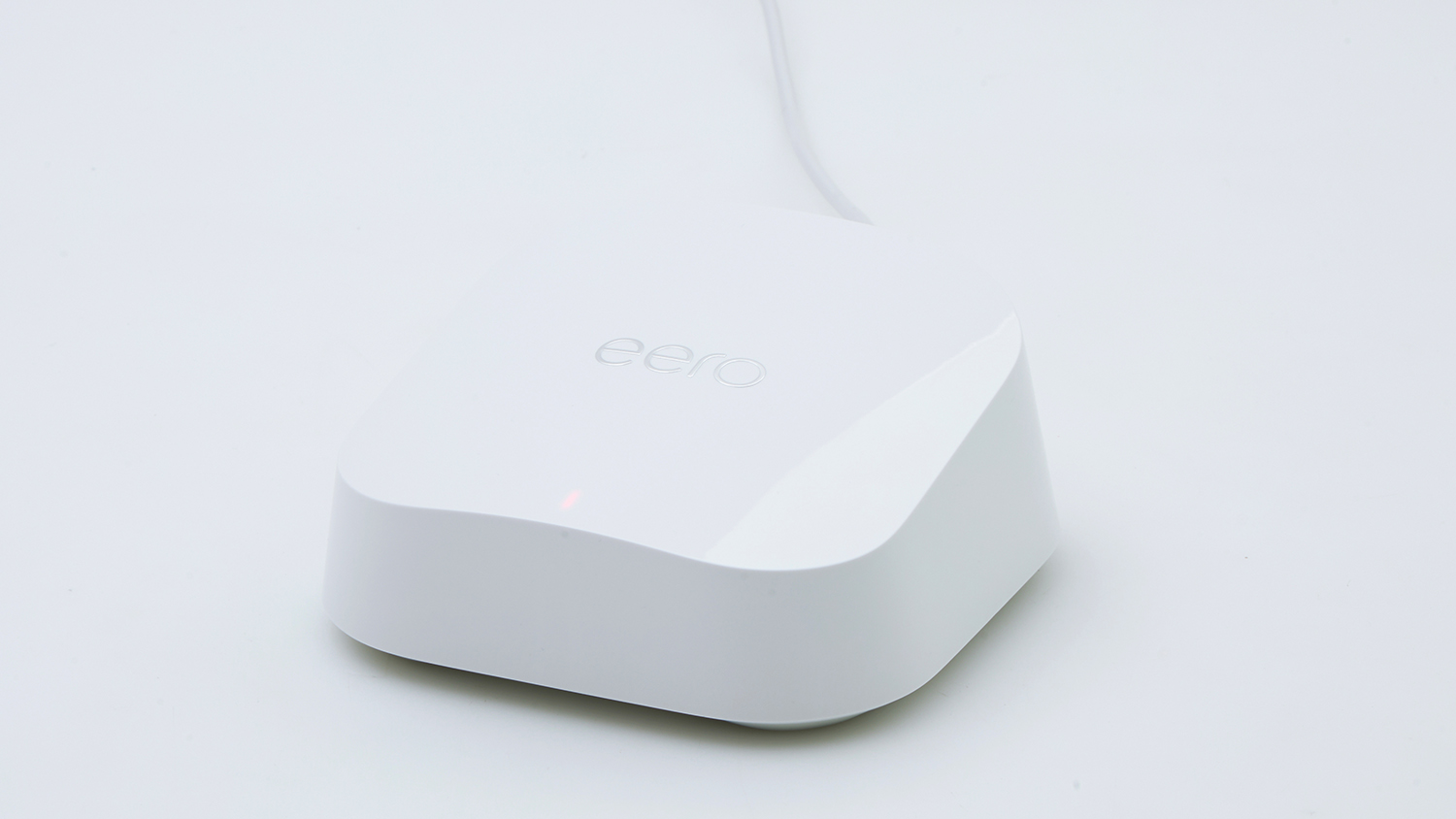
The Eero 7 locks the full range of parental and security controls behind a paywall.
Eero 7
CHOICE Expert Rating: 63%
Price: $300
Performance score: 62%
Parental controls score: 39%
The Eero 7 (and other Eero routers) can connect to a mesh network out of the box which may be pretty appealing for non-techy types looking to improve internet coverage at home. But other features aren’t easily accessible and its performance isn’t worth the asking price.
Download and upload speeds are good (70%) when the Eero 7 is connected to a single active device. But it dips down to the slowest router in our test when multiple users jump online.
Signal range is pretty average as well (48%), among the worst in our test. You wouldn’t want to use the Eero 7 in a multi-story property or older house with thick, double-brick walls.
But the most egregious issue with this router is its paywalled security features and parental controls. While the Eero 7 provides some basic options for free, the full range of functions requires a monthly fee. Granted, Eero isn’t the only manufacturer to do this, but in our opinion, you shouldn’t have to pay extra for safe browsing tools after shelling out $300.
We've partnered with search engine WhistleOut to help you find and buy the right plan for you. While we make money if you buy through WhistleOut, this doesn't influence our rankings. 100% of the money we make goes straight back into our nonprofit mission.
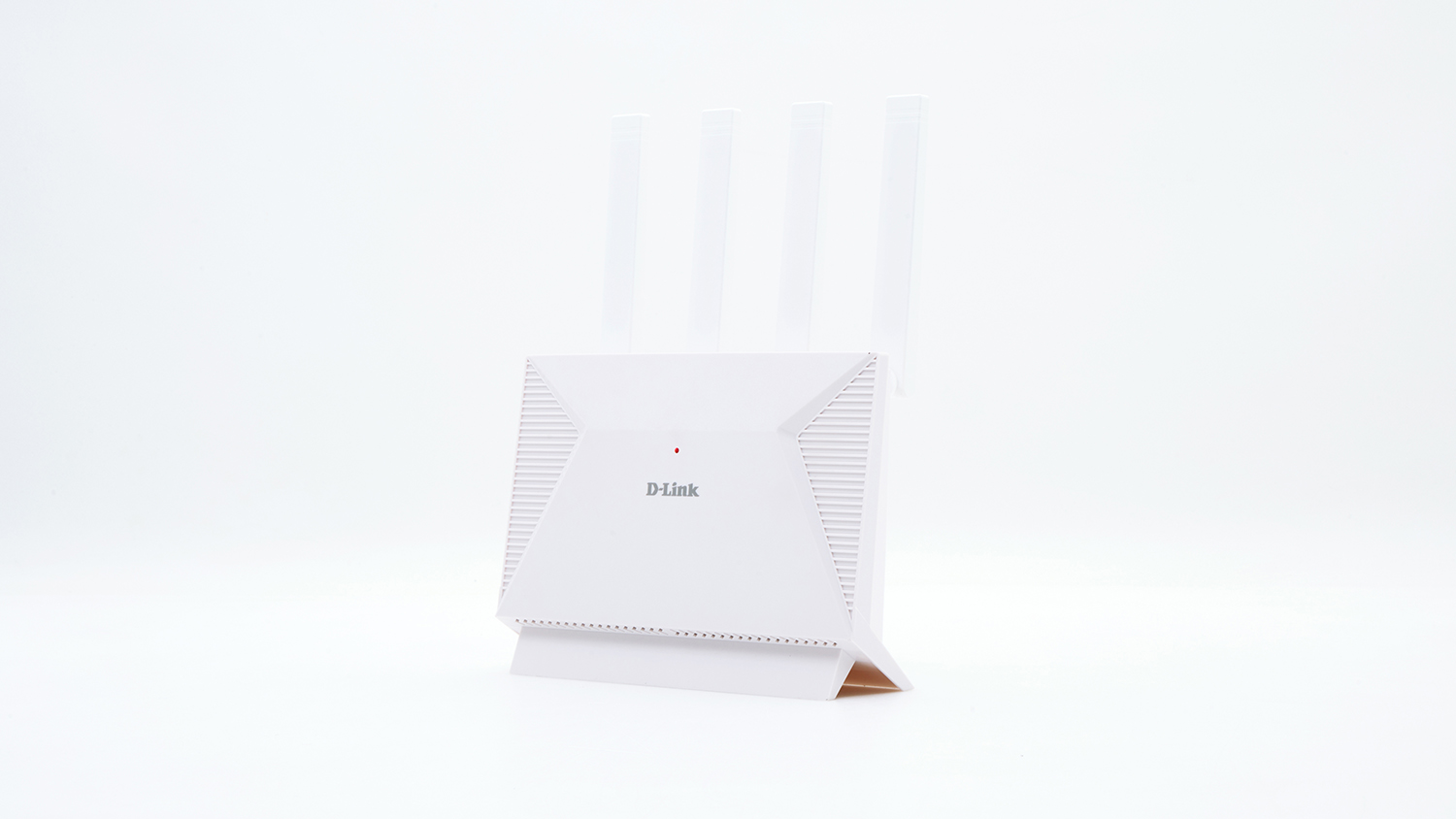
D-Link’s DIR-BE3602 is an average performer
D-Link DIR-BE3602
CHOICE Expert Rating: 65%
Price: $250
Performance score: 66%
Parental controls score: 58%
Yet another router that doesn’t really rise above mediocrity in all aspects of our tests. Single client (one device) speeds are among the lowest in our test and performance drops even further when multiple devices connect.
Speeds are still OK for downloads (69%) and uploads (68%). But homes with more than two users will probably encounter connection issues if around four or more people are video streaming or gaming at the same time.
Our experts found some settings a bit fiddly to navigate as well. Like the Eero 7, this router also defaults to Wi-Fi 6, so you need to manually switch on Wi-Fi 7 to get the best performance, which is frustrating.
Parental controls are quite limited and often unclear in the settings section of the app. They mostly focus on social media restrictions and aren’t the easiest tools to use for novices.
Peter Zaluzny is a Content producer in the Digital home team. He covers everything from home entertainment and personal safety devices to tech for your car and mattresses.
Peter enjoys cutting through the nonsense to help people understand the products they’re considering to buy. He helps consumers make educated, informed decisions.
Peter has a Bachelor's degree in Journalism and a Bachelor of Arts from the University of Wollongong.
Peter Zaluzny is a Content producer in the Digital home team. He covers everything from home entertainment and personal safety devices to tech for your car and mattresses.
Peter enjoys cutting through the nonsense to help people understand the products they’re considering to buy. He helps consumers make educated, informed decisions.
Peter has a Bachelor's degree in Journalism and a Bachelor of Arts from the University of Wollongong.
For more than 60 years, CHOICE has been fighting the good fight for Australian consumers.
In the past year alone we've uncovered systemic issues with sunscreens, investigated shonky supermarket pricing, fought for stronger scam protections and helped make complex energy pricing fairer and clearer.
CHOICE is here to provide unbiased advice and independent testing in our world-class labs. We buy the products we test, just like you do, and our expert reviews are influence free. We’re here to help you choose smarter. Hopefully you’ll also save some money along the way.
Thanks to CHOICE, you’ll never be alone when a business treats you unfairly. You can support our work by joining or donating to our cause.