Suction, sensors, design, battery life… there’s plenty of things that go into making a robot vacuum perform well and to help justify its hefty price tag.
But one of the most essential elements according to CHOICE vacuum expert Adrian Lini is also the most overlooked: the app.
Often forgotten by shoppers, it determines how well you can “drive” your clean machine and is often the difference between owning a dust-busting hot rod and a wonky dodgem car with a mind of its own.
It’s the difference between owning a dust-busting hot rod and a wonky dodgem car
“A good app is absolutely critical and I would say that if the app isn’t good, the product often isn’t worth it,” says Adrian.
“The whole reason you buy a robot vac is to save you time, but if you’re wasting that with an app that’s buggy, constantly crashing, or just impossible to navigate, it defeats the point.”
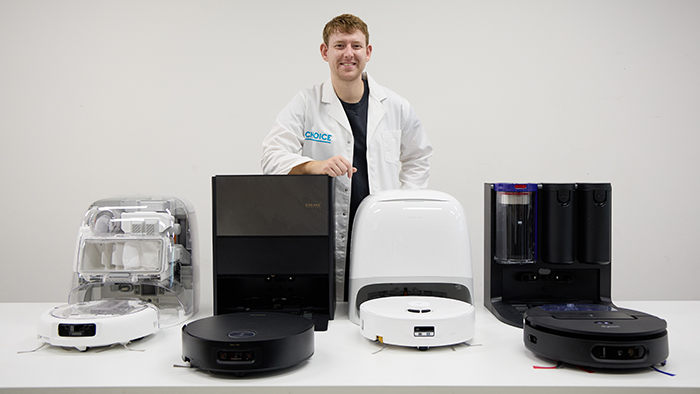
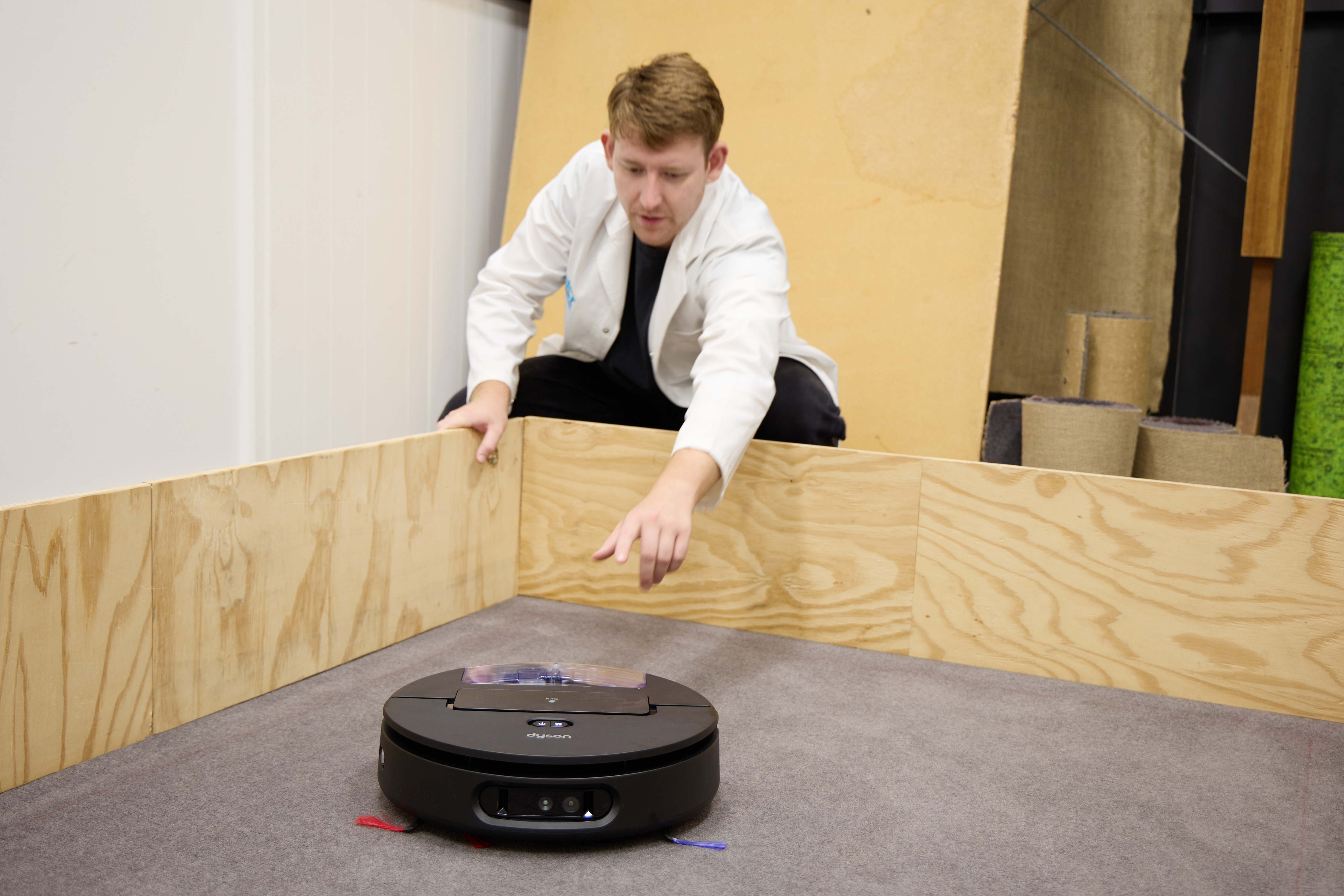
Vacuum expert Adrian Lini with some of the latest models.
Adrian should know. He’s been testing robot vacuums at CHOICE in our lab for years now and has downloaded, logged in, selected settings and got lost in more vacuum apps than he can remember.
He’s found some impressive smart apps and some downright shockers, and documents the pros and cons of each in his reviews. Just don’t ask him about iRobot Roombas (see point 4 below).
Here’s his key criteria for what to look for in a great app and the glitches you want to avoid.
1. The app is easy to connect
If you’ve just bought a new robot buddy, the last thing you want is to spend ages messing with manuals and getting it set up.
While robot vacs have definitely improved over the years, Adrian warns there’s still a big difference between models in terms of how you initially connect the app to the bot and how glitchy they can get.
“With the best robot vacs, you literally scan the provided QR code and download the app. When you open it for the first time, you just press “new product” and the correct model will pop up immediately and start connecting for you.”
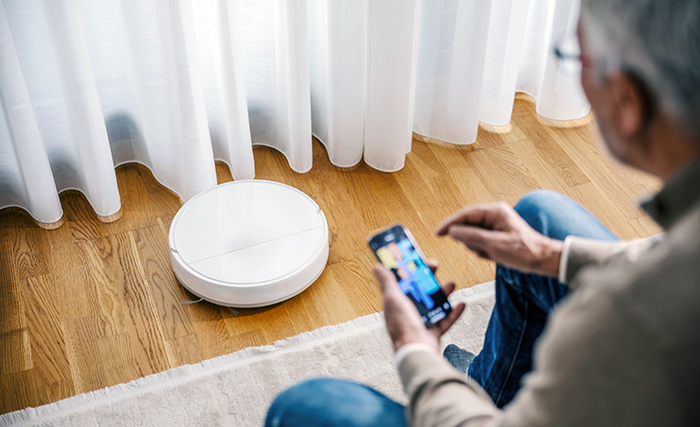
Some bots are a breeze to set up, others not so much.
Other apps might be a bit more hands-on, requiring you to sign it into your Wi-Fi network or jump on the robot’s own Wi-Fi signal first to get it connected.
“Some brands, especially the cheaper ones, use the same app for all their smart products, so you have to wade through hundreds of products and 15 types of robot vacs to find the one you bought and set it up properly.”
In order to help shoppers compare this aspect of the app, Adrian gives every model an app connection score in our test to indicate how easy it is to sync.
This might sound obvious, but Adrian’s seen plenty of apps that just don’t compute when it comes to usability.
A clean, intuitive user interface (UI) can make programming your bot a breeze, but a poorly designed one can feel like a maddening maze of sub-menus and hidden options.
Adrian says: “A good app shows you everything you need to see on one screen and it only takes a second or two to change settings – you shouldn’t need a computing degree to operate it.”
“In other apps, you have to go into three or four submenus just to switch a basic setting. Then every time you leave that submenu, you can’t see what options you chose, so you have to go back in again.”
You shouldn’t need a computing degree to operate your app
CHOICE expert Adrian Lini
If that sounds frustrating, there’s even more aggravating app experiences out there.
“Some cheap and generic vacuum apps aren’t made specifically for that product, so they often have buttons or prompts for features that don’t even exist on that model, which is confusing and frustrating.”
That’s why Adrian scores each robot vacuum’s app for ease of use, rating how easily you can change settings and create, save and edit maps, jobs and schedules.
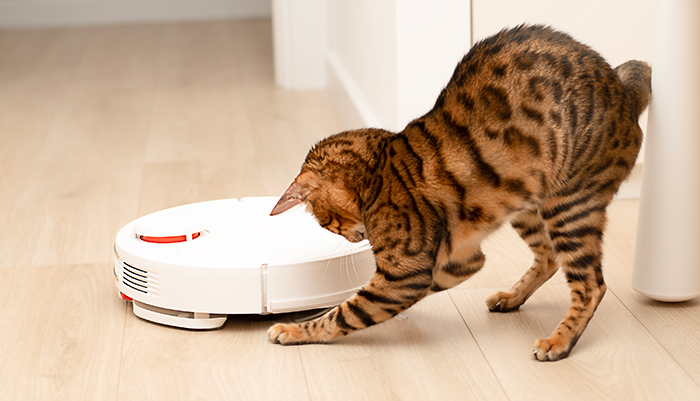
Robot vacs can be great for picking up pet hair, although not all pets are fans.
3. You can customise your clean
“Certain apps can be very basic and only offer very limited functions and features that limit their ability to deliver a good clean,” warns Adrian.
He says superiors apps give you greater, more granular control over every aspect of the cleaning, mopping and dock settings to better suit your home and the condition of your floors.
“With the really good apps, you can tell them how close you want the robot to get to walls and furniture, how it should work on carpet and even how hot the mopping water should be,” he explains.
“When it comes to scheduling, simpler products only let you set cleans by day and time, while more sophisticated ones let you specify which rooms to clean and at what power setting.”
Examples of the Roborock app interface including cleaning customisation options (right).
Good apps will also let you change the settings on the fly during the clean.
“Some models don’t let you edit settings once the bot is up and running, which can be limiting,” adds Adrian.
“But others let you customise them on the go, like if you want it to increase the suction power or use quiet mode or re-mop an area if it’s especially dirty.”
Now we have to discuss the next point carefully, because, to be honest, we think Adrian might still be recovering.
Needless to say, you want your app to be reliable and not crash out on the regular. But that’s exactly what happened when Adrian tested two iRobot Roombas in our recent review.
The apps were so laggy and would constantly freeze for no reason and need to be rebooted
CHOICE expert Adrian Lini
Given iRobot has been in business since 2002, you’d expect their bots to behave, but both models’ apps kept bugging out and refusing to do their chores.
“The apps were so laggy and would constantly freeze for no reason and need to be rebooted,” recalls Adrian.
Adrian reviewing the latest models with our sand pick-up test on carpet.
“Even when it did work, the UI was just really really annoying to use – maps were awkward to deal with, and cleaning schedules couldn’t be edited once created, so you’d have to delete them and re-create them if you wanted to change them.”
“In addition to reading our reviews, find the brand’s app in the Apple App Store or Google Play Store and check out its reviews, not just its star rating,” says Adrian.
“Do people love the interface and options, or are they confused and pulling their hair out? How often is the app updated and are there any new bugs? It’s a great way of gathering more real-world intel on the app and what you need to look out for.”
Know the products to avoid before you shop. Get our free guide and buy smarter.
Jason is a Content Editor and journalist at CHOICE. He writes about a diverse range of subjects, from solar to robot vacuums to why Easter eggs are a rip-off. He's previously written for Sydney Morning Herald, Rolling Stone and many other publications.
Jason is a Content Editor and journalist at CHOICE. He writes about a diverse range of subjects, from solar to robot vacuums to why Easter eggs are a rip-off. He's previously written for Sydney Morning Herald, Rolling Stone and many other publications.
For more than 60 years, CHOICE has been fighting the good fight for Australian consumers.
In the past year alone we've uncovered systemic issues with sunscreens, investigated shonky supermarket pricing, fought for stronger scam protections and helped make complex energy pricing fairer and clearer.
CHOICE is here to provide unbiased advice and independent testing in our world-class labs. We buy the products we test, just like you do, and our expert reviews are influence free. We’re here to help you choose smarter. Hopefully you’ll also save some money along the way.
Thanks to CHOICE, you’ll never be alone when a business treats you unfairly. You can support our work by joining or donating to our cause.