Every time you jump on Facebook, stream YouTube or check your email, a modem and a router are quietly humming away somewhere in the background. This hardware is essential for getting online, even your smartphone uses a tiny little modem to connect to the 4/5G network.
Networking is a black hole of deep, technical knowledge so you probably don’t need to understand all the ins and outs of how these things work. But it’s worth getting your head around what modems and routers actually do and how they connect your home to the NBN. This can help you buy the right equipment to get the best possible internet speeds for your home.
How do modems, routers and modem-routers work?
The two networking devices that you need to get online are:
Modem: bridges the connection between the outside internet line and your home via a wall socket, not unlike a landline phone.
Router: distributes the internet throughout your home via wired (ethernet) or wireless (Wi-Fi) signals.
You can buy standalone routers or each device combined in a single unit called a modem-router. Standalone modems exist, but they aren’t widely available.
Most typical home networks need a modem and a router of some kind. In most cases, internet capable devices, like laptops or phones, can’t connect directly to a modem. They need a router. Routers, meanwhile, can’t connect to the outside line on their own. They need a modem.
Like anything tech, there are more advanced alternatives that may allow you to connect directly to a modem using specialised PC components. But they’re not necessary for the average person that just wants a good Wi-Fi setup at home.
Meanwhile, your internet connection is managed by:
NBN Co: the organisation responsible for managing NBN (National Broadband Network) wholesale connection packages and infrastructure across Australia.
Internet service provider (ISP): companies that sell NBN packages – aka plans – to consumers. These are available in a variety of speeds to match your home internet needs and budget. Your ISP is the point of contact for all things NBN at home.
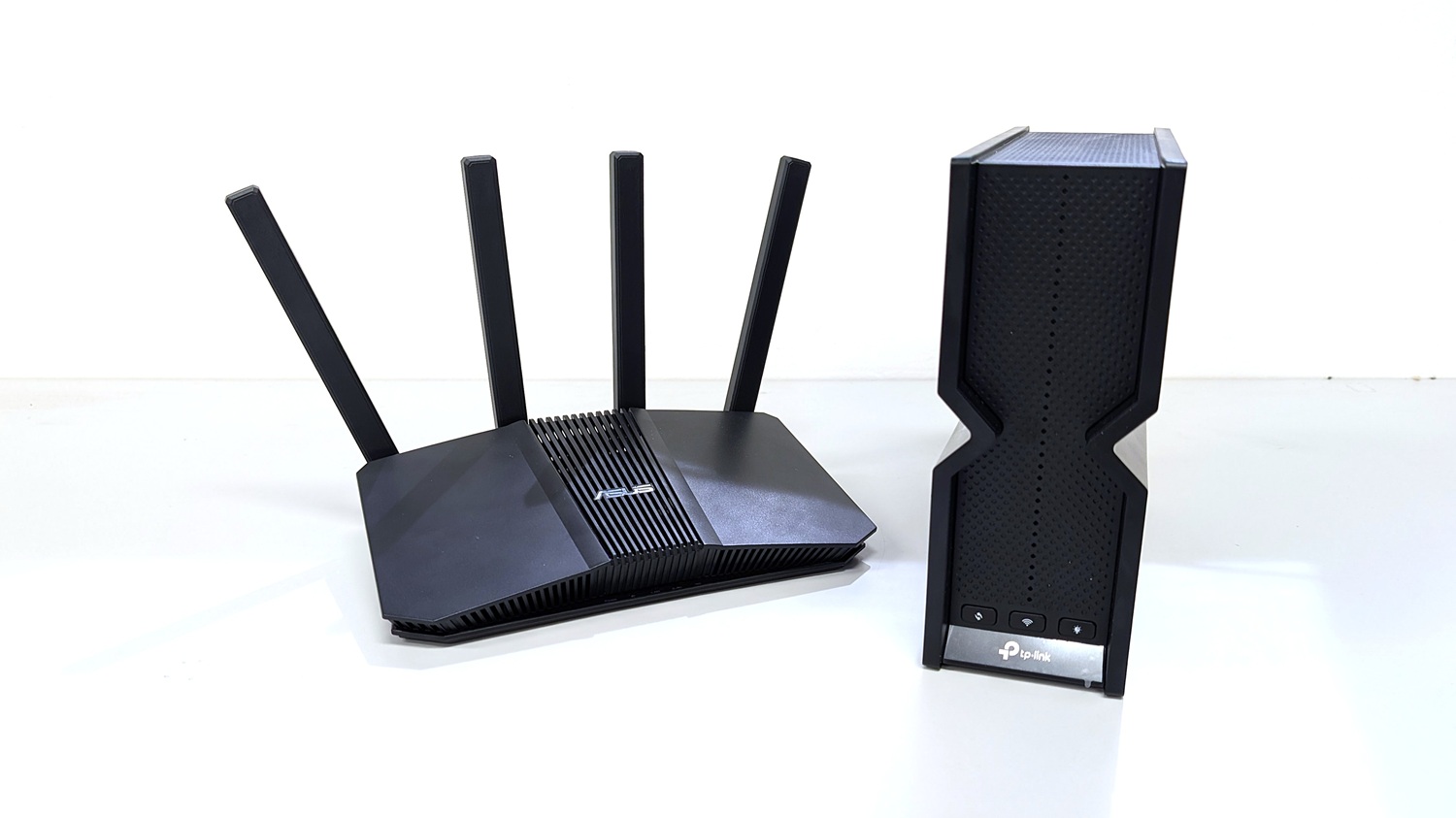
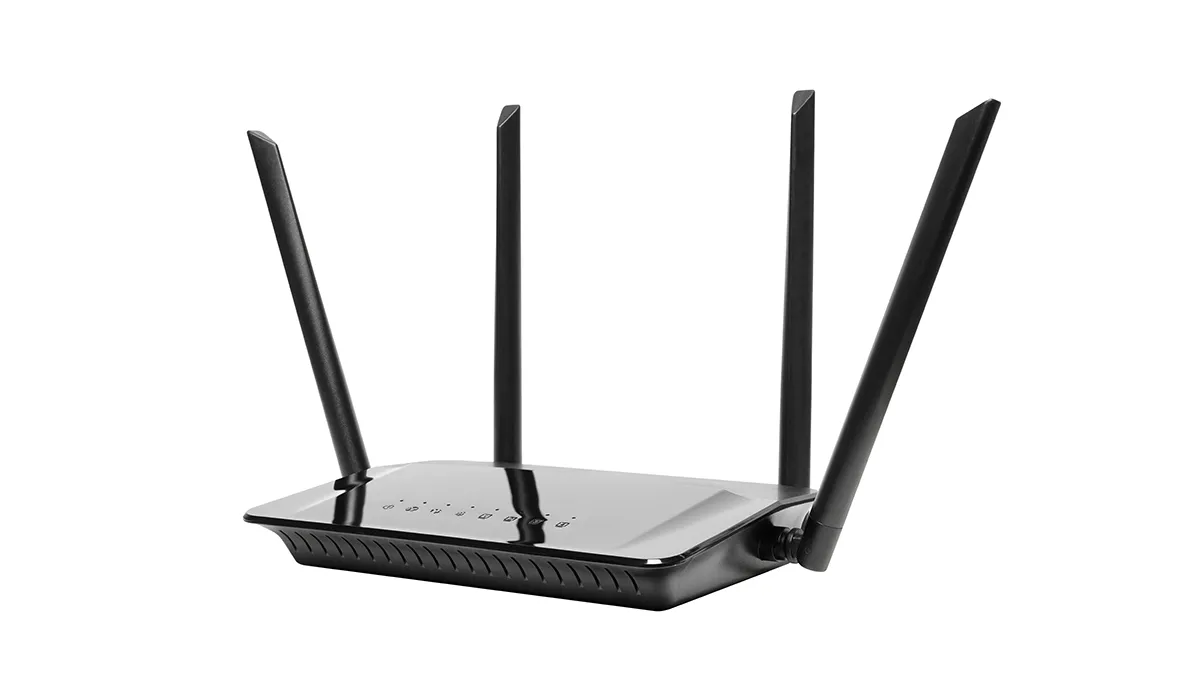
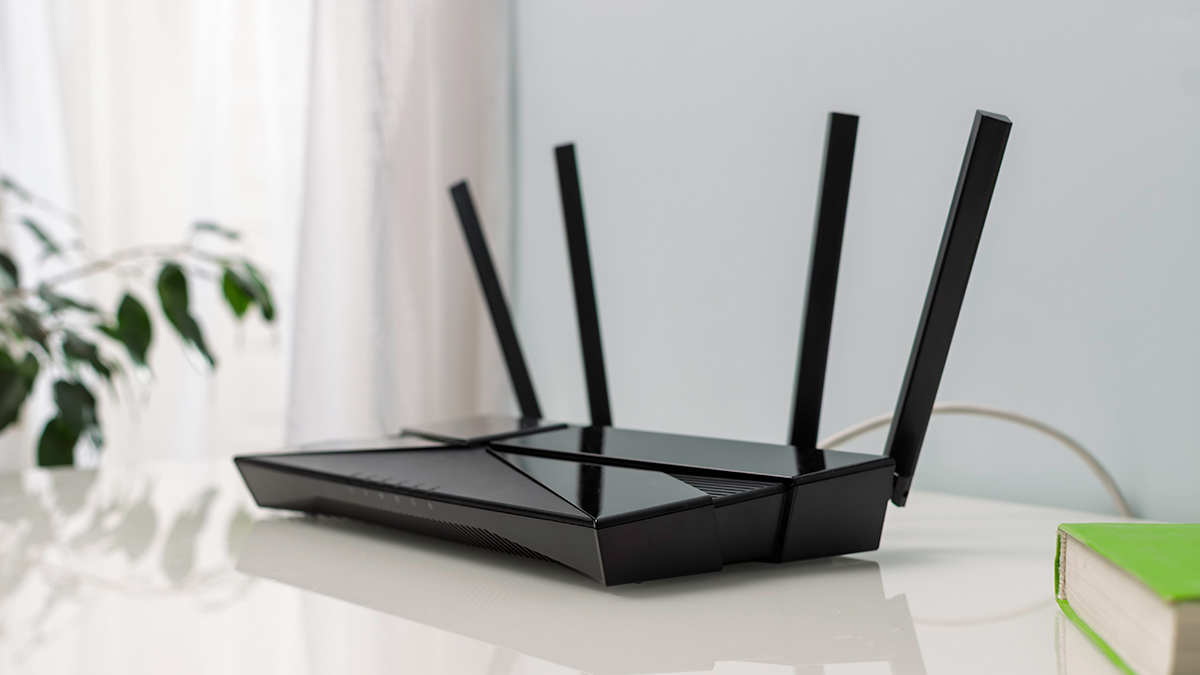
Routers come in all shapes and sizes.
How to tell the difference between a modem and a router
There are three things to look for make sure you’re buying, or using, the right networking equipment for your needs.
Check the packaging: The box will say “modem”, “router” or, most likely, “modem-router”.
Check the product info online: The retailer or ISP will provide the same information as the box. If it’s not available, note the model number and check the manufacturer’s website.
Look on the bottom of the unit: If you already have networking equipment but you’re not quite sure what it is, flip it over and look. It should say whether you have a modem, router or modem-router. If not, record the model number and check online.
Yes, strictly speaking, but the connection process may have changed compared to the broadband days of yore. It comes down to how your fixed-line property connects to the NBN which is covered here and in greater detail at the link below.
Fibre to the node (FTTN): Uses a combination of fibre and copper cabling. The fibre cable reaches a junction (the node) at one end of the street, which then distributes the NBN to homes via copper.
Fibre to the curb (FTTC): Uses a combination of fibre and copper cabling. Fibre cables run closer to homes, usually down the street, before converting to copper for each home via smaller junctions rather than a single node.
Hybrid fibre–coaxial (HFC): Uses a combination of fibre and coaxial cabling. Fibre cabling carries the NBN down your street, then piggybacks onto an existing coaxial cable to the home (where available).
Fibre to the premises (FTTP): A fibre cable connects directly to your house from the street.
Fibre to the Building (FTTB): Used in apartments. The fibre NBN cable reaches a junction in the building, which then distributes internet access to the apartments using existing communications cables.
You can find out how your home connects at the NBN address checker – NBN address checker.
Before the NBN, most Australian households got online using an ADSL connection (or one of its many variants) by plugging a modem or modem-router into a wall socket. Consumers had to buy their own modem either from an electronics retailer or their ISP.
These days, FTTC, FTTP and HFC NBN connections use a Network Termination Device (NTD), sometimes called an NBN connection box. It functions just like a modem, which means you don’t need to go out and buy a modem, modem-router or NTD yourself.
An NTD works just like a modem but it’s supplied by NBN Co when the technicians come by to set things up. Even if you move house, an NTD should be waiting for you unless the previous owners took it (which they’re not supposed to do).
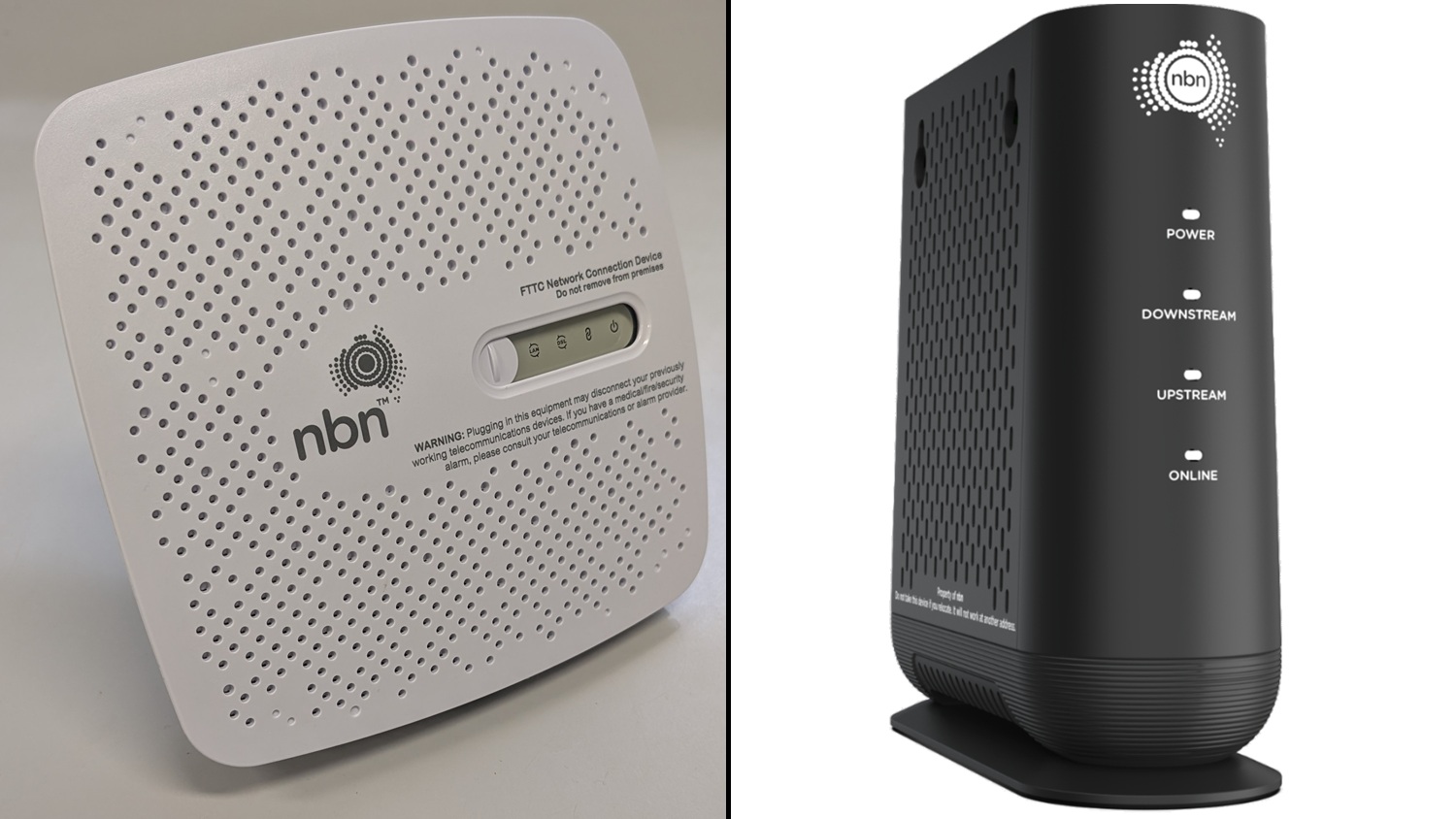
NTDs look a little different depending on the type of connection, but the basic functionality is the same. You just connect the NTD to the outside line (a port in the wall) followed by your router and you’re ready to go.
Your NTD will vary depending on the connection type (pictured – FTTC left, HFC right).
FTTN and FTTB don’t use a network termination device. They keep things old school so you’ll need to plug a modem or modem-router directly into the wall socket. NBN Co. will not supply FTTN and FTTB properties with an NTD during setup as it’s not required.
Upgrading to FTTP
Many FTTN and FTTC properties are eligible for free upgrades to the much faster FTTP network. NBN Co. will supply a network termination device if you upgrade your property from FTTN to FTTP. A FTTB upgrade may be available depending on your ISP and strata approval.
Text-only accessible version
Connecting to the NBN.
FTTN and FTTB connections: You can connect to the NBN using a modem-router or a separate modem and router. You can not use a network termination device (NTD).
FTTC, FTTP and HFC connections: You connect to the NBN using a supplied network termination device (NTD) and a router of your choosing.
Information based on a typical fixed-line connection. Fixed wireless also uses an NTD while satellite internet uses a unique modem supplied by NBN Co.
What to look for in an NBN router
A modem or NTD alone cannot distribute the network signal around your home. You’ll need to purchase a standalone router or modem-router from your ISP or a third-party. Any model will do, but older models may not be able to deliver the maximum speeds supplied by your NBN plan.
Peak data transfer speeds are included in the advertising, but they are usually higher than the actual real world performance and aren’t really helpful for the average consumer. Instead, look at which Wi-Fi version it uses – this is the best indicator of how your router will perform with your NBN plan.
Every few years a new version of the Wi-Fi standard is released. The latest version is Wi-Fi 7 (2024), so called because it’s the 7th generation of the Wi-Fi standard. This succeeds Wi-Fi 5 (2013), Wi-Fi 6 (2019) and Wi-Fi 6E (2021).
Each version improves the maximum bandwidth, which impacts your internet connection’s speed and performance. For example, Wi-Fi 5 typically reaches up to 500 megabits per second (Mbps), while Wi-Fi 6 reaches up to 1000 Mbps and Wi-Fi 7 can handle the fastest NBN plans available to consumers (2000 Mbps).
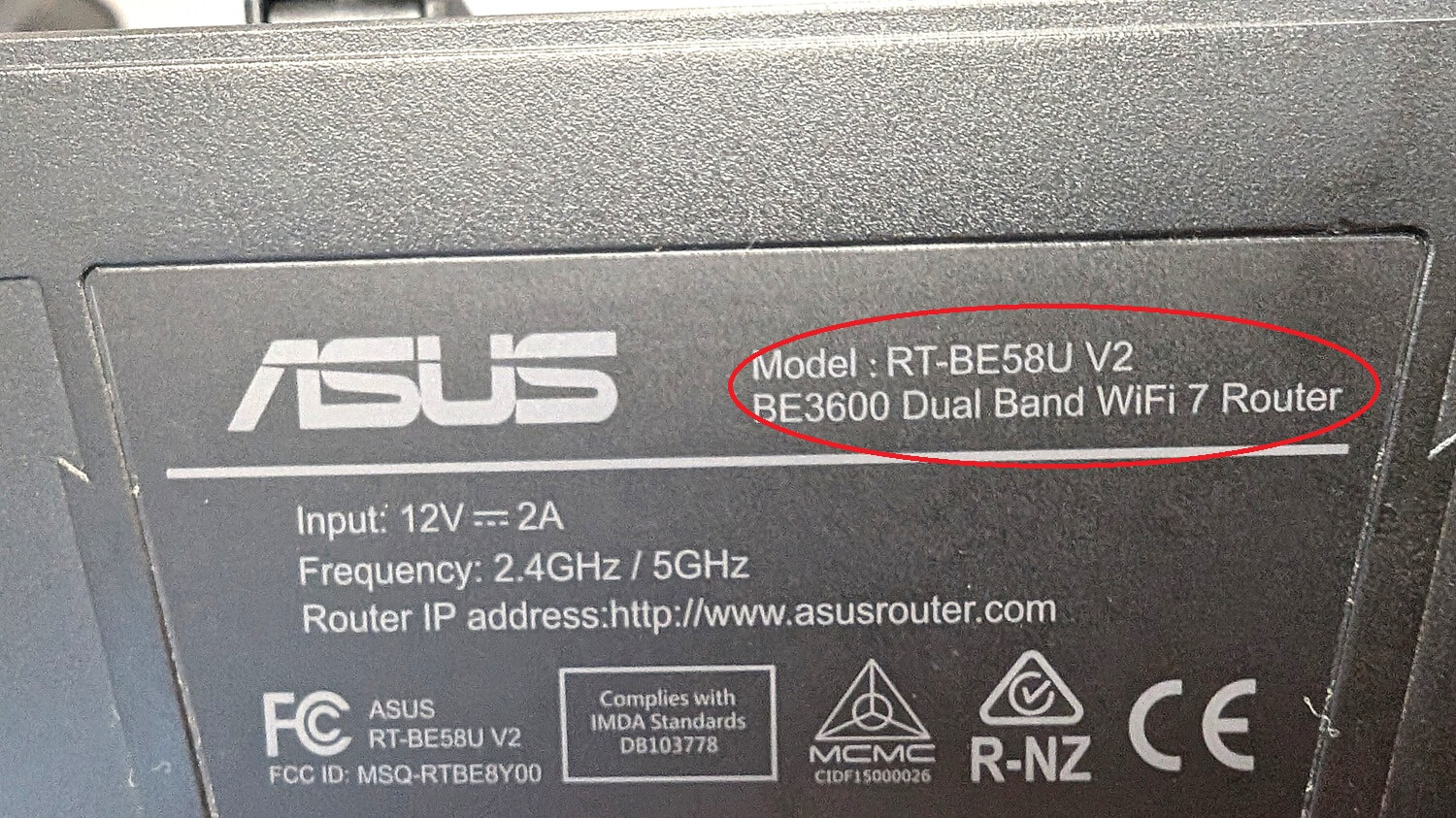
The Wi-Fi version should be printed on the base of the router.
Understanding the Wi-Fi version used by your router is essential. Otherwise, you may be paying for an NBN plan that your equipment can’t utilise. For example, if you’re paying for download speeds up to 1000 Mbps but you’re using a Wi-Fi 5 router, your download speeds won’t exceed 500 Mbps.
There’s a bit more that goes into it (which gets pretty technical – look up WAN speeds if you’re curious), but Wi-Fi versions are the easiest top level details to follow.
If your NBN speeds exceed the maximum capabilities of your router then you should strongly consider a router upgrade. Routers are stuck with the Wi-Fi version that was installed during manufacture. That means you can’t upgrade a Wi-Fi 5 router to Wi-Fi 6, for example.
Anything older than Wi-Fi 5 should be replaced. For best results, you should be using a router with Wi-Fi 6 or higher. Wi-Fi 7 routers can get expensive but they are the best option for future proofing your home network.
These are some examples of NBN plans and the Wi-Fi versions that support their peak speeds. You can check the Wi-Fi version of your router at home by flipping it over and looking through the information printed on the base, or looking up the model number online if it’s not there.
Note we have also listed the technical names of each Wi-Fi version in brackets. These may be printed on the router instead of the more generic Wi-Fi 5, Wi-Fi 6, Wi-Fi 7 etc.
Text-only accessible version
Typicalmaximum Wi-Fi speeds for recent Wi-Fi versions
Wi-Fi 7 (802.11be): up to 2000 megabits per second.
Wi-Fi 6 (802.11ax): up to 1000 megabits per second.
Wi-Fi 5 (802.11ac): up to 500 megabits per second.
Wi-Fi 4 has a typical peak speed of up to 100 Mbps. Speed tiers refer to maximum typical speeds across three NBN plans sold by ISPs. Figures in brackets refer to the technical Wi-Fi version name as per the Institute of Electrical and Electronics Engineers (IEEE) standard. This may appear in your router information in place of the general name.
How much does a router or modem-router cost?
Wi-Fi 6 routers start at around $150, or $200–250 for a modem-router. Top tier consumer-grade models that support gigabit speeds and Wi-Fi 7 can cost as much as $500–600.
The cost of purchasing a router or modem-router from an ISP is usually less, but exact prices vary. You may have to pay a one-off flat rate, a small additional fee that’s added to your monthly bill or nothing at all.
Yes, a modem/router will still function as a normal router when you plug it into an NTD. But you shouldn’t install a standalone modem between the NTD and a standalone router, because you’re just adding an unnecessary link to the chain that can impact performance.
Do I need to get a modem, router or modem-router from my ISP?
ISPs often sell their own standalone routers and modem-routers, or bundle them in with internet plans at a discount. Sometimes they’re included for free. But your equipment and NBN plan don’t need to come from the same company to work together.
Equipment supplied by your ISP is usually cheaper than the gear you can buy outright from a retailer. However, ISPs don’t typically offer more than a couple of options and these are rarely high performance. Retailers stock a large range of entry level, mid-range and high-performance routers and modem-routers.
For FTTN and FTTB homes, yes, a modem or modem-router is still an essential component for getting online. But most FTTC, FTTP and HFC households don’t require a modem anymore. An NTD functions just like a modem and, when plugged into a router it can provide an NBN connection to match the needs of the average consumer.
Some ISPs supply modem-routers with built-in SIM cards, which automatically connect to a 4G or 5G network when the internet drops out. So, if your ISP has scheduled NBN maintenance in your area, you don’t need to worry about going offline while they work on your FTTP or HFC connection, for example.
These plans cost a little bit more than a standard NBN connection and are only available from ISPs that also offer mobile services – such as Telstra and Optus. Standalone routers don’t support this feature.
Do satellite and fixed wireless NBN connections need a modem?
Sort of. Fixed wireless uses an NTD while satellite NBN does use a modem, but it’s not exactly the same as one you’d find at a retailer. They both work with a standard router and are supplied by NBN Co.
Does Starlink need a modem and a router?
Yes, but you don’t have to buy them separately. Starlink includes a modem-router with the standard satellite kit which you can use to get online.
Things can get complicated if you want to use a third-party modem-router, or separate modem and router setup. It’s best to get in touch with your Starlink ISP if you’re looking at these options.
Do I have to use the NBN?
You can bypass the NBN altogether with a 5G modem-router. These connect to mobile data networks instead of the NBN, then distribute the internet around your home via ethernet and Wi-Fi. Just like a standard modem-router.
They can be a good alternative if you live in an area with a strong 5G connection or located outside regions where the NBN provides fixed-line services. But these internet plans are usually more expensive than those offered by the NBN.
You may come across these items at retailers or for sale by your ISP. They’re not essential but can help improve a home network.
Wi-Fi repeaters (aka extenders)
Essentially these are mini routers that boost a weak Wi-Fi signal, to improve connectivity in rooms or areas that are far away from the modem-router or router. For example, a repeater in the back room can fix a weak Wi-Fi signal in the backyard.
Repeaters are relatively affordable and they plug into a wall socket, making them a good option for renters. They’re best used to fix a couple of Wi-Fi dead zones around the house.
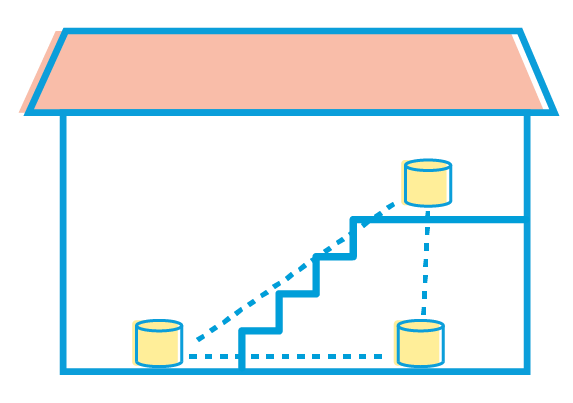
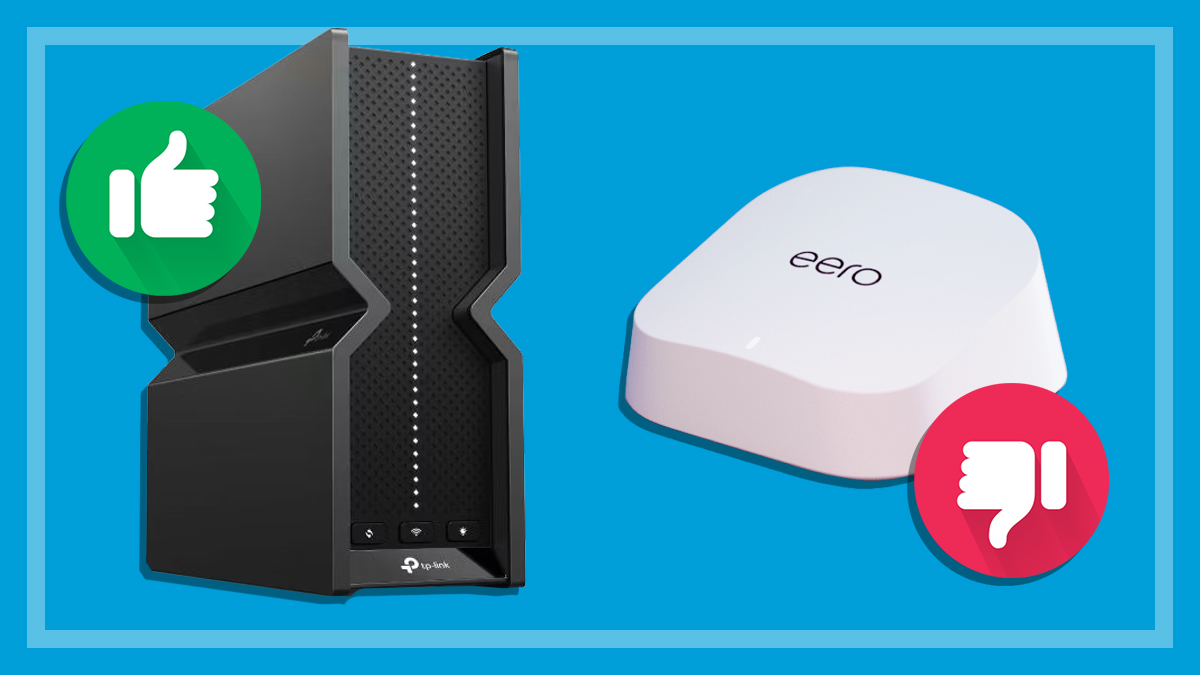
Mesh networks create a Wi-Fi bubble around the house.
Mesh networks
A series of Wi-Fi nodes are placed around your house which work together to form a strong network zone (like a bubble) across the property. Mesh network performance is a step above repeaters and a great option for larger properties that need good Wi-Fi coverage in every nook and cranny. Older houses can also benefit as Wi-Fi has trouble penetrating thicker walls, such as double brick.
They’re typically more expensive than repeaters and can be fiddly to set up. Though they don’t need to be wall-mounted, most nodes work best when they’re higher up or in an open area, which may not be an option for all households.
Why we've partnered with WhistleOut

We've partnered with search engine WhistleOut to help you find and buy the right plan for you.  While we make money if you buy through WhistleOut, this doesn't influence our rankings. 100% of the money we make goes straight back into our nonprofit mission.
Peter Zaluzny is a Content producer in the Digital home team. He covers everything from home entertainment and personal safety devices to tech for your car and mattresses.
Peter enjoys cutting through the nonsense to help people understand the products they’re considering to buy. He helps consumers make educated, informed decisions.
Peter has a Bachelor's degree in Journalism and a Bachelor of Arts from the University of Wollongong.
Peter Zaluzny is a Content producer in the Digital home team. He covers everything from home entertainment and personal safety devices to tech for your car and mattresses.
Peter enjoys cutting through the nonsense to help people understand the products they’re considering to buy. He helps consumers make educated, informed decisions.
Peter has a Bachelor's degree in Journalism and a Bachelor of Arts from the University of Wollongong.
For more than 60 years, CHOICE has been fighting the good fight for Australian consumers.
In the past year alone we've uncovered systemic issues with sunscreens, investigated shonky supermarket pricing, fought for stronger scam protections and helped make complex energy pricing fairer and clearer.
CHOICE is here to provide unbiased advice and independent testing in our world-class labs. We buy the products we test, just like you do, and our expert reviews are influence free. We’re here to help you choose smarter. Hopefully you’ll also save some money along the way.
Thanks to CHOICE, you’ll never be alone when a business treats you unfairly. You can support our work by joining or donating to our cause.