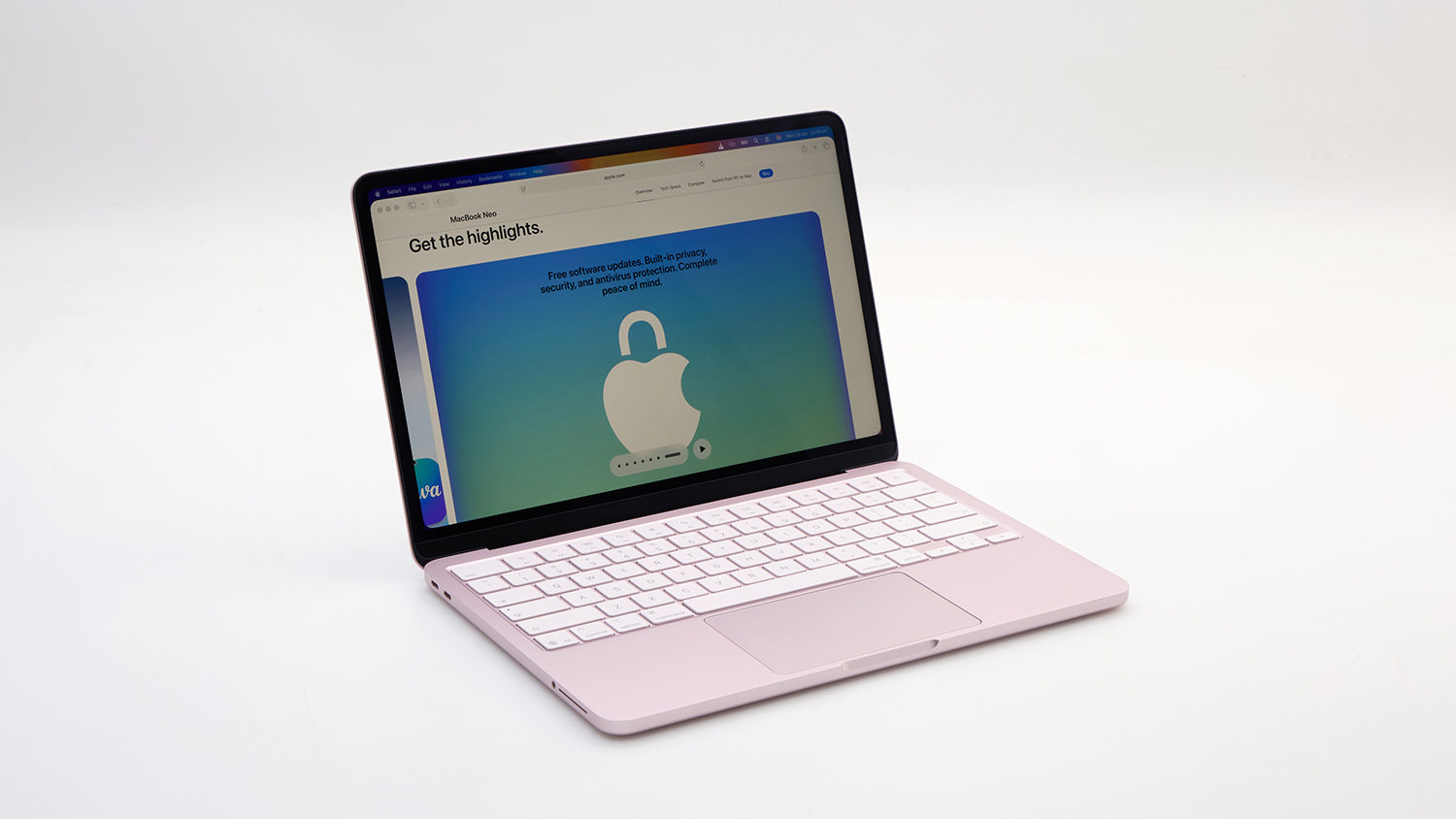
Apple’s new Neo makes the MacBook range affordable and accessible for typical users
It’s not the fastest or most powerful laptop, but CHOICE experts found it to be ideal for average daily use and students that don’t have power-hungry processing needs
If you’ve been Apple-curious but couldn’t cover the cost, this could be the laptop you’ve been looking for
MacBooks are often seen as a high-end purchase, especially for students and average users who don’t need a lot of processing power. The costs can be hard to justify when there are so many comparable Windows-based options available at lower price points.
But with the new MacBook Neo, Apple has firmly planted a flag in the sub-$1000 laptop category. It may not be the quickest laptop out there but it’s definitely suitable for most high school and university work or as a no-fuss option for keeping on top of things at home.
What makes the MacBook Neo different?
While the Neo is lacking some of the frills that you’ll find in the standard MacBook range, Apple has managed to keep the price tag low by turning to the good old iPhone. This laptop is powered by much of the same tech and hardware found in the iPhone 16 Pro: the A18 Pro CPU.
This laptop is powered by much of the same tech and hardware found in the iPhone 16 Pro
It’s hard to believe that a smartphone chip is powerful enough to run a laptop, but this just shows how far mobile processors have come. You’re unlikely to notice many, if any, performance issues unless you’re running particularly demanding programs.
The MacBook Neo has an iPhone 16 Pro processor under the hood.
It’s a good entry point for the average person who wants to try the MacOS environment, although it may be overkill for typical primary school students who only need basic software.
The Neo can run most software for high-school media classes. Photo and music editing are no problem and it can even handle basic video work and 3D modelling programs like Blender.
That said, highly detailed work or more advanced design and entertainment software may be a bit beyond its capabilities.
Meanwhile, typical day-to-day tasks like web browsing, office work, school assignments, communications (e.g. FaceTime) and music and video streaming are a breeze. There’s even enough grunt for gaming as well (after school of course), as long as you don’t push the graphics beyond “very-high”.
Software compatibility isn’t an issue, even though the chip has been plucked from a phone. If a program already works with MacOS, it will work on the Neo. No need to worry about laggy emulation.
While many new laptops are opting for the latest Wi-Fi 7 standard, the Neo ships with Wi-Fi 6E, though this is nothing to scoff at. It can still make use of the speed offered by top-tier NBN plans if your router supports them.
The battery lasted for five hours in our heavy usage test, which loops a local full HD video at full brightness with Wi-Fi on. That’s decent, but pretty short compared to similarly priced models.
Real-life mileage will vary depending on how you use the laptop. Though students should be aware that it probably won’t last a full school day.
Battery life is decent, but pretty short compared to similarly priced models
Fortunately, the supplied 20-watt charger is pretty small with a braided cable that’s easy to coil and carry around. You should be able to make it through a day with semi-regular access to power outlets, though it can be slow to charge, taking over two hours to reach 80%.
Text-only accessible version
Apple MacBook Neo battery life compared
HP Chromebook Plus 15a – $699. Battery life, 380 minutes.
Asus Vivobook Go 14 E410K – $599. Battery life, 313 minutes.
Apple 13-inch MacBook Neo – $899. Battery life, 299 minutes.
Acer Aspire Go 15 – $1199. Battery life, 287 minutes.
Performance comparison to similarly priced laptops. Battery life tested under a heavy-usage scenario with the power management features set to maximum performance and screen brightness to 100%, with Wi-Fi turned on and connected to a network. RRP as of May 2026.
Is the MacBook Neo nice to use?
When you’re shopping for a laptop under $1000, one of the compromises can often be build quality. Apple has managed to dodge this issue with good quality design and materials that don’t feel cheap.
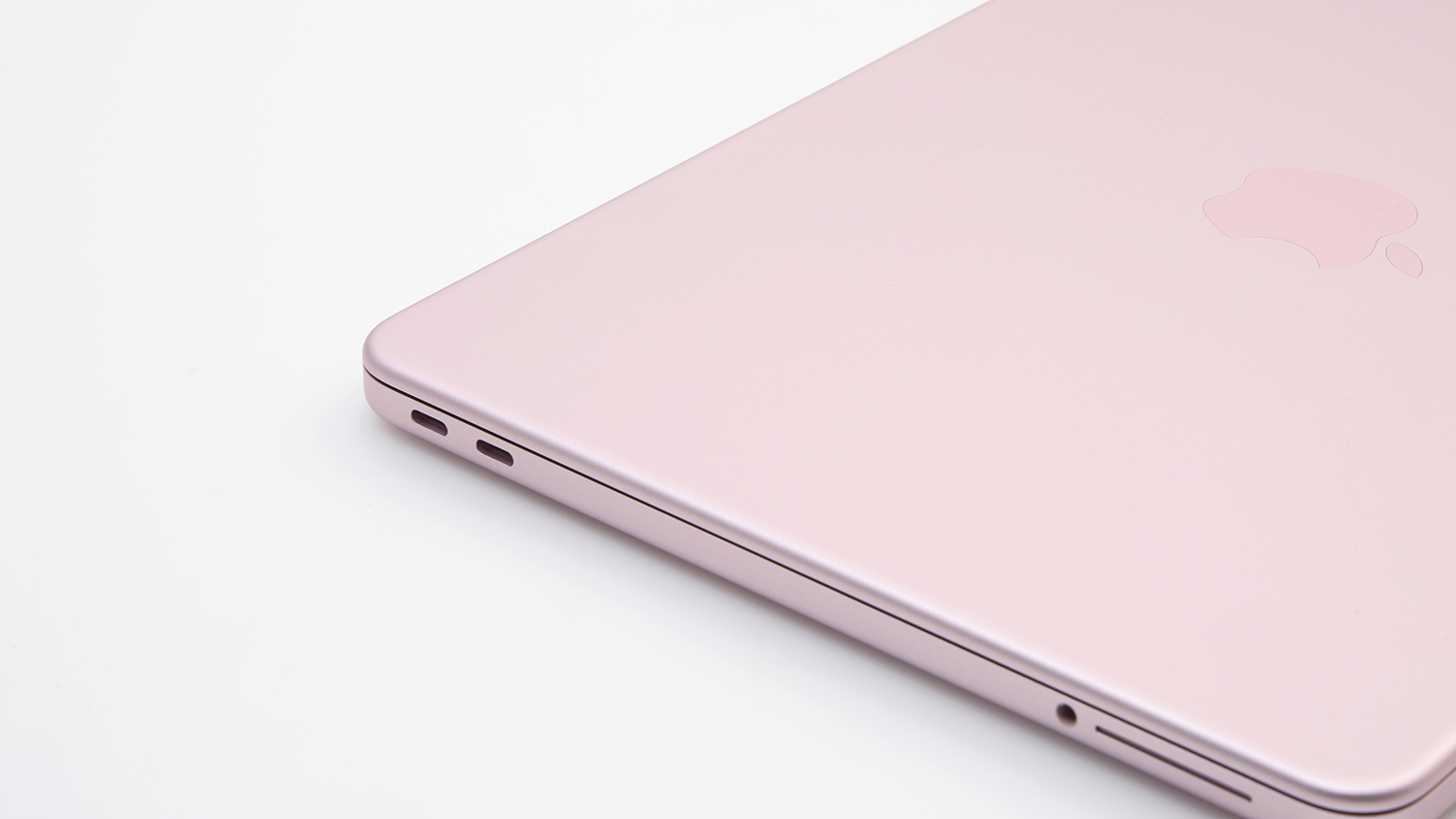
The MacBook Neo is made out of recycled aluminium, which gives it a decently robust, solid feel. This is helped by the fact that there aren’t many ports along the edges, nor any moving parts on the inside.
The MacBook Neo is made out of recycled aluminium, which gives it a decently robust, solid feel
So, while a sturdy case and stern conversation about laptop care and safety are strongly encouraged, it should be pretty resistant to daily wear when you’re out of the house.
It’s comfortable to use, with a 13-inch glossy screen that has high-dynamic range (HDR), wide viewing angles and very good colour and detail. It’s relatively bright (456 nits) and has an anti-reflective coating that does a good job of minimising the impact of surrounding lights.
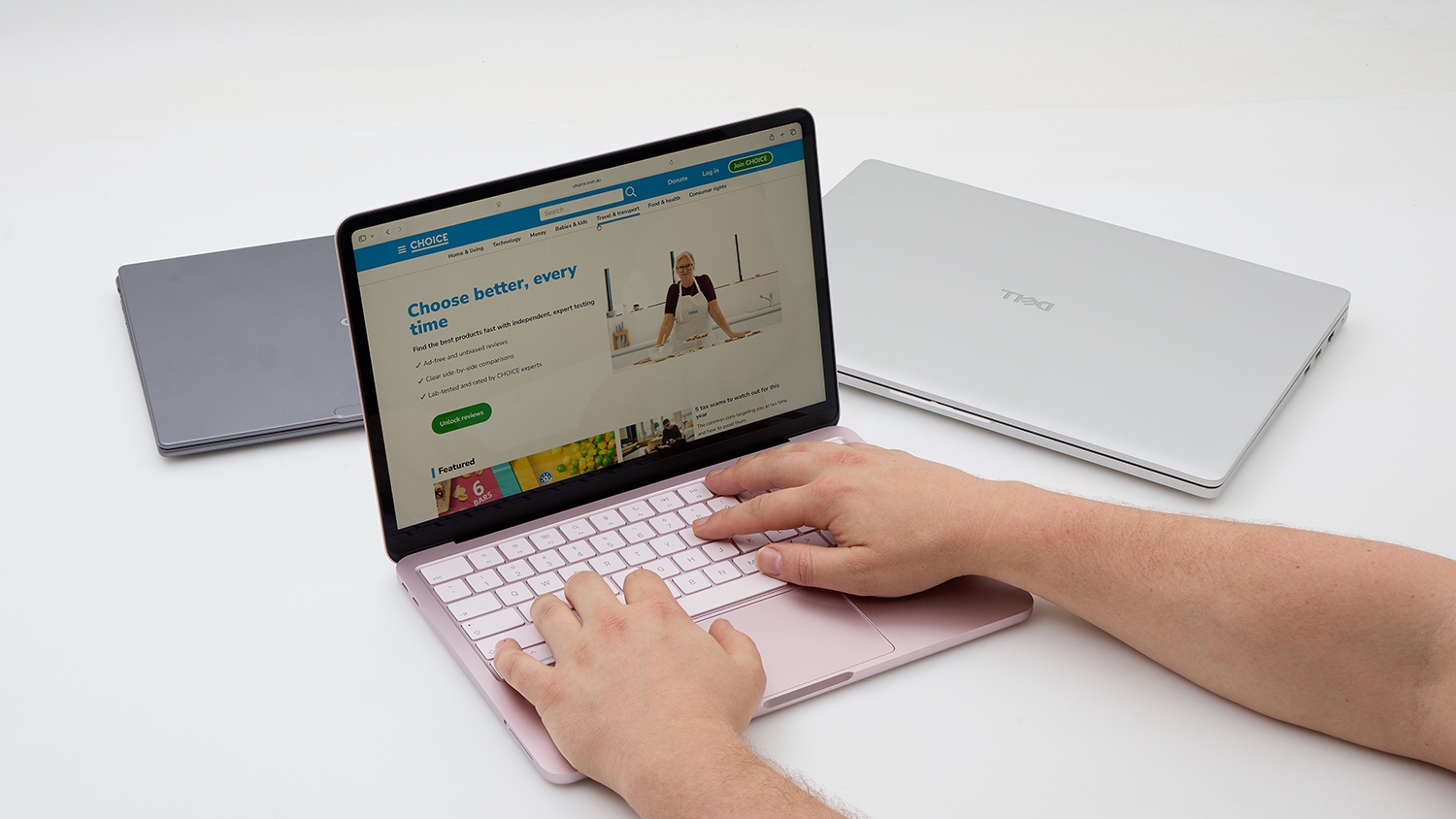
The Neo’s keyboard feels nice to use.
A tiny bit smaller than a sheet of A4 paper, the Neo’s size is pretty manageable. It is a little heavy compared to laptops of a similar class, at 1.23kg on its own and 1.33kg with the supplied USB-C power adapter. This probably won’t impact day-to-day use, though it is worth keeping in mind when travelling.
The keyboard is fine, for the most part. It feels nice when typing and the keys don’t make much noise, but Apple hasn’t included a backlight. That’s not really a deal breaker, though it is one of the more obvious cost-cutting omissions in the Neo. Its large trackpad feels smooth and responsive.
Speakers sound OK (better than most laptops) which is suitable for casual listening like podcasts, video chats and the like. Webcam quality is good overall but can be a bit heavy on the HDR processing. Still, it’s perfectly fine for chatting with friends, family, colleagues and clients.
The Apple MacBook Neo isn’t the fastest or most powerful laptop around, but it performs very well for the price. If you’re Apple-curious but haven’t had the cash to splash, the Neo is absolutely worth picking up.
Specifications sit at the more affordable end and may not meet everyone’s user requirements out of the box. Upgrades are available, but costs can quickly push towards the mid-range category if you’re not careful. For example, if you want the convenience of fingerprint login with Touch ID, you’ll need to upgrade to a model costing $1099.
If you’re Apple-curious but haven’t had the cash to splash, the Neo is absolutely worth picking up
By default, you get a 256GB solid state drive. This may not be much in today’s media-heavy world, so you may need to pay for the 512GB upgrade, an external storage device or a cloud backup plan, especially if you, or your child, are studying multimedia, design, or any other subject with large files.
The Neo only has two USB-C ports, so a USB-C hub might be a good investment if you want to use a second screen. Get one that has USB-A ports and HDMI, so you can then easily connect a second screen and external keyboard and mouse (note, use the USB-C port nearest to the rear of the laptop, because the other one has less bandwidth and can’t support a monitor).
But these are pretty minor shortcomings when the main drawcard of the Neo is its price tag. Apple has entered the affordable computing space (relatively speaking) with a very competitive product that gives its Windows counterparts a legitimate run for their money.
Elias Plastiras tests a range of technology in the CHOICE computer lab, from laptops to smart home innovations and interconnected devices.
Prior to CHOICE, Elias spent 17 years working for Australian PC World, testing and writing about PCs and other small business gear. Elias tested almost everything in the PC realm, from 56K modems to network printers, as well as more mainstream consumer gear such as media players and PVRs.
Elias enjoys testing products in a rigorous fashion, to highlight the good and the bad for the benefit of the consumer.
Elias Plastiras tests a range of technology in the CHOICE computer lab, from laptops to smart home innovations and interconnected devices.
Prior to CHOICE, Elias spent 17 years working for Australian PC World, testing and writing about PCs and other small business gear. Elias tested almost everything in the PC realm, from 56K modems to network printers, as well as more mainstream consumer gear such as media players and PVRs.
Elias enjoys testing products in a rigorous fashion, to highlight the good and the bad for the benefit of the consumer.
For more than 60 years, CHOICE has been fighting the good fight for Australian consumers.
In the past year alone we've uncovered systemic issues with sunscreens, investigated shonky supermarket pricing, fought for stronger scam protections and helped make complex energy pricing fairer and clearer.
CHOICE is here to provide unbiased advice and independent testing in our world-class labs. We buy the products we test, just like you do, and our expert reviews are influence free. We’re here to help you choose smarter. Hopefully you’ll also save some money along the way.
Thanks to CHOICE, you’ll never be alone when a business treats you unfairly. You can support our work by joining or donating to our cause.