
Filter brands
Brands
Cost
Price
$299
$599
$250
$300
$530
$349
$599
$799
$197
$299
$499
$569
Annual running cost
$28.56
$52.53
$25.89
$22.63
$33.89
$30.4
$34.87
$57.36
$27.69
$27.59
$52.35
$45.92
Type
Type
Wi-Fi 7
Wi-Fi 7
Wi-Fi 7
Wi-Fi 7
Wi-Fi 7
Wi-Fi 6E
Wi-Fi 7
Wi-Fi 7
Wi-Fi 7
Wi-Fi 7
Wi-Fi 7
Wi-Fi 7
Tri-band router (6GHz)
Maximum NBN download speed (Mbps)
2000
2000
2000
2000
2000
1000
2000
2000
2000
2000
2000
2000
Recommended products
Recommended
Recommended
Recommended
Test results
CHOICE Expert Rating
Performance score
Ease of use score
Parental controls score
Single client score
Multi client score
Obstructed range score
Sustainability
Annual power consumption (kWh)
71
131
65
57
85
76
87
143
69
69
131
115
Warranty (years)
3
3
1
3
3
2
2
2
3
3
3
2
Claimed firmware update period
4 years; ends 31 December 2029
4 years; ends 31 December 2028
3 years from end of sale
5 years from end of sale; until at least 30 June 2031
5 years from end of sale; until at least 30 June 2031
5 years; ends 27 October 2027
Until end of service period; service period not found
Until end of service period; service period not found
TBD
TBD
TBD
Not stated
Country of origin
China
Vietnam
China
Vietnam
Vietnam
Vietnam
Thailand
Thailand
China
China
China
Vietnam
Comments
Pros
- You don't need an online account to set it up
- Very good parental controls included (URL blocking, scheduling, age-based profiles)
- Mobile backup via USB
- Handled multi-client streams without interruption
- Very good close range performance to a single client
- You don't need an online account to set it up
- Very good parental controls included (URL blocking, scheduling, age-based profiles)
- Mobile backup via USB
- Handled multi-client streams without interruption
- You don't need an online account to set it up
- Handled multi-client streams without interruption
- Band-steering selected the fastest available band in our obstructed range test
- Unobtusive design that could be suitable for a living area
- Handled multi-client streams without interruption
- Band-steering selected the fastest available band in our obstructed range test
- Very good close range performance to a single client
- Very good close range performance to multiple clients
- Unobtusive design that could be suitable for a living area
- Handled multi-client streams without interruption
- Unobtusive design that could be suitable for a living area
- Handled multi-client streams without interruption
- Band-steering selected the fastest available band in our obstructed range test
- Very good close range performance to a single client
- Unobtusive design that could be suitable for a living area
- Handled multi-client streams without interruption
- Excellent close range performance to a single client
- Unobtusive design that could be suitable for a living area
- Handled multi-client streams without interruption
- Very good parental controls included (keyword blocking, bedtime, age-based profiles)
- Handled multi-client streams without interruption
- Very good parental controls included (keyword blocking, bedtime, age-based profiles)
- Handled multi-client streams without interruption
- Excellent close range performance to a single client
- Excellent close range performance to multiple clients
- Very good parental controls included (keyword blocking, bedtime, age-based profiles)
- Handled multi-client streams without interruption
- Very good close range performance to a single client
- Very good close range performance to multiple clients
- You don't need an online account to set it up
- Has extensive controls for device access times and filtering
- Unobtusive design that could be suitable for a living area
- Handled multi-client streams without interruption
Cons
- Poor performance from obstructed range
- Older 2.4GHz test device (LIFX LED bulb) could not be installed on the band-steered network; had to separate the 2.4GHz and 5GHz networks and then re-enable band-steering for it to be installed on the main network, but it includes an IoT network by default to get around this issue
- Band-steering did not select the fastest available band in our obstructed range test
- Older 2.4GHz test device (LIFX LED bulb) could not be installed on the band-steered network; had to separate the 2.4GHz and 5GHz networks and then re-enable band-steering for it to be installed on the main network, but it includes an IoT network by default to get around this issue
- Large and imposing design that may not be suitable for a living area
- Band-steering did not select the fastest available band in our difficult range test
- Firmware check was not automatic during setup; could not find a way to update firmware through the app
- Available parental controls are unintuitive and worked inconsistently
- Must ensure WPA3 is enabled for Wi-Fi 7 to work, otherwise the router defaults to Wi-Fi 6.
- Power adapter width of 5.4cm can impede adjacent outlets
- Setup requires an online account and your phone number
- Extra parental and security features will incur separate subscription costs
- Extra parental and security features will incur separate subscription costs
- Setup requires an online account
- Setup requires an online account
- Extra parental and security features will incur separate subscription costs
- Older 2.4GHz test device (LIFX LED bulb) could not be installed on the band-steered network; had to separate the 2.4GHz and 5GHz networks and then re-enable band-steering for it to be installed
- Band-steering did not select the fastest available band in our obstructed range test
- Very good performance from difficult range
- Extra parental and security features will incur separate subscription costs
- Band-steering did not select the fastest available band in our obstructed range test
- Glitchy app that randomly popped up messages asking if we wanted to report a bug or if we needed help
- Poor performance from obstructed range
- Setup requires an online account
- Band-steering did not select the fastest available band in our obstructed range test
- Setup requires an online account
- Auto-firmware update did not detect latest firmware during setup; had to manually install newer firmware to fix this issue and also improve wireless speeds
- Older 2.4GHz test device (LIFX LED bulb) could not be installed on the band-steered network; had to separate the 2.4GHz and 5GHz networks and then re-enable band-steering for it to be installed
- Band-steering did not select the fastest available band in our obstructed range test
- Setup requires an online account
- Band-steering only present on 2.4GHz and 5GHz networks; must connect connect compatible devices to the faster 6GHz network manually
- 2.4GHz network was very slow in the obstructed range test, indicating it would not perform well in an environment with busy 2.4GHz activity
- Extensive controls and configuration options are present, but does require some experience or learning
- Out-of-box performance was much slower than expected; had to change channel width to 320MHz to attain the fastest speed
- Band-steering did not select the fastest available band in our obstructed range test
Tester comments
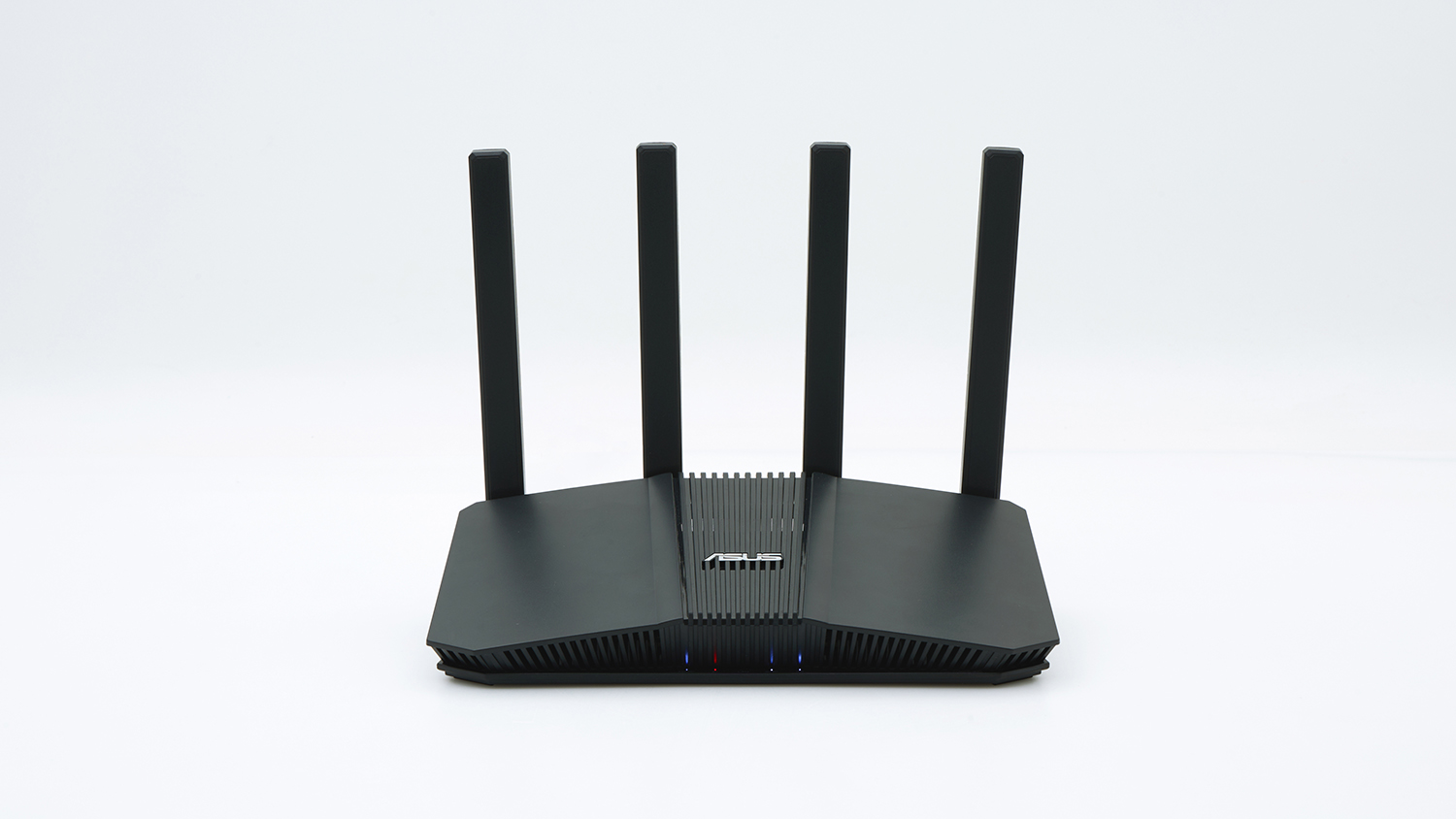
The ASUS BE3600 is an entry level, dual-band Wi-Fi 7 router that won't win many drag races, but it will perform well when conducting multiple devices. Long distance might be an issue for it, as it was one of the slowest performers in our obstructed range test, so we think it's suitable for small homes only. Setting it up was relatively easy via the ASUSRouter app, and you don't need an online account to do so. The app itself has plenty of settings and includes some useful parental features. Physically, the router has protruding antennas, but a comparatively compact size.
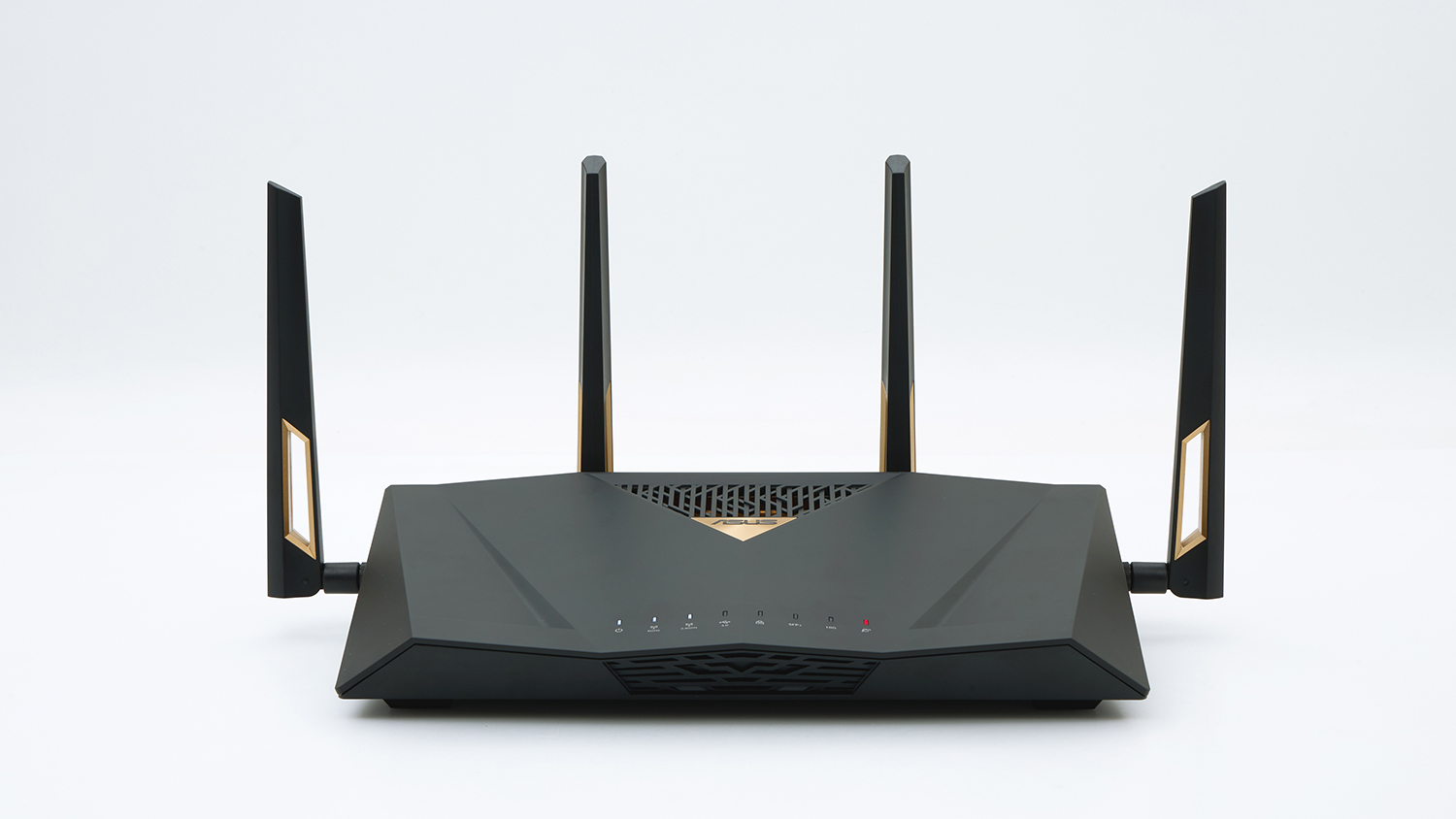
ASUS's BE2700 is physically imposing and may not be welcomed in some households, even if its performance can help drive a busy network easily. Its close range performance was very good to single clients and good to multiple clients, reaching speeds that were almost comparable to faster tri-band Wi-Fi 7 routers. Setup was easy via the ASUSRouter app, and an online account wasn't needed. It has plenty of features and configuration options, and has an IoT network enabled as part of the setup, so older devices can be connected and isolated to their own network (the main network did not support our older LIFX IoT device, so the IoT network was convenient to have). You also get a very good range of parental controls.
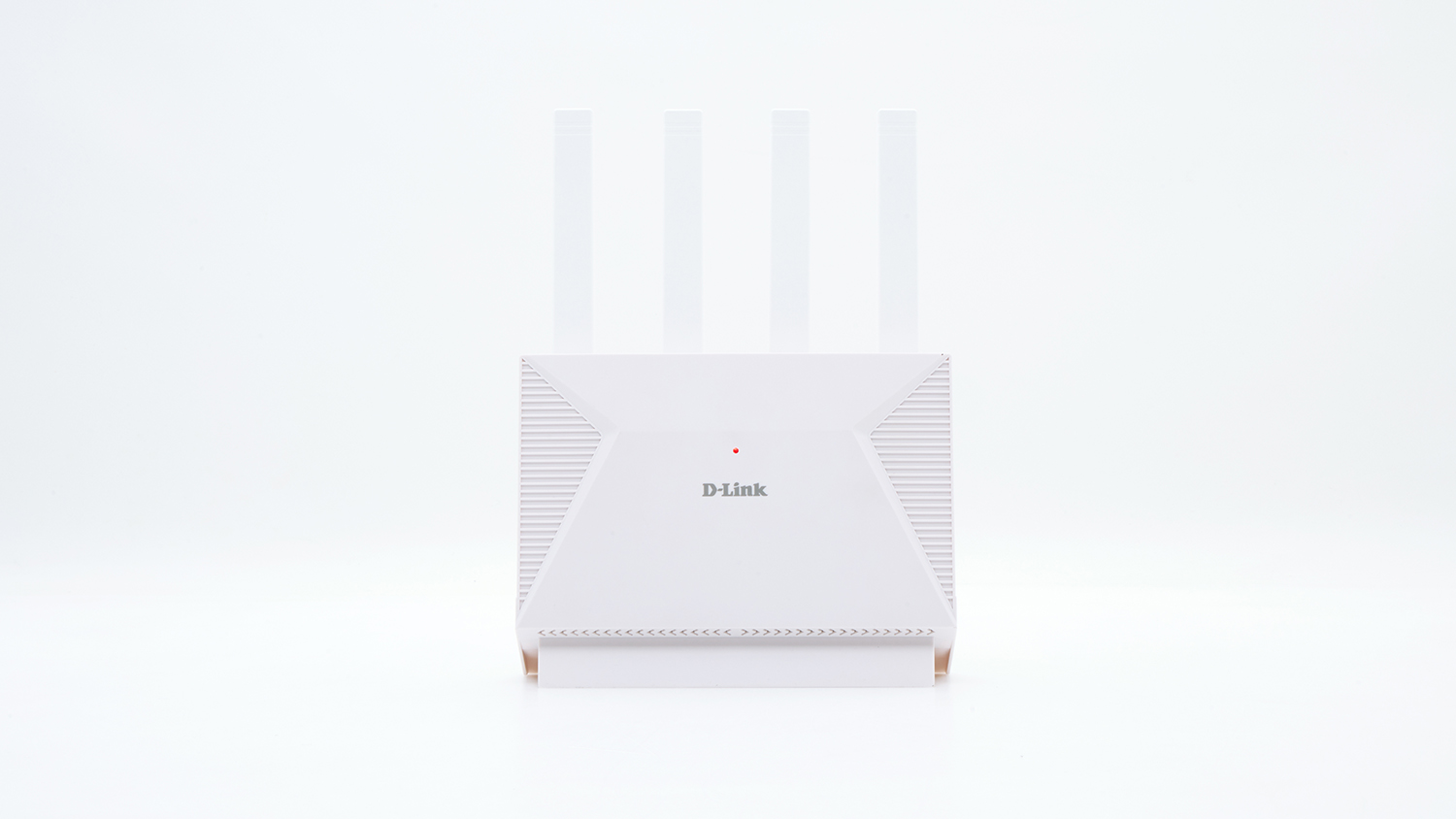
D-Link's BE3600 is an entry level, dual-band Wi-Fi 7 router that would suit a small household. It performed OK in our close-range tests, both to single and multiple clients, though it was noticeably slower in the latter test compared to routers in the same speed class (BE3600). Setup is via an app where users are asked to select WPA2 or WPA3 encryption. WPA3 is required for Wi-Fi 7, otherwise the router defaults to Wi-Fi 6. This is confusing for consumers that don't have a technical understanding of home networking. Needs some better guidance for its included parental controls, and an ability to check firmware updates through the app. Needs some better guidance for its included parental controls, and an ability to check firmware updates through the app.
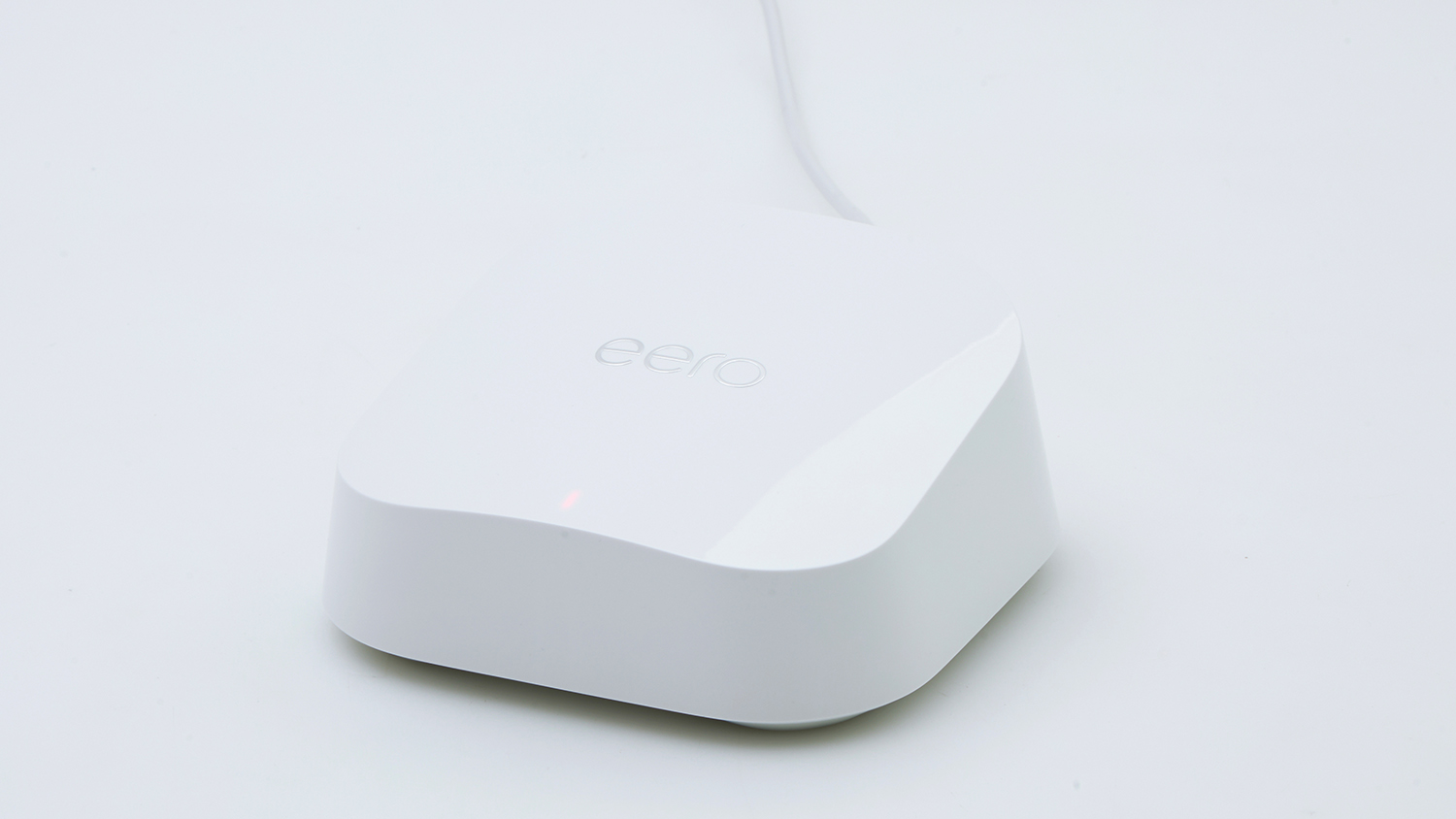
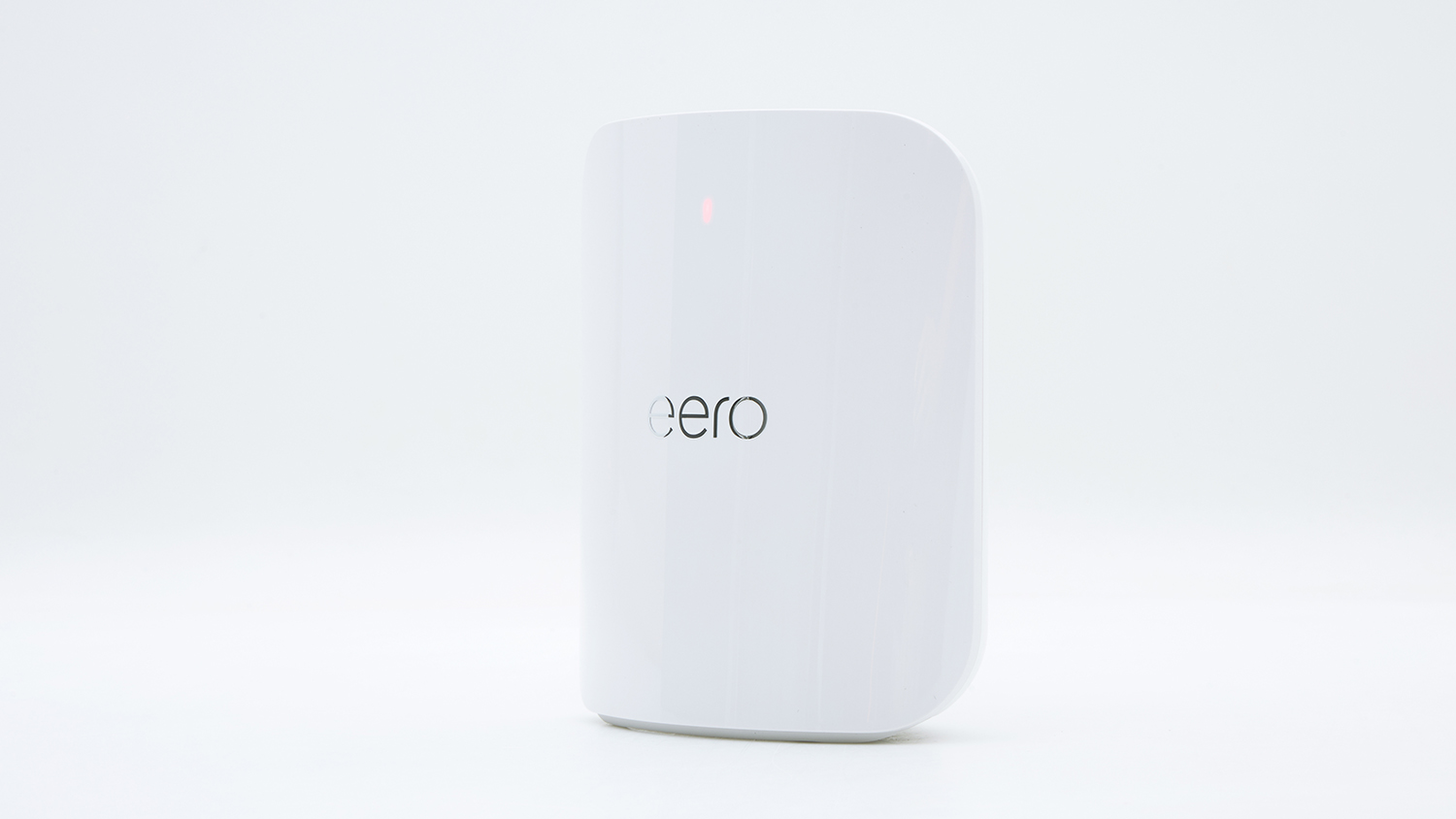
The Eero 7 is a small and unobtrusive router. It's an entry-level, dual-band Wi-Fi 7 model, with a capacity that should suit a small household easily. We observed good performance to a single client from close range, and it was OK to multiple devices from close range. It can be used as part of an Eero mesh network if you buy it in a 3-pack. Set up is very simple via the app, but it does need an online account and you must supply your phone number so it can verify who you are.
Eero's 7 Pro is a step up from the the Eero 7 in terms of performance, offering plenty of speed to clients at close range. It would suit a small but busy household, and even though it's a more powerful router, it's still relatively small and unobtrusive. You can buy it in a 3-pack if you want to create a mesh network to improve deadspots. Both this and the Eero 7 performed similarly in the obstructed range test, the Pro being only slightly better from the harder distance. Setup is simple via the app, but does require an online account and your phone number. There's extra costs if you want make use of more extensive parental and security features.
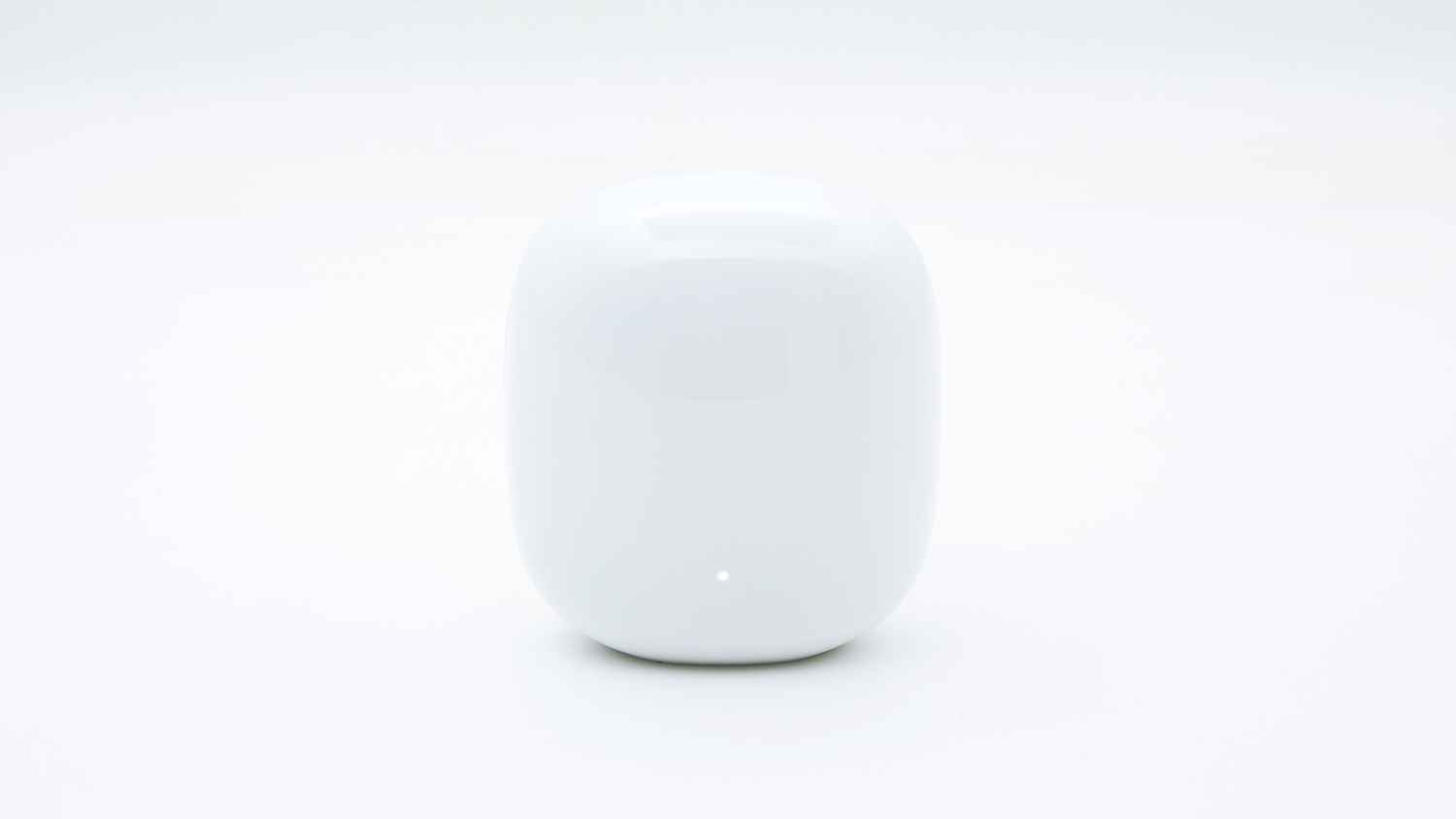
Google's Nest Wifi Pro is a Wi-Fi 6E router that should be getting replaced by a Wi-Fi 7 model soon. It's a tri-band router that's small and unobtrusive, and it can be used in a mesh network to cover a larger area if bought in a 3-pack. Performance isn't up to Wi-Fi 7 levels, but still reasonably solid for a network with many devices on it. You need to install this though the Google Home app, and need a data connection to do so; we found it to be a problem-free experience. There are barely any settings to play with, which might be just fine for most people.
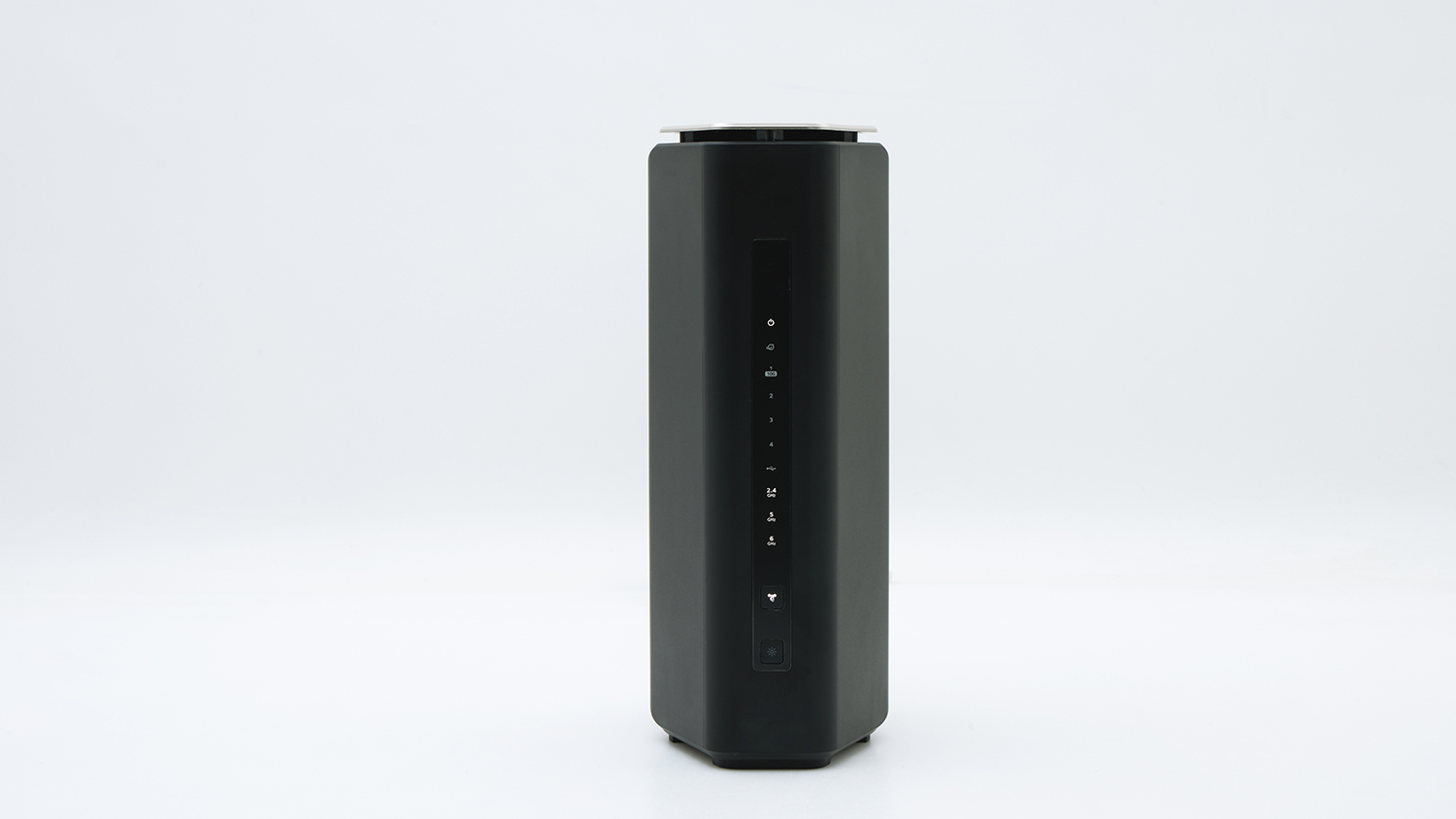
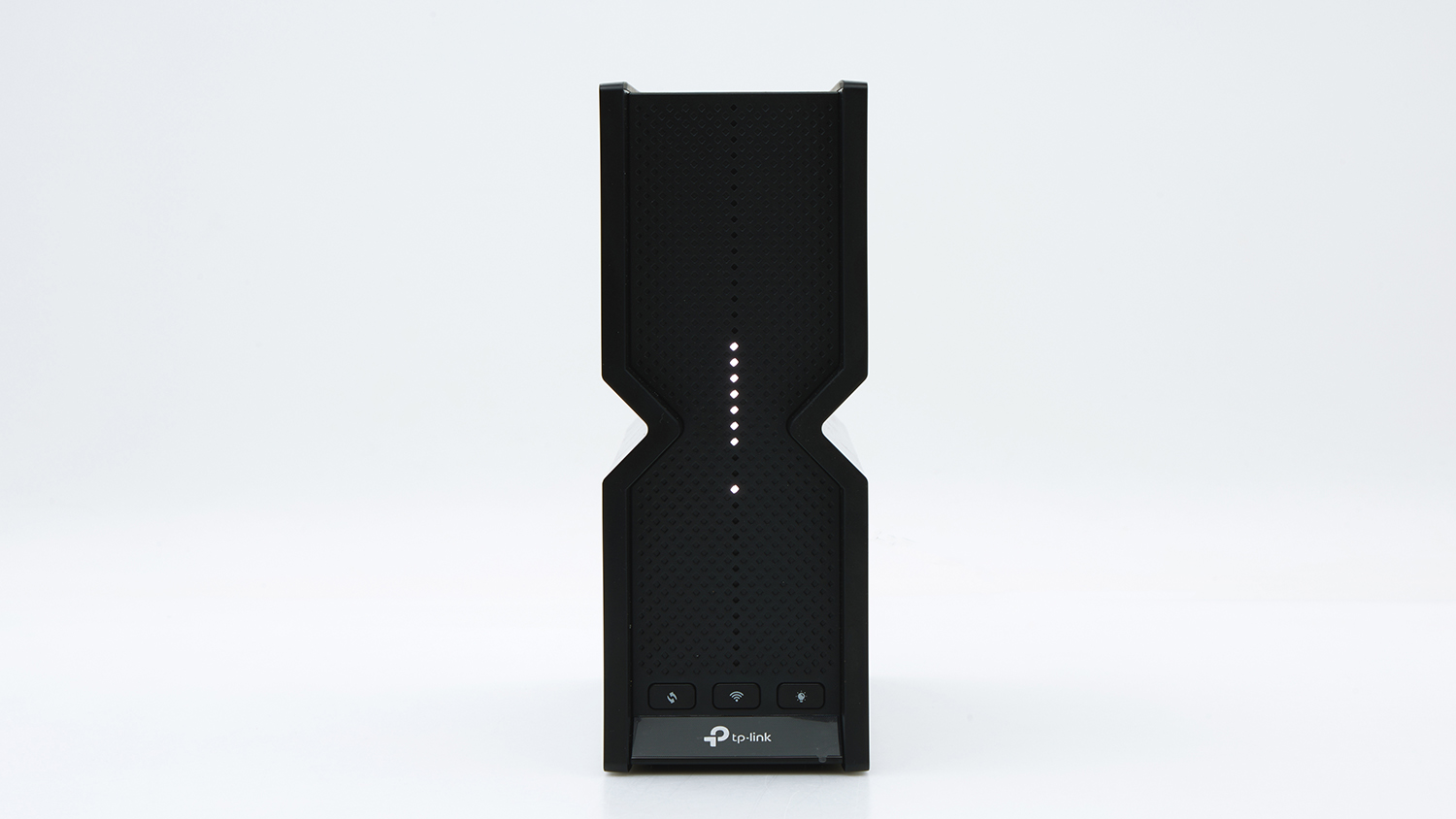
Netgear's Nighthawk RS300 is a tri-band router that's aimed at large households. Its speed rated good overall, with particular strengths in the single and multi-client close range tests. It has a tall and slender design that's relatively unobtrusive, making it possible to place in a living area without turnign heads. On the downside, its app was glitchy and limited -- subscriptions are needed if you want to make use of more advanced parental and security features -- and an online account is needed for setup.
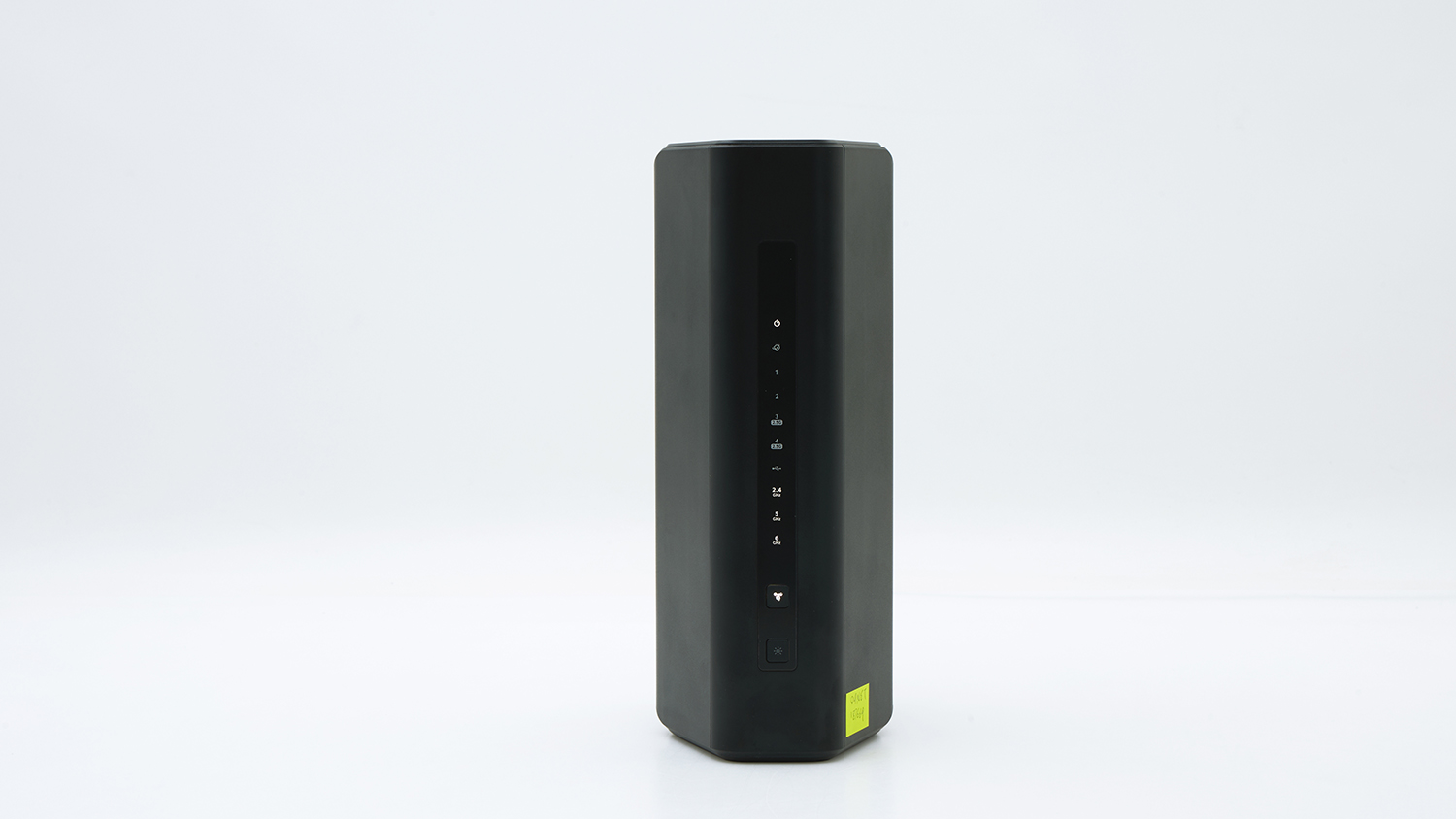
Netgear's Nighthawk RS600 router is one of the fastest Wi-Fi 7 router we've tested. It's a tri-band router that's aimed at very busy households with heavy device connection needs. Using the 6GHz band, we observed transfer speeds over 2.6Gbps (gigabits per second) to a single client, showing just how much power is under the hood, while a speed of 1.2Gbps was maintained when multiple clients were using the network. It was also the best performer in our obstructed range test, showing that it should suit larger premises, or premises with more obsctructions between the router and its clients. What needs work is the app, which we found to be glitchy and limited -- subscriptions are needed if you want to make use of more advanced parental and security features. An online account is needed for setup.
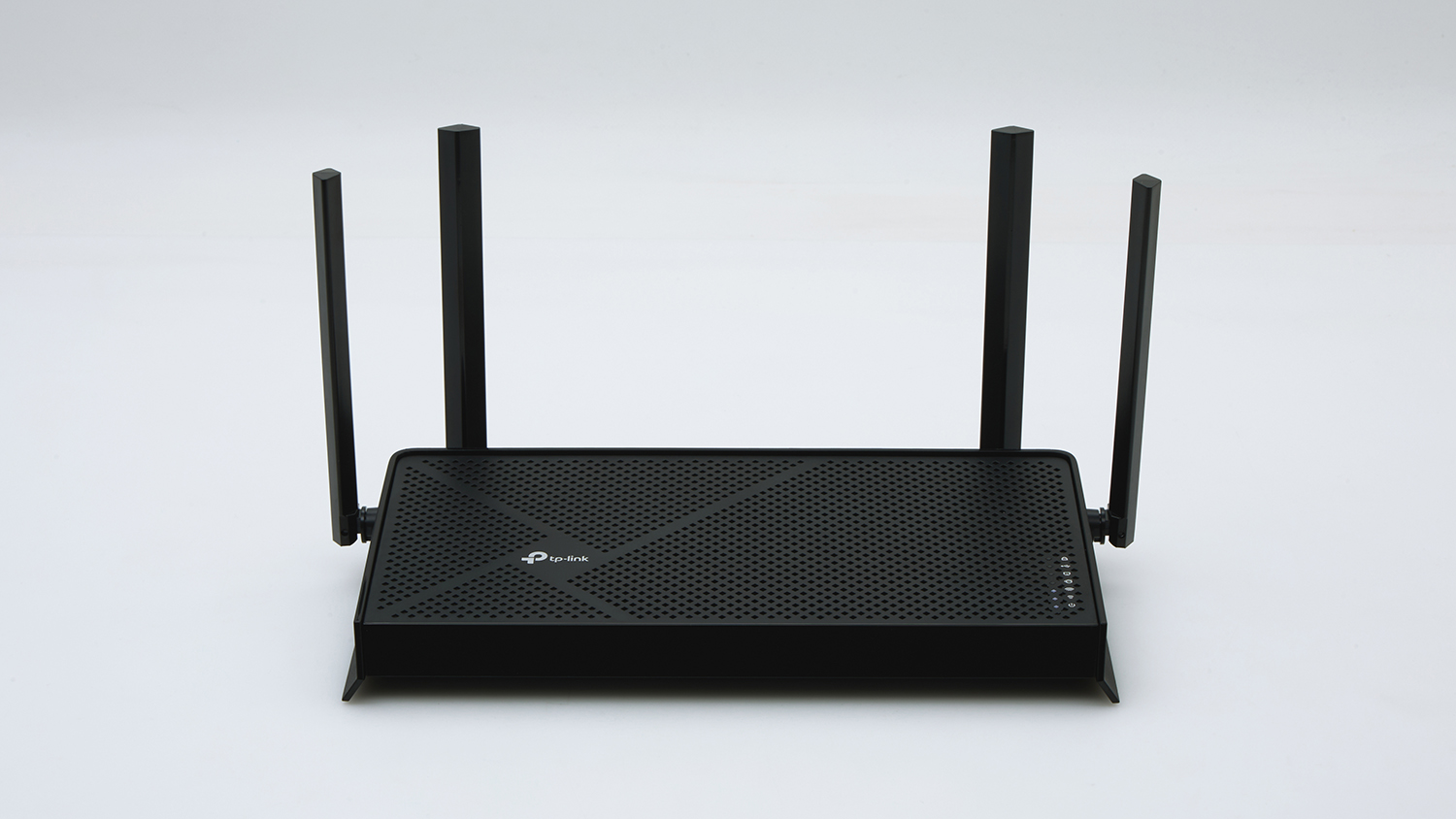
TP-Link's Archer BE230 is an entry level, dual-band Wi-Fi 7 router that would suit a small household. It was good in our single and multi-client close range tests, but struggled a bit in the longer range test. Setting it up is easy via the Tether app, but an online account is needed. There are some useful parental controls and the app has good amount of options overall. A decent entry point into Wi-Fi 7 networking.
The TP-Link Archer BE400 is a bit better than an entry level model. It has only two bands, but it offers more speed and better capacity for multiple client connections than lower end routers. Setup was simple via the Tether app (which needs an online account), but slow out-of-box performance highlighted the need for a firmware update. The firmware did not auto-update properly during setup, and we had to manually download and install the latest firmware before the auto-check worked properly -- and it also sorted out the speed issues. It's suitable for a moderately busy household, but be sure to check it's running the latest firmware so that you don't get shortchanged on performance.
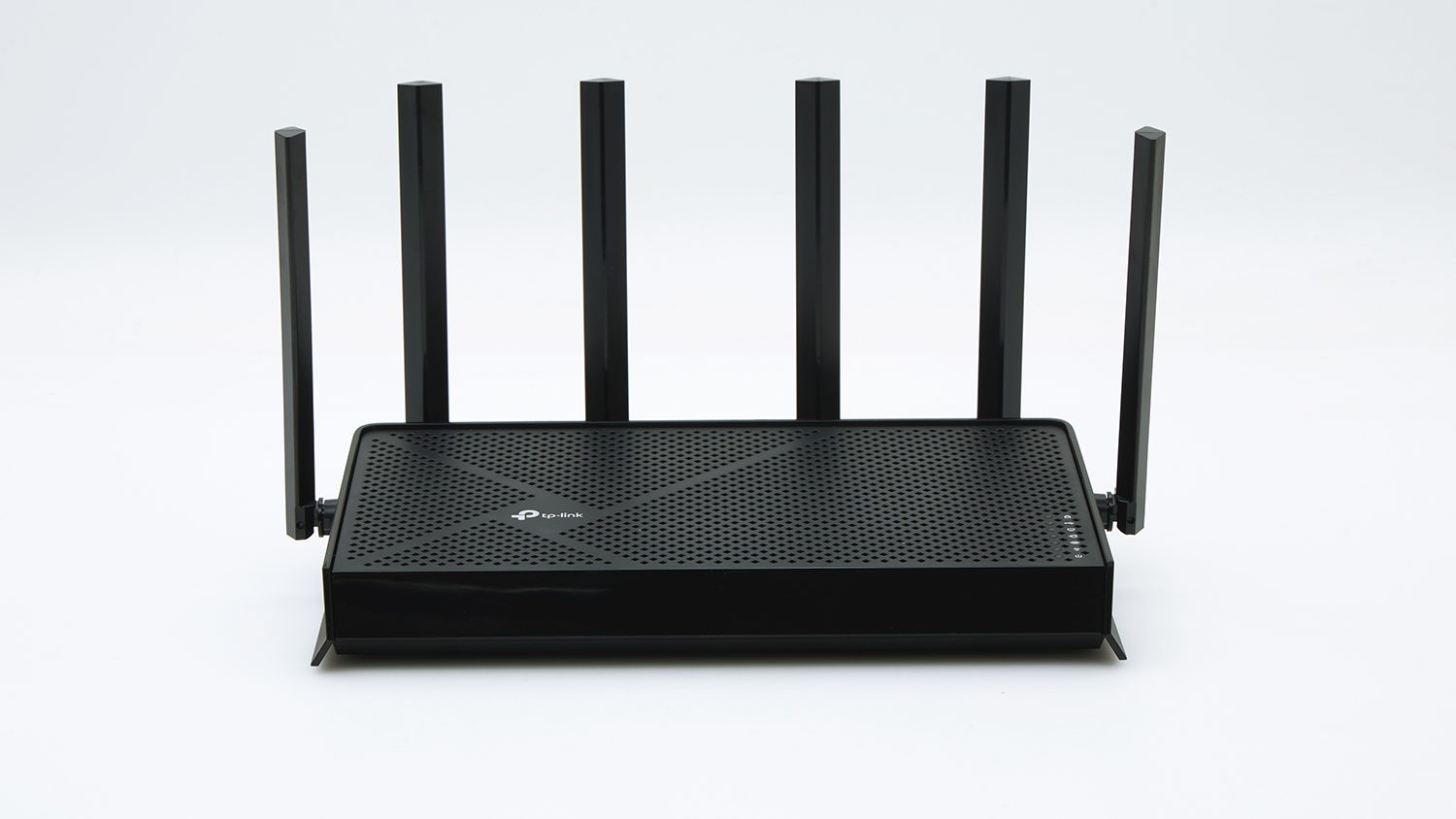
TP-Link's Archer BE550 is a tri-band Wi-Fi 7 router that can provide blazing speeds to compatible devices. It comes pre-configured with two networks, one 2.4GHz and 5GHz combined network, and one dedicated 6GHz network. Newer laptops and other devices that can run on the 6GHz Wi-Fi 7 network will benefit from very fast speeds well over 2Gbps, and the router as a whole will have no problems handling a lot of simultatneous connections -- it was the fastest router by a wide margin in our multi-client test. It was merely OK in the obstructed range test, and we found its 2.4GHz band to almost unusable for file transfers from longer distance, its 5GHz and 6GHz networks performing much better. It was easy to install via the Tether app, but needs an online account.
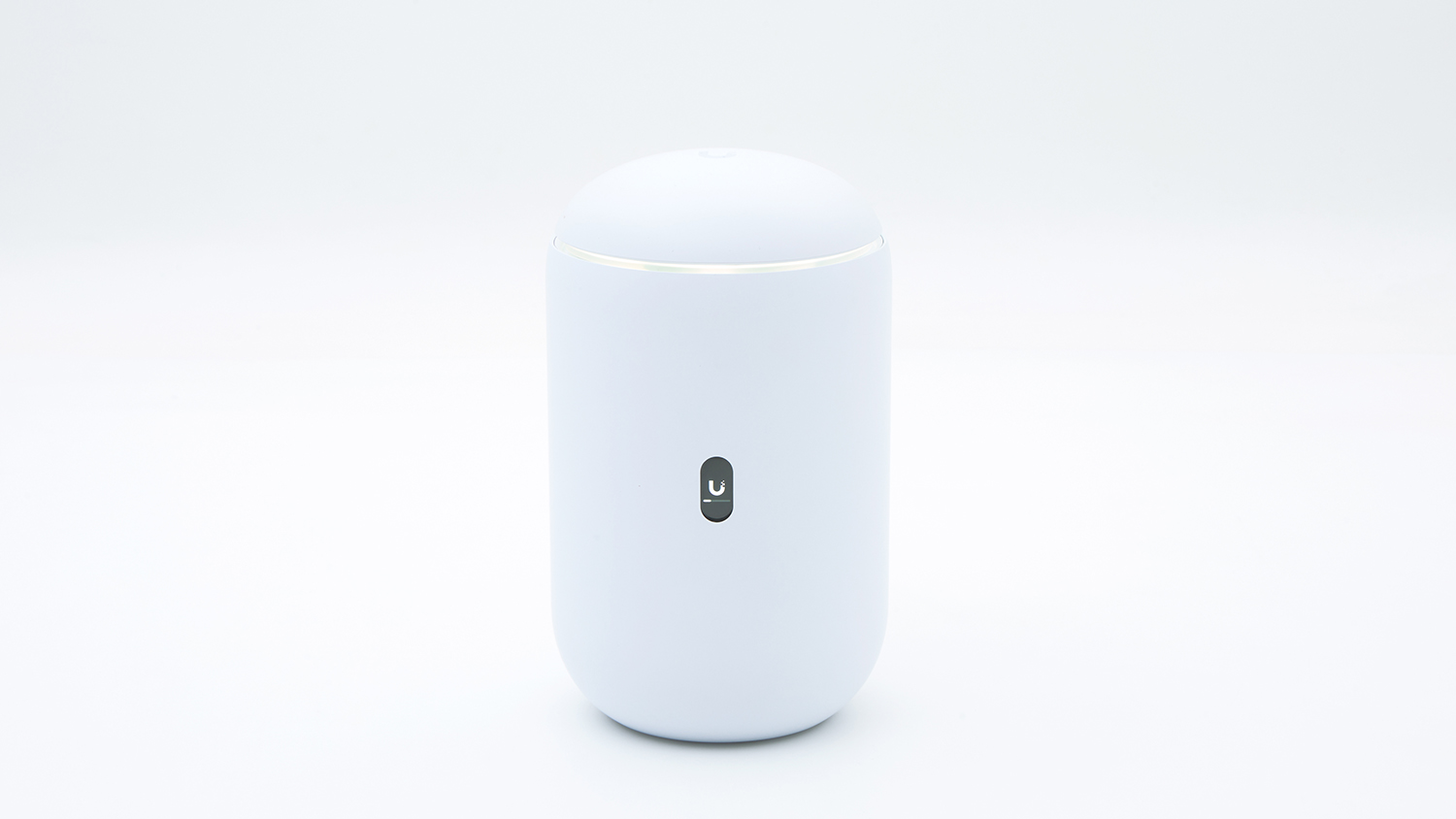
The Ubiquiti UniFi Dream 7 offers very good close range performance for busy networks, and can be connected to a range of optional access points if installed in a sprawling property. The interface is advanced, with extensive network controls and highly detailed information about the wireless environment and the devices connected to it. It's not the type of product you would go for unless you already know, or are keen to know a bit more about networking. It has an unobrtusive design, and is the only router we've seen recently with an LED screen that can show live network stats.
Features
Wi-Fi bands
2.4/5
2.4/5
2.4/5
2.4/5
2.4/5/6
2.4/5/6
2.4/5/6
2.4/5/6
2.4, 5
2.4/5
2.4/5/6
2.4/5/6
Maximum claimed speeds (Gbps)
0.6/2.8
1.3/5.7
0.6/2.8
Not stated
0.6/4.3/5.7
0.6/1.2/2.4
0.7/2.9/5.8
0.6/5.7/11.5
0.6/2.8
0.6/5.7
0.5/2.8/5.7
0.6/4.3/5.7
Free parental controls
Parental controls
Categorical filtering can be applied from the app
Categorical filtering can be applied from the app
Social media sites can be restricted from the web interface.
Subscription needed; trial available but must supply credit details.
Subscription needed; trial available but must supply credit details.
Can enable SafeSearch
Subscription needed for Parental Controls via app
Subscription needed for Parental Controls via app
Categorical filtering can be applied from the app
Categorical filtering can be applied from the app
Categorical filtering can be applied from the app
Firewall rules can be set based on categories such as social media and online gaming
Mesh network support
Mesh network compatability
AiMesh
AiMesh
D-Link Wi-Fi Mesh
Eero Mesh
Eero Mesh
Not specified
N/A
N/A
EasyMesh
EasyMesh
EasyMesh
Not specified
4/5G backup
VoIP
DLNA
MU-MIMO
Multi link operation (MLO)
Band steering
Yes (2.4GHz and 5GHz only)
Guest networks
WPS
Turn LED lights on/off
Wall mountable
USB drive sharing
Web interface
Default encryption
WPA2/WPA3
WPA2/WPA3
WPA2
WPA2
WPA2/WPA3
WPA2/WPA3
WPA2/WPA3
WPA2/WPA3
WPA2/WPA3
WPA2/WPA3
WPA2/WPA3
WPA2/WPA3
VPN
VPN type
Server and client, via app
Server and client, via app
Client, via web interface
N/A
N/A
N/A
Server, via web interface
Server, via web interface
Server and client, via app
Server and client, via app
Server and client, via app
Server and client, via app
Orientation
Flat
Flat
Upright
Flat
Upright
Upright
Upright
Upright
Flat
Flat
Upright
Upright
Scheduling
Offline and online schedules
Offline and online schedules
Internet access based on time, speed
Can pause Internet access based on a schedule
Can pause Internet access based on a schedule
Bedtime via Family WiFi feature
Can only pause device Internet access via app without paid subscription to Parental Controls
Can only pause device Internet access via app without paid subscription to Parental Controls
Bedtime feature and time limits
Bedtime feature and time limits
Bedtime feature and time limits
Can schedule via firewall rules
Specifications
Antennas
External
External
External
Internal
Internal
Internal
Internal
Internal
External
External
Internal
Internal
Gigabit LAN ports
4
4
4
0
0
2
2
3
3
3
0
0
2.5 gigabit Ethernet ports
0
3
0
2
0
0
2
0
1
1
4
3
5 gigabit Ethernet ports
0
0
0
0
1
0
0
0
0
0
0
0
10 gigabit Ethernet ports
0
1
0
0
0
0
0
1
0
0
0
0
USB-2 ports
0
0
0
0
0
0
0
0
0
0
0
0
USB-3 ports
1
1
0
0
0
0
1
1
1
1
1
0
USB-C ports
0
0
0
0
0
0
0
0
0
0
0
0
WAN speed (Gbps)
2.5
10
2.5
2.5
5
1
2.5
10
2.5
2.5
2.5
2.5
Maximum channel width (MHz)
160
160
160
240
320
80
320
320
160
160
320
320
Power cable length (cm)
145
178
151
146
146
150
182
178
141
145
142
190
Setup software
App
App
App
App
App
App
App
App
App
App
App
App
Weight (g)
453
1080
502
606
749
598
938
1255
540
624
1128
1116
Dimensions (HxWxD)
192 x 150 x 235
190 x 220 x 395
270 x 70 x 430
65 x 130 x 125
185 x 80 x 145
135 x 75 x 115
250 x 150 x 100
258 x 150 x 100
157 x 165 x 300
167 x 175 x 300
203 x 230 x 78
185 x 105 x 105
Related products
Availability
Tested model
Tested model
Tested model
Tested model
Tested model
Tested model
Tested model
Tested model
Tested model
Tested model
Tested model
Tested model