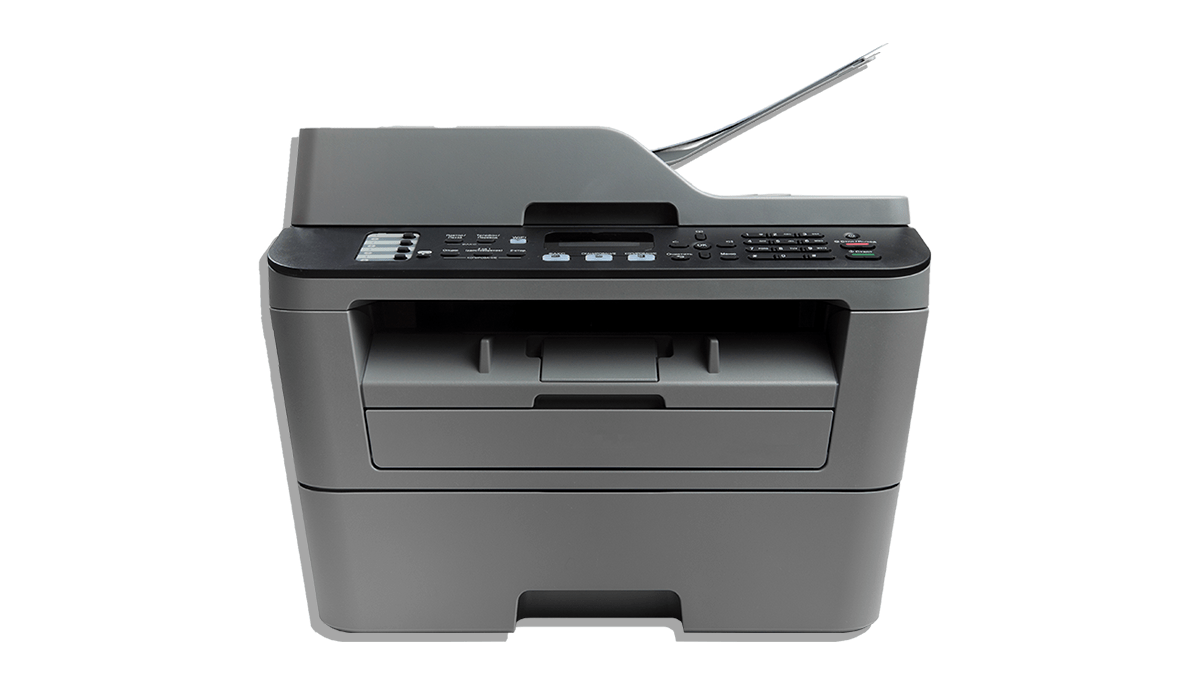
Our experts tested over 50 inkjet and laser printers from big brands including Canon, Epson, Brother, HP and more
We assess printers for print quality, printing speed, ease of use, power consumption and yearly ink and toner costs
Become a CHOICE member to read our full reviews and test results for printers
With so many models, features and costs to consider, buying a printer can be confusing. Plus, it’s not like you can try before you buy instore – if only you could rock up and print your holiday photos or kids’ homework for a test run!
That’s why CHOICE has been reviewing printers for years – so you know what you’re getting before you buy.
Our experts reviewed over 55 models, assessing key factors including print quality, speed, scanning and copying, yearly ink and toner costs, power consumption and ease of use.
In the process, we’ve uncovered some impressive printers (spoiler alert: they’re not always expensive) alongside some seriously average performers.
We don’t want you to end up with a dud, so here are the products that scored lowest in our lab tests. Consider becoming a CHOICE member to see the best performers.
Fresh prints: Our experts have tested over 55 standard and multifunction printers.
Ink usage and running costs
A quick word before we delve into the printers to avoid.
Along with testing print quality, speed and more, our experts also calculate running costs for each printer. We look at how much it costs to print a text page, a graphics page and a photo page, as well as how much you’ll spend on ink and toner over a year.
For the calculations, we’ve estimated what the average person would print in a year: 1000 mono and 500 colour prints. The colour prints are a combination of black and white text, colour text and graphics.
For the calculations, we’ve estimated what the average person would print in a year: 1000 mono and 500 colour prints
Some printers come with a supply of ink and toner as part of the purchase price, which could last you up to three years depending on how often you use it.
Our annual ink cost calculations don’t factor this in – they’re simply the cost of the cartridge divided by the number of pages it can print before running dry.
Cartridge costs are based on the latest prices provided by Printzone.
Calculating CISS printers
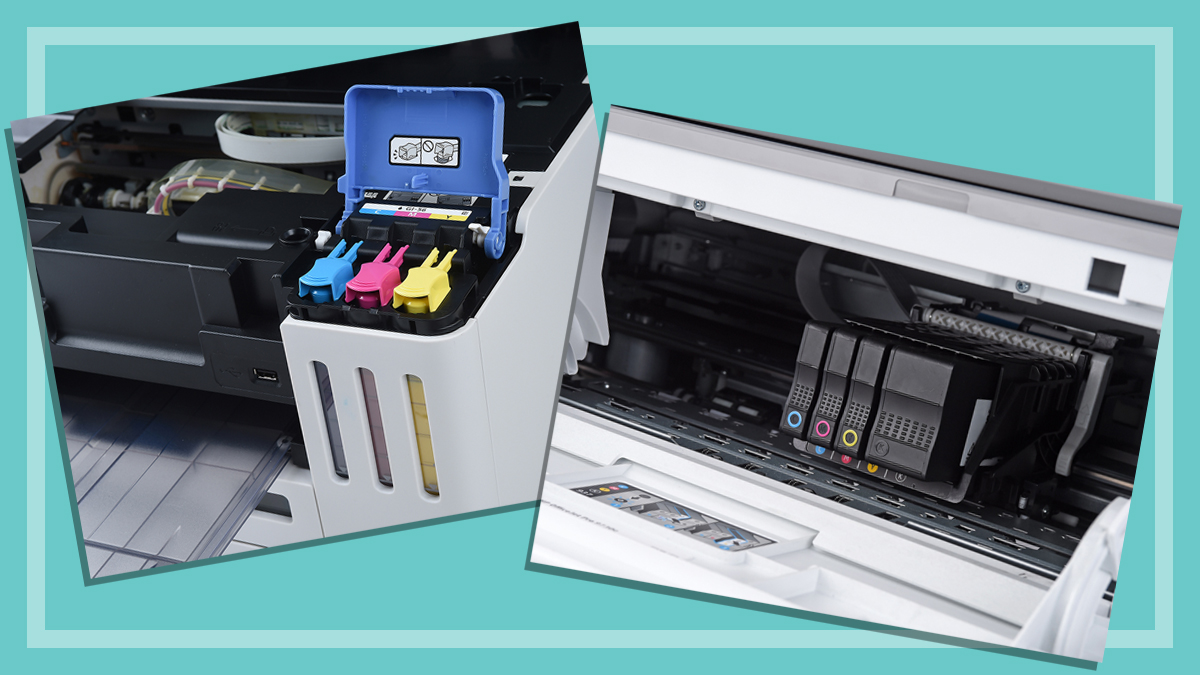
Continuous ink supply system (CISS) printers have a much higher page yield than most standard ink cartridges/toner barrels. We limit CISS ink consumption tests and cost calculations to 3000 pages in order to reduce paper waste.
This baseline exceeds our average use scenario of 1000 mono and 500 colour prints per year so the page counts and ink costs exceed the needs of most average consumers. Therefore, the annual ink and toner costs for CISS printers are in line with what you can expect to pay based on 3000 pages.
However, ink costs per text and graphics pages will be lower if you print more than 3000 pages per year. Standard cartridges/toner barrels are used to their maximum yield, including those that exceed 3000 pages.
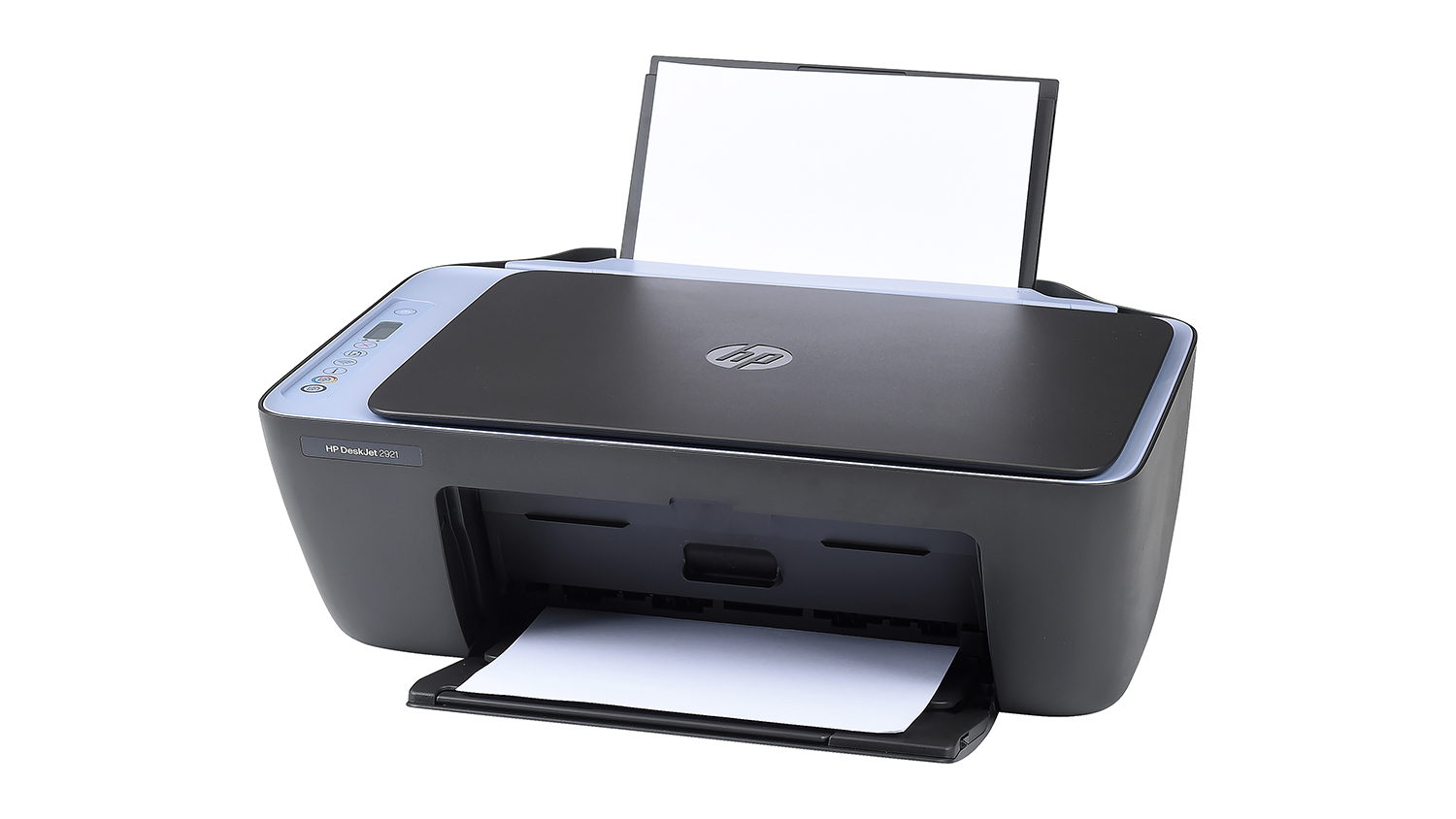
We thought we’d seen some bad performers in our time testing printers, but then these HPs arrived and said “hold our ink”.
Each model costs between 5.5 to almost 10 times more in ink each year than they do to buy in the first place.
These HP printers will truly drink your ink.
Unfortunately, millions of printer cartridges are thrown away each year, so not only will you be putting your hand in your pocket more often if you buy one of these HP printers, you’ll also be putting more waste into landfill – unless you recycle them. Even then, your hip pocket is going to hurt.
These printers are just colour variants of the same model, hence lumping them together. That said, the 2820e did get a marginally lower environmental score, so its CHOICE Expert Rating is 58%.
We thought we’d seen some bad performers in our time testing printers, but then these HPs arrived and said “hold our ink”
But as far as print, scan and copy performance goes, they’re identical and mostly middling. Print speed and quality are only OK and photocopying is poor.
They may be worth considering if you’re exclusively looking to scan pages, as these results are at the upper end of good. But just buy a scanner if that’s all you’re after.
HP’s latest addition to its very low-cost inkjet printer range shows that the company has somewhat learned from mistakes of the older 2823e profiled above. But this printer is still pretty bad.
A massive reduction in annual ink consumption is the most striking improvement over the 8023e. It cuts costs by $200 per year which seems like a huge win at first.
An improvement from HP but still an ink guzzler.
But then you realise that the original benchmark was just plain terrible and $365 is still far too much money to spend on ink every 12 months. That’s the equivalent of six new Deskjet 2923e printers every year.
But with all that in mind, printing quality isn’t too bad for the price. This printer is also very good at scanning, though copying is as woeful as its older sibling.
$365 is far too much money to spend on ink every 12 months.
It’s really just the wildly excessive ink consumption that makes this one to avoid. That alone turns what could be a halfway-decent budget printer into unrelenting drain on your wallet.
At $139, this cheaper printer isn’t an outrageously priced for its printing capabilities. Performance is firmly OK, for the most part, which is reasonable to expect from a unit that costs less than $150. But once again, excessive ink consumption rears its ugly head.
This Canon Pixma is cheap but not very cheerful.
The low RRP looks like a great deal at first, until the ink expenses exceed the cost of the printer – something that will happen every single year.
This may not be a huge issue if you only plan to print from time to time but the average user may need to start printing phony fifties to cover the annual costs.
Fortunately, it doesn’t seem to use as much ink during the cleaning cycle, which is good from a wastage point of view.
The average user may need to start printing phony fifties to cover the annual ink costs
Nevertheless, the annual expenses combined with fairly middling performance – except for the scanner which is very good – means this budget model is a hard one to recommend.
Epson Expression Home XP-4200 / Expression Home XP-4205
Type: Multifunction colour printers
CHOICE Expert Rating: 65%
Print, scan, copy score: 66%
Price (RRP): $129/$99
Annual ink/toner cost: $410
The XP-4205 is a newer version of the XP-4200, which brings minor improvements to networking functions and a longer support window. Our experts found that these changes had next to no impact on performance, with all test results matching the older XP-4200.
These cheap printers cost a lot more in the long run.
So rather than waste everyone’s time saying the same thing twice, it seemed easier to lump these absolute ink guzzlers together.
Yep, we have another example of cheap printers that end up costing a king’s ransom in ink over the course of their lifetime. A whopping $400 each year to be exact.
It would be cheaper to save up $800 over two years and spend that money on a high-end model that doesn’t cost hundreds in ink per year.
We have another example of cheap printers that end up costing a king’s ransom in ink over the course of their lifetime
It’s a shame, because print quality and speed are both good (73% and 72%) for the asking price. Scanning and copying are OK (around 60%) and even the fairly limited feature set feels acceptable for $99. But you shouldn’t have to sacrifice your savings just to feed your printer.
Though the price is reasonable for an entry-level laser multifunction printer, performance is average. You’ll end up spending more than its price tag on ink after about 18 months, which is better than other models but still not exactly economical.
A reasonable price marred by average performance.
Credit where credit is due, however. It is easy to use, power consumption is low, it prints very quickly, and the scanner digitises documents well.
Copying is poor though, making this yet another multifunction printer (MFP) that’s really only good at one thing.
Unlike the standard version of Brother’s MFC-L2800DW, the HL-L2400DW can’t scan or copy documents.
Printing performance, meanwhile, is exactly the same so, yes, you can still get OK quality prints very quickly, which might appeal if you prefer speed over quality.
This printer delivers average quality very quickly.
In a way, the lower RRP feels like less of a deal as you’ll end up spending more on toner each year.
It’s actually cheaper to just replace the MFC-L2400DW on an annual basis.But don’t do that, please, our environment can only take so much.
Before you start shopping around, it’s essential to consider how you plan to use your new printer.
CHOICE tech expert Peter Zaluzny says:
“It’s important to be realistic about the kind of printing you’re likely to do most, and what features are essential for you, and do your homework to find the right sort of printer to do that job – which is where our printer buying guide comes in.”
“The first step is to roughly work out the frequency and kinds of documents you want to print. If, for example, you only print the occasional documents for official purposes then a standard monochrome printer will suit your needs.”
“But if you have kids in school that regularly need to print assignments, templates for craft projects and the like, then a colour printer with low annual ink costs will be ideal,” says Peter.
It’s important to be realistic about the kind of printing you’re likely to do most, and what features are essential for you
Peter Zaluzny, CHOICE tech expert
“Figuring out up a rough usage scenario can help you narrow down to a handful of printers that suit your needs. Then you can compare upfront and ongoing ink expenses in our test to find one that delivers good quality prints within your budget.”
“Printers can be quite specialised these days, from cheaper models aimed at only occasional use, to ink-tank (not cartridge) models designed for high output at low cost per page, as well as models designed to print high-quality photos,” he says.
And then there are the multifunction printer models that have a wide range of extra features, from scanning and copying to faxing (yes, people still do this!) and more.
Know the products to avoid before you shop. Get our free guide and buy smarter.
Alice Richard is a Content creator and marketer. Alice writes on a range of topics, from health insurance to heaters and BBQs to bargain-hunting, always with the aim to help consumers find the best products to buy, and which to avoid.
Alice can take vast amounts of data from CHOICE product tests and turn it into content that is easily digestible and fun for readers.
Alice has a Bachelor of Arts from the University of Queensland.
Alice Richard is a Content creator and marketer. Alice writes on a range of topics, from health insurance to heaters and BBQs to bargain-hunting, always with the aim to help consumers find the best products to buy, and which to avoid.
Alice can take vast amounts of data from CHOICE product tests and turn it into content that is easily digestible and fun for readers.
Alice has a Bachelor of Arts from the University of Queensland.
Peter Zaluzny is a Content producer in the Digital home team. He covers everything from home entertainment and personal safety devices to tech for your car and mattresses.
Peter enjoys cutting through the nonsense to help people understand the products they’re considering to buy. He helps consumers make educated, informed decisions.
Peter has a Bachelor's degree in Journalism and a Bachelor of Arts from the University of Wollongong.
Peter Zaluzny is a Content producer in the Digital home team. He covers everything from home entertainment and personal safety devices to tech for your car and mattresses.
Peter enjoys cutting through the nonsense to help people understand the products they’re considering to buy. He helps consumers make educated, informed decisions.
Peter has a Bachelor's degree in Journalism and a Bachelor of Arts from the University of Wollongong.
For more than 60 years, CHOICE has been fighting the good fight for Australian consumers.
In the past year alone we've uncovered systemic issues with sunscreens, investigated shonky supermarket pricing, fought for stronger scam protections and helped make complex energy pricing fairer and clearer.
CHOICE is here to provide unbiased advice and independent testing in our world-class labs. We buy the products we test, just like you do, and our expert reviews are influence free. We’re here to help you choose smarter. Hopefully you’ll also save some money along the way.
Thanks to CHOICE, you’ll never be alone when a business treats you unfairly. You can support our work by joining or donating to our cause.