
Brand
Price
Top filters (2)
Test results (2)
 Unlock this by becoming a member
Protection score
Unlock this by becoming a member
Protection score
Unlock this by becoming a member
Unlock this by becoming a member
Usability score
Unlock this by becoming a member
Features (4)
Sort by
Filter by
Antivirus mobile software reviews

Unlock our expert review and more


Mobile malware is not only increasing constantly, it’s the fastest-growing category of malicious software. We compare Android-based security programs to help find the best mobile antivirus software to protect your smartphone and tablet.
- Use our buying guide to decide which kind of software you need.
- Our how we test guide tells you what’s behind our results.
- For Windows and Mac PC protection, see our desktop antivirus software reviews.

Displaying all 16 products
Brand (A-Z)
Price (Low-High)
Brand (Z-A)
Results for paid members onlyCHOICE Expert Rating (High-Low)
Recommended

Unlock this by becoming a member
Protection score
Member only
System impact score
Member only
Usability score
Member only

Unlock this by becoming a member
Protection score
Member only
System impact score
Member only
Usability score
Member only
Unlock this by becoming a member
Protection score
Member only
System impact score
Member only
Usability score
Member only
Unlock this by becoming a member
Protection score
Member only
System impact score
Member only
Usability score
Member only
Unlock this by becoming a member
Protection score
Member only
System impact score
Member only
Usability score
Member only
Unlock this by becoming a member
Protection score
Member only
System impact score
Member only
Usability score
Member only

Unlock this by becoming a member
Protection score
Member only
System impact score
Member only
Usability score
Member only
Unlock this by becoming a member
Protection score
Member only
System impact score
Member only
Usability score
Member only
Unlock this by becoming a member
Protection score
Member only
System impact score
Member only
Usability score
Member only
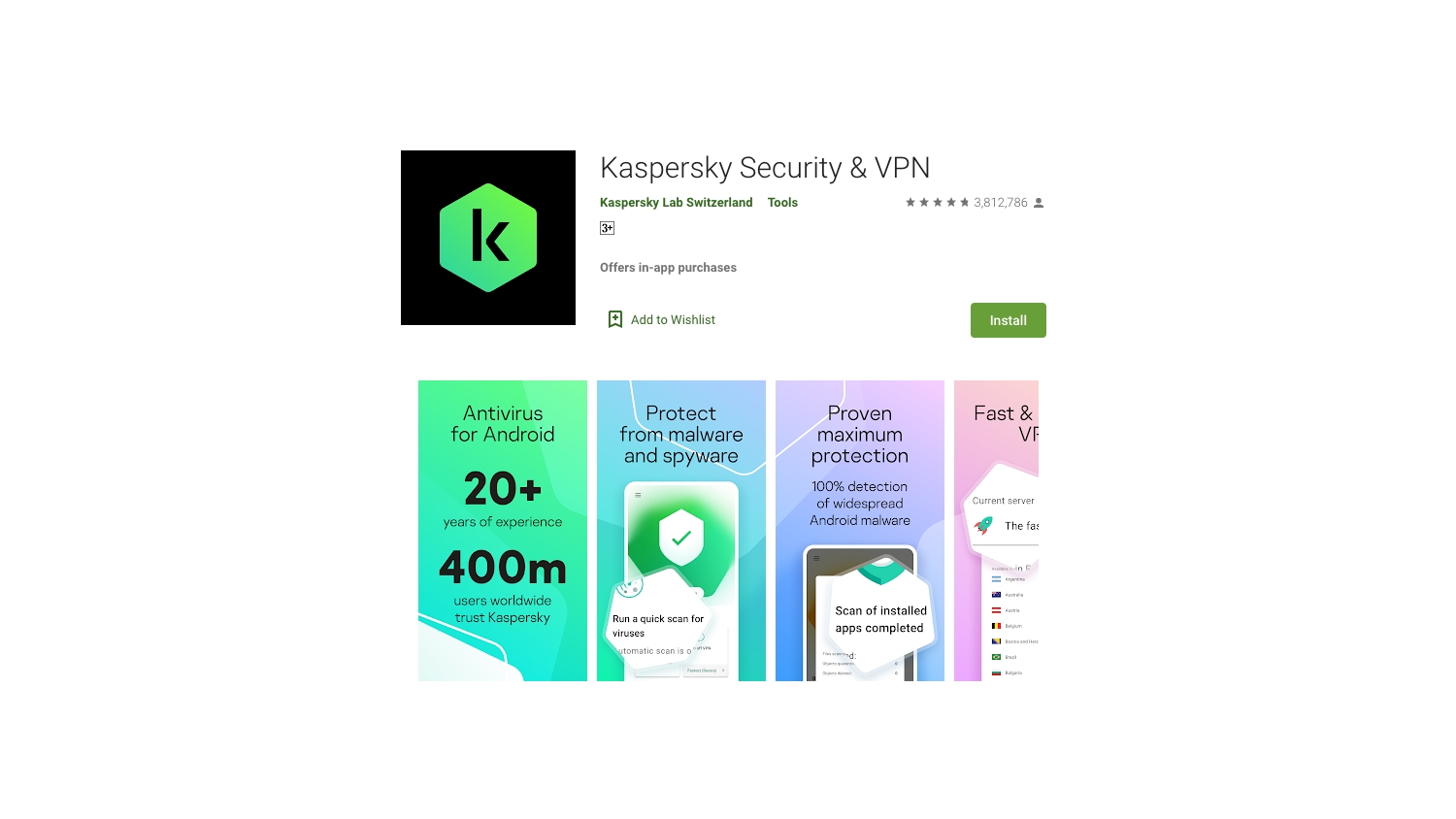
Unlock this by becoming a member
Protection score
Member only
System impact score
Member only
Usability score
Member only
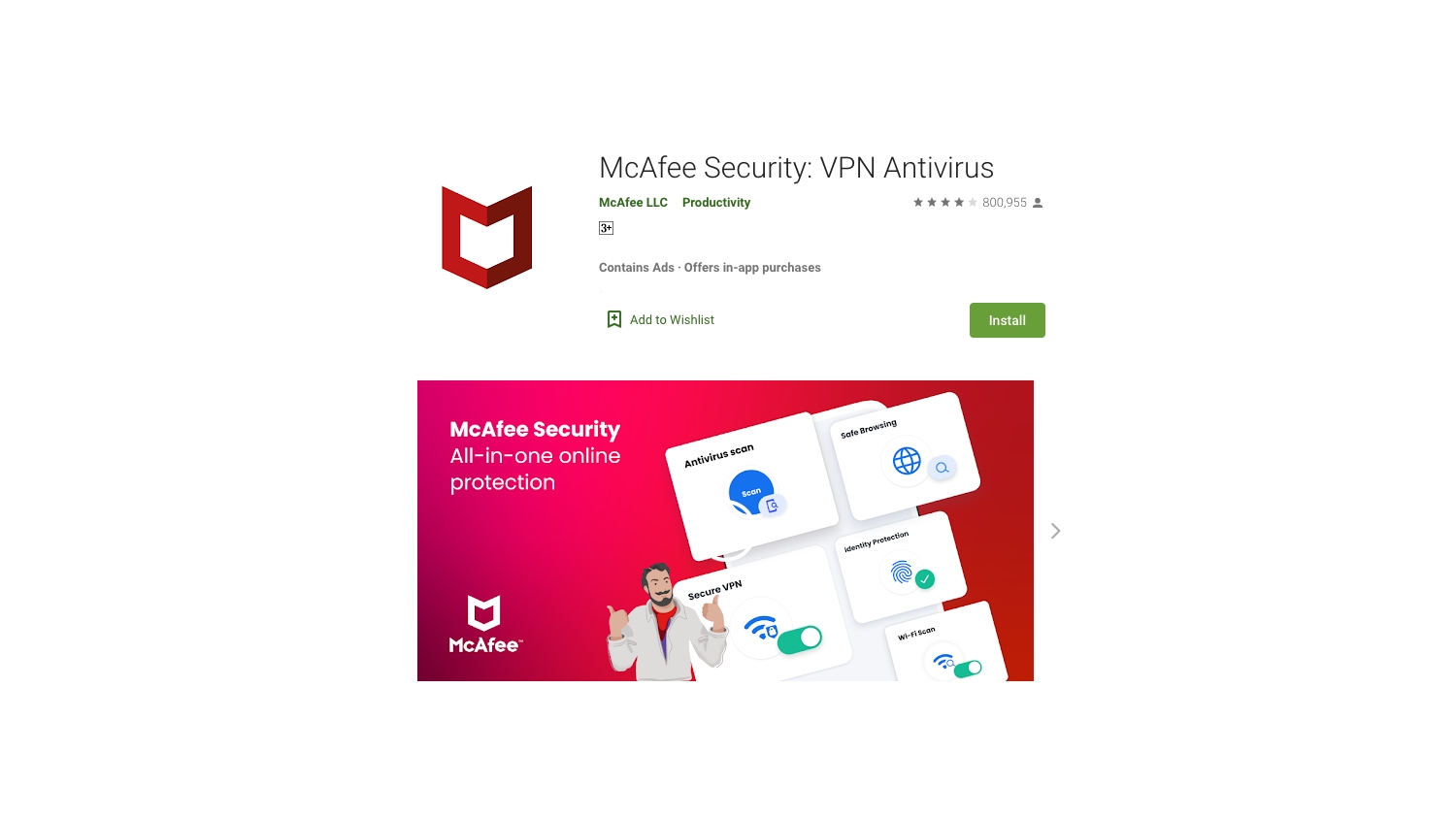
Unlock this by becoming a member
Protection score
Member only
System impact score
Member only
Usability score
Member only
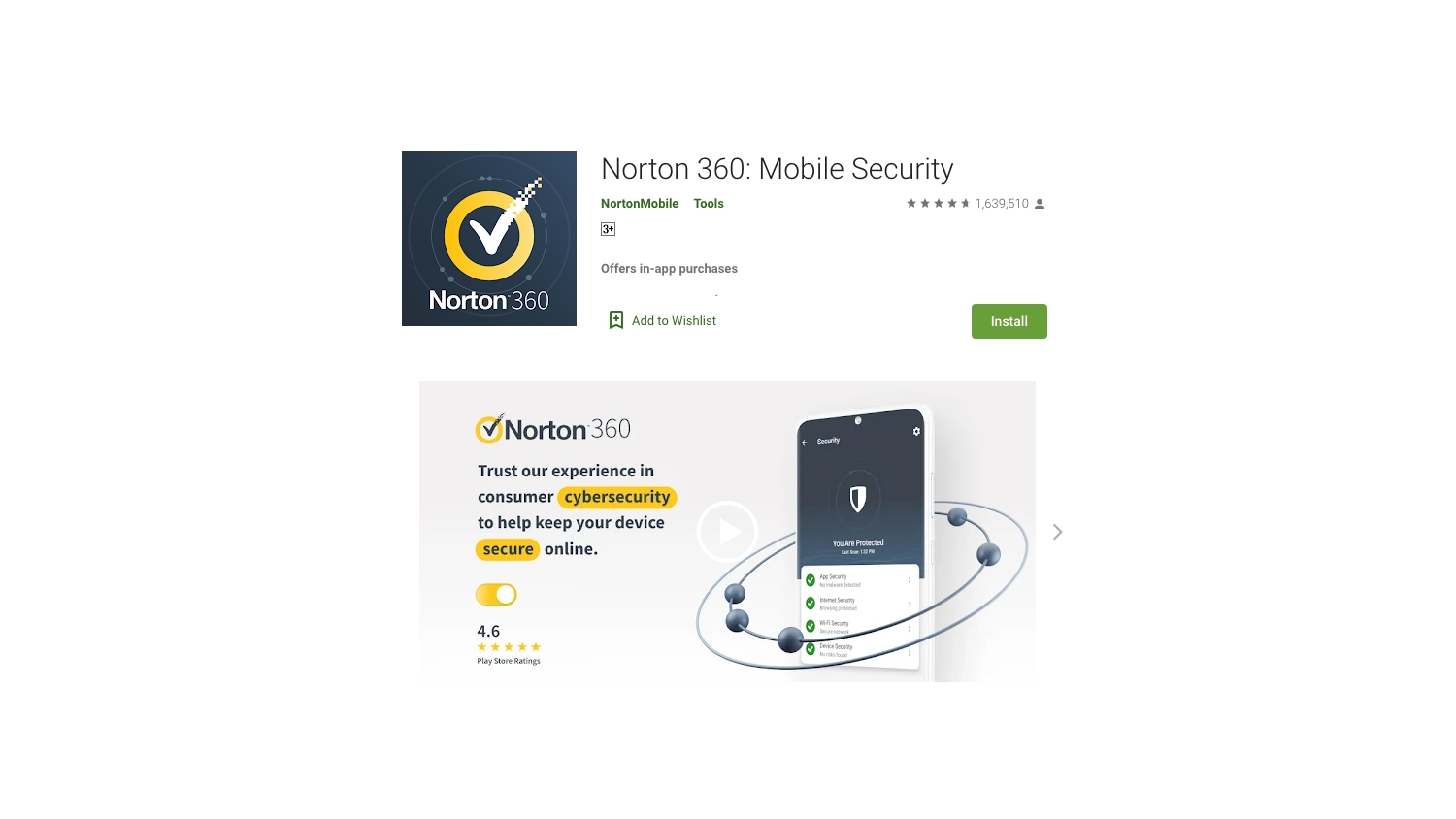
Unlock this by becoming a member
Protection score
Member only
System impact score
Member only
Usability score
Member only
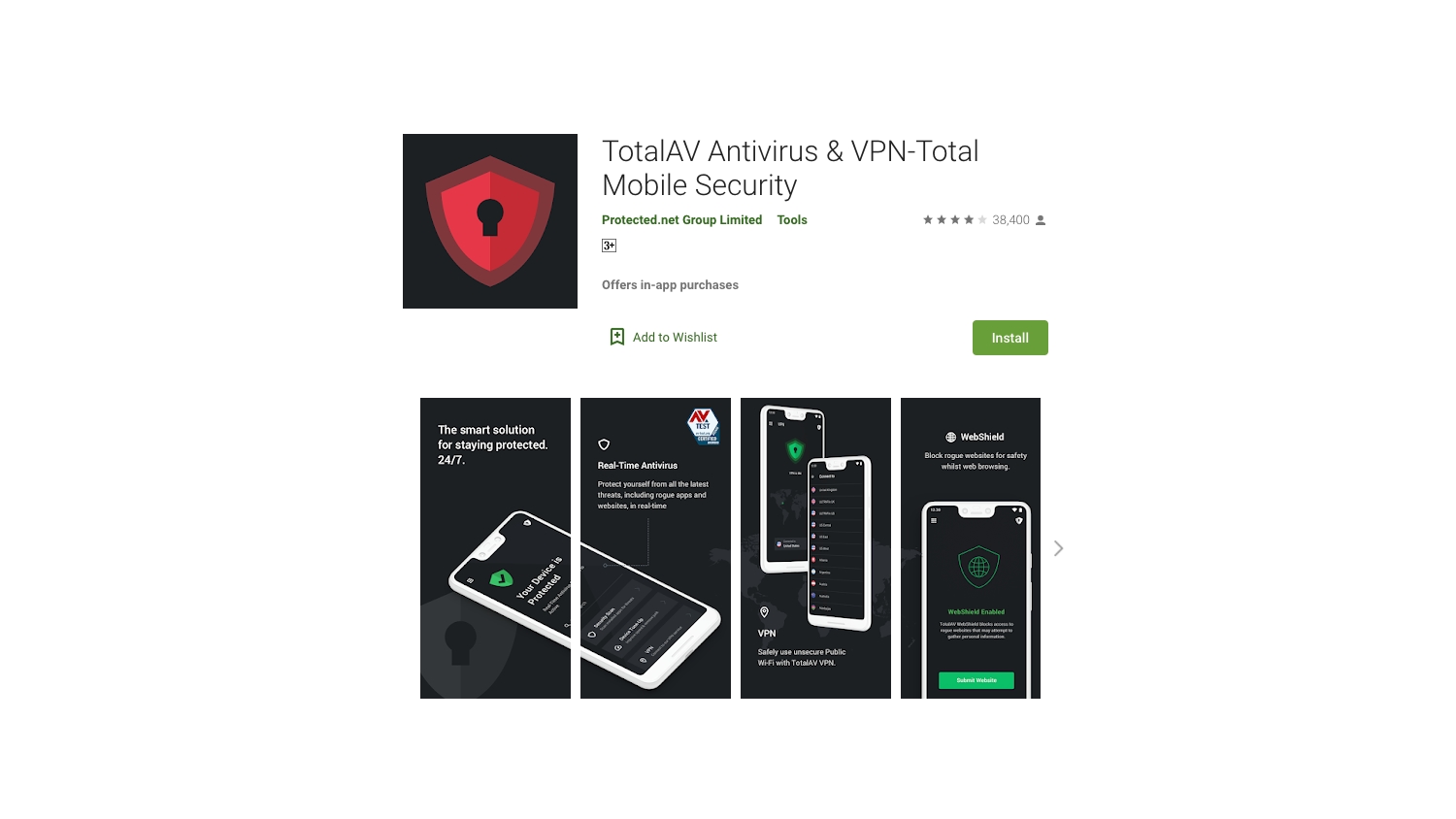
Unlock this by becoming a member
Protection score
Member only
System impact score
Member only
Usability score
Member only
Unlock this by becoming a member
Protection score
Member only
System impact score
Member only
Usability score
Member only
Unlock this by becoming a member
Protection score
Member only
System impact score
Member only
Usability score
Member only
Unlock this by becoming a member
Protection score
Member only
System impact score
Member only
Usability score
Member only


