01.Buying tips
Furnishing your study or office may seem trivial in comparison to deciding on a computer processor or RAM but a hasty decision can lead to long-term physical problems. When it comes to choosing a chair, comfort and proper support are key.
Types of chairs
There are hundreds of computer chairs on the market. They come in a wide variety of styles such as:
- fixed height
- adjustable height
- low backrest
- tall backrest
- with arms
- without arms
There are also non-standard designs such as:
- kneeling chairs
- sit-stand stools
- 'saddle' seats
These tend to be more practical for short periods of use. We recommend trying any chair before buying.
Many chairs are labelled 'ergonomic', which should indicate that the model has been specifically designed to support correct posture. However, some manufacturers use the term too freely. Separate Australian Standards apply to ergonomic fixed height chairs (AS/NZS 4468) and height-adjustable swivel chairs (AS/NZS 4438). Ask if the chair conforms to the relevant Standard to be sure of the validity of any claim. Standards also cover strength, durability, stability and safety.
You can buy computer chairs from specialist stores, furniture shops, department stores, computer stores and office suppliers. We found products ranging in price from less than $70 to more than $500.
Tip
Learn how to adjust your chair properly:
- Adjust the height so that your shoulders are relaxed in the working position and your feet rest flat on the floor. You may need to lower your desk, if possible, or use a footrest to support your feet and legs.
- Adjust the backrest so that it sits in the small of your back.
- No matter how comfortable your chair is, you should always take regular breaks and vary your activities to relieve tension in your muscles.
Please note: this information was current as of April 2005 but is still a useful guide to today's market.
10 Apr 2008
|
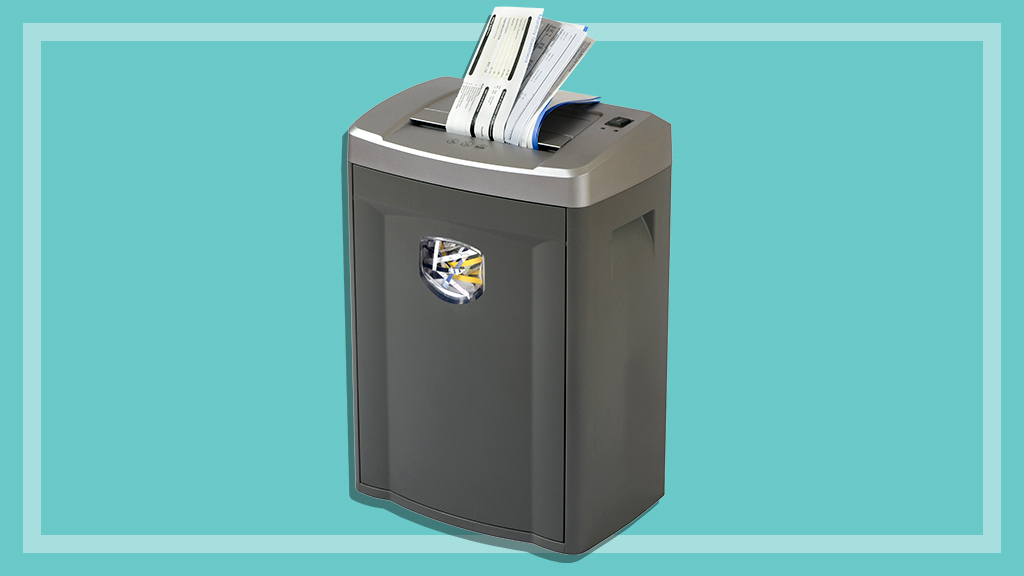
You don’t need to pay a fortune for a good-quality shredder. One model worked just as well as some three times the price.
10 Mar 2005
|
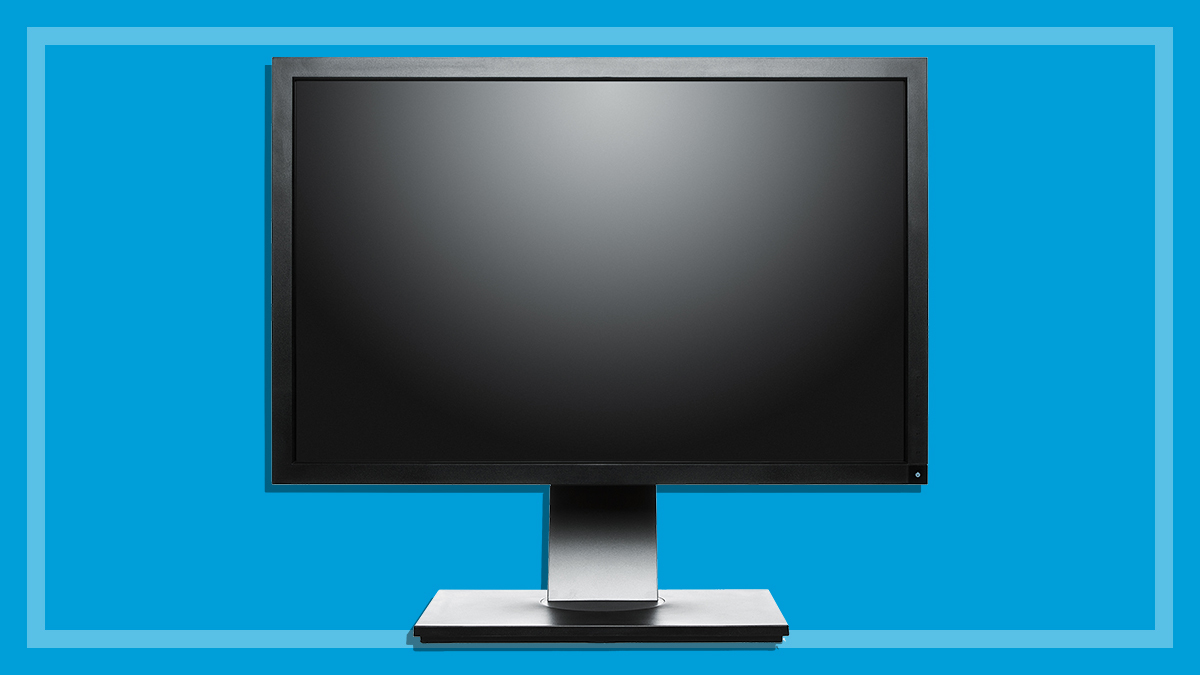
There are two types of monitor available for home desktops: LCD and CRT.
15 Mar 2011
|
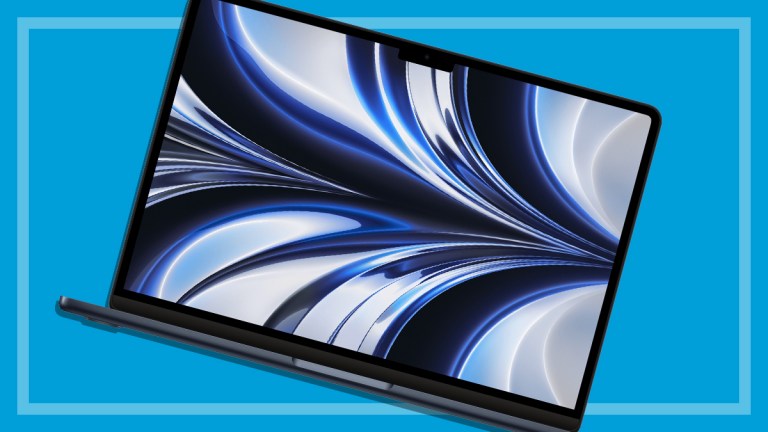
Our laptop report tells you all you need to know about memory, storage, connections, wireless, the processor, software, power supply and the screen.
8 Mar 2010
|
We tested 16 widescreen displays for performance and ease of use - eight models in the 22-inch class and eight in the 24-inch class.