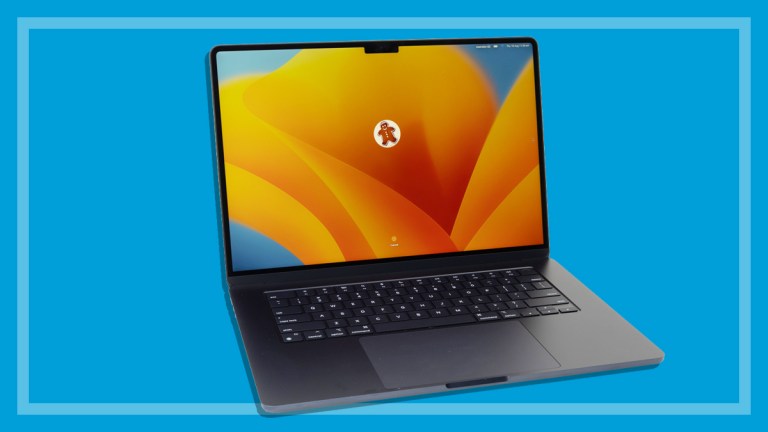
Computer monitors buying guide

A good quality monitor can last longer than your computer, and see you through two or three upgrades.
 
Get access to all CHOICE BENEFITS
$1.91/wk
*Billed quarterly


02.Checking the image quality

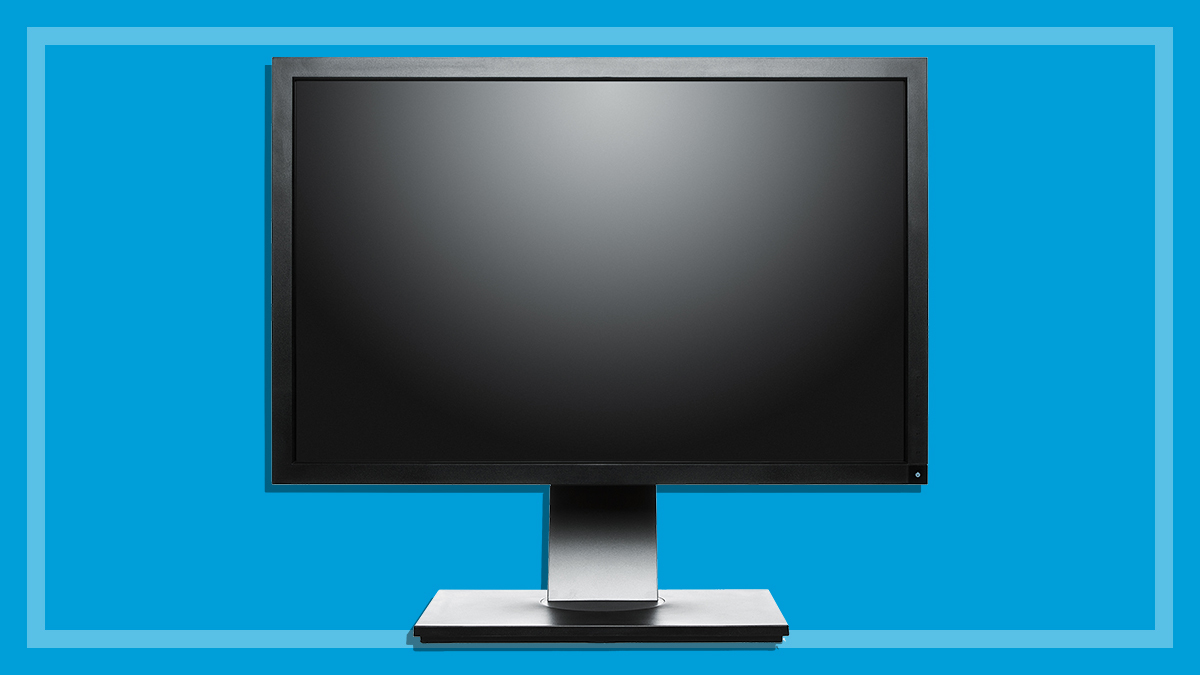
You shouldn’t buy a monitor without having a look at it in action. Check the quality of image for text, line art, and flesh tones to give you a good idea of how well it displays colours and lines. You may need to ask the retailer to adjust the settings for you. Some will have prepared running displays that can show the monitor's capabilities.

While you’re looking at the display, check for:

  • Sharpness/focus: check the text or graphics at the corners of the screen compared to the same text/graphics in the centre. A good monitor should be sharp at both centre and corners.
  • Brightness: monitors dim over time, so check the maximum brightness.
  • Straightness: are horizontal lines horizontal? Vertical lines vertical? Check at the edges of the monitor particularly.
  • Ratios: If you draw or view a circle it should be a true circle, with the same diameter no matter which direction you measure it.
  • Colours: Red, green, blue and yellow should be pure colours, not muddy, dark or too bright. Flesh tones should look correct, without a green, red or blue tinge to them. Check colours at the edge of the monitor as well as the centre.

Flat or curved?

How much difference does a flat-screen CRT make? The technologies that create a flat screen tend to maximise either colour reproduction or picture sharpness, and they reduce glare from the screen. On the other hand they may make your overall picture appear less bright or distorted at the edges. Choose a monitor based on your satisfaction with its overall picture quality, rather than whether it is flat-screen or not.


How to comment

Here's your chance to join in the debate. Just click in the comment box and let the CHOICE Community know what you think, or view all of the comments on this article.

Reporting offensive comments

If you see something offensive or something that just shouldn't be there, hit the report button and let us know immediately. View the Terms of use for user comments.


Make a Comment