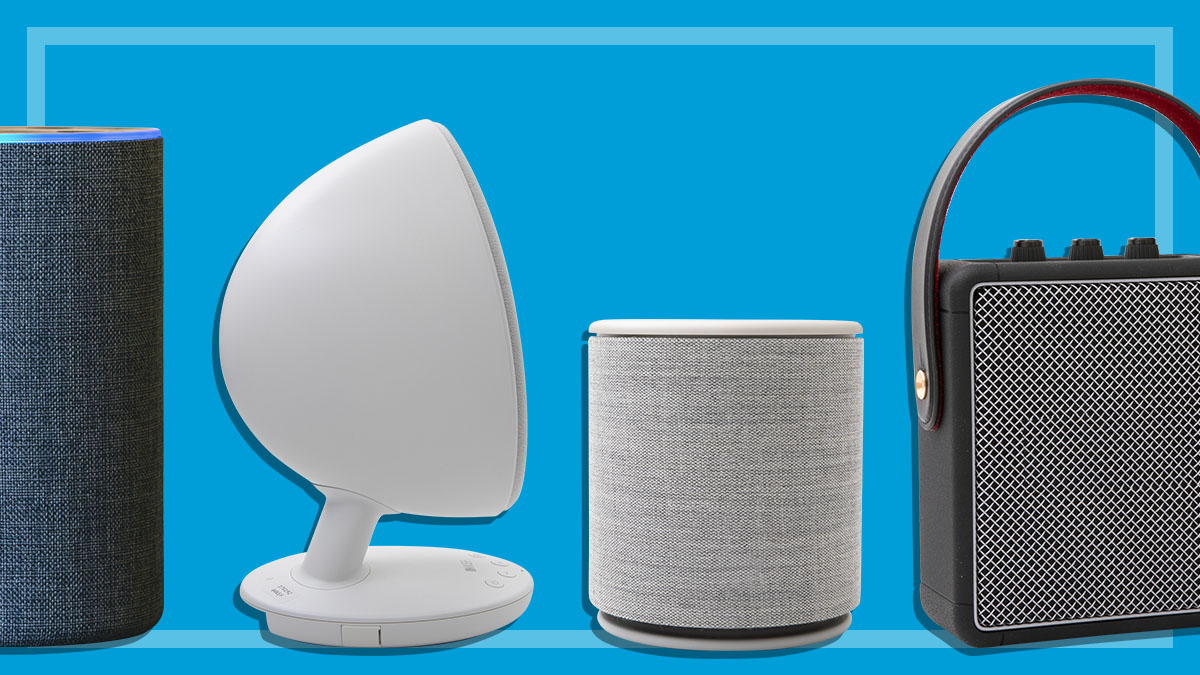
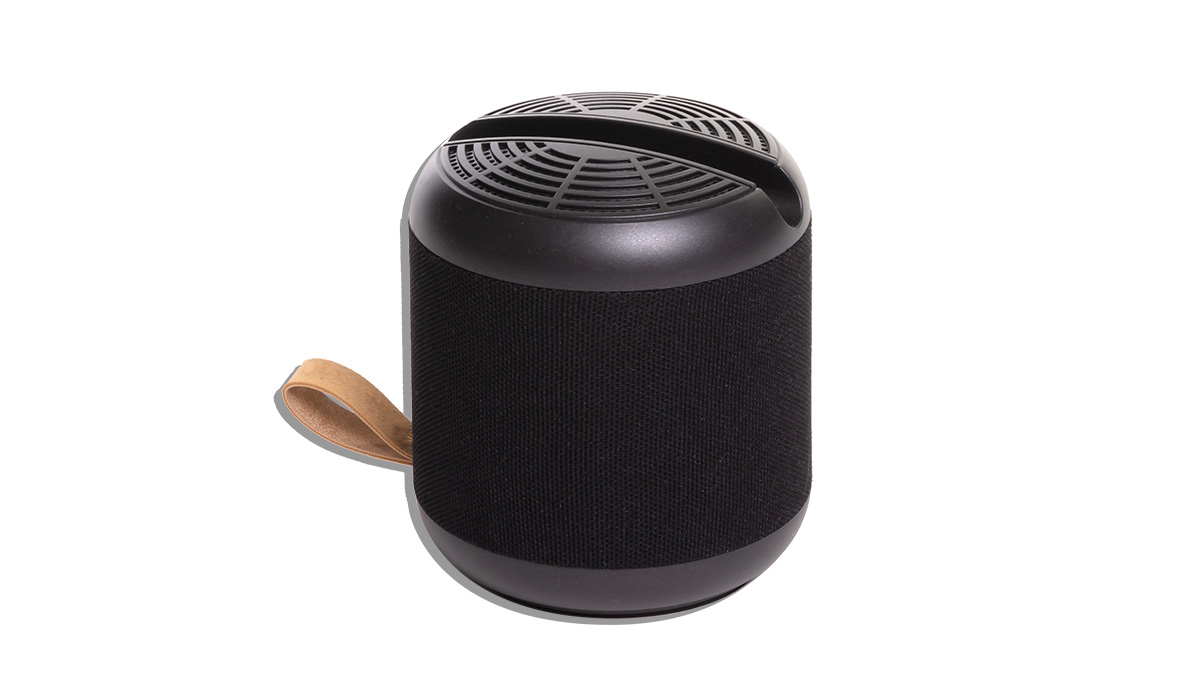
Wireless speakers are the radios and mini hi-fi systems of the modern age, considering most consumers are primarily streaming music from their phones these days. But the range of options is wide, with basic speakers starting at $50 and audiophile-grade gear costing as much as $3000 or more.
So, will a few thousand bucks deliver top tier sound quality? Do you need all of the fancy features and functions to get the best listening experience? Understanding the options, how they work and what they can bring to your home entertainment setup is essential so you can find the right wireless speaker for your ears.
These speakers ditch the classic cables, instead using wireless tech to connect. Bluetooth pairing is the most common method, but there are lots of mid- to high-end models that also use Wi-Fi with proprietary protocols, including Apple AirPlay and Google Cast (sometimes called Chromecast).
Any modern media player – such as a smartphone, tablet or laptop – can connect to a Bluetooth speaker. Wi-Fi streaming operates a little differently, but it has some big advantages over Bluetooth.
Bluetooth
Widely supported and very easy to use, Bluetooth is the fastest way to pump up the jams on your new wireless speaker. It doesn’t require an internet connection to work, so you can even play downloaded audio files offline.
But while convenient, Bluetooth compresses data as it travels from your media player to the speaker. This reduces audio quality, which can be quite noticeable if you’re used to good quality equipment or your ears are tuned to that sort of thing.
Bluetooth codecs explained
Beneath the Bluetooth umbrella are a variety of versions and variants that form the connection between the speaker and your media player. Many claim to alleviate compression and latency (lag) issues that come with basic Bluetooth.
The particular codec needs to be installed on the media player and wireless speaker in order to connect. If not, they’ll fall back to the default version. Most are updated and refined every few years. Some examples are:
SBC: the baseline Bluetooth codec with near universal support. Audio quality is decent, but compression is evident.
Advanced Audio Coding (AAC): a step up in quality from SBC with less compression, AAC is also the default codec used by Apple software and devices. Though it’s not quite as widespread as SBC, almost all wireless speakers and Android devices can use AAC.
aptX: the beefy version of Bluetooth capable of “CD-like” audio quality with far less compression than SBC and AAC. It’s fairly common in Android devices as well as mid to high-end wireless speakers but barely used by Apple.
aptX-HD and aptX Lossless: even beefier versions of aptX with near lossless quality (CD quality) and compression free lossless quality respectively. These are reserved for high-end equipment, especially aptX Lossless which has limited product support.
aptX-LL: aptX low latency (aptX-LL) has inbuilt latency compensation to reduce audio lag between the media player and wireless speakers. This means audio will correctly sync with the video.
LDAC: Sony’s proprietary Bluetooth alternative to apt-X Lossless. Claims to deliver hi-res audio that exceeds CD quality.
Low Latency and High Definition Audio Codec (LHDC): yet another proprietary alternative with even higher-quality audio support (on paper) and reduced latency.
Higher audio quality comes at a cost – battery life. All but SBC and AAC will put quite a strain on the battery because of the increased processing requirements.
Check the settings on your speakers and media devices to see if higher quality Bluetooth variants are available. You can turn them on and off as needed.
Look for the AirPlay (top) or casting (bottom) icons in supported apps.
Wi-Fi and proprietary codecs
Wi-Fi has a lot more bandwidth than Bluetooth – enough to stream audio files of any size without relying on compression. It’s a better alternative for higher-quality speakers, particularly if you’re streaming lossless audio.
These speakers usually have a selection of protocols that basically turn your media player into a remote control. You’ve probably heard of popular ones like Apple AirPlay and Google Cast (sometimes called Chromecast), but there are plenty of alternatives, such as Sonos systems.
So, let’s say you’re using a smartphone to cast Tidal to a home wireless speaker. Instead of using the phone to play music, it tells the speaker to stream directly from Tidal’s servers over Wi-Fi, which is how it’s able to avoid data compression.
Almost all Wi-Fi-enabled speakers support Bluetooth connectivity as well.
Other proprietary options
Some streaming services take things a step further by installing software on supported home wireless speakers. These are functionally more or less identical to casting or AirPlay, such as Spotify Connect for example.
Instead of casting from your phone, the Spotify app searches for devices that support Spotify Connect on the same Wi-Fi network. This forms the connection that turns your phone into a remote while the home speaker connects to Spotify’s servers.
Like casting and AirPlay, proprietary support for specific streamers will be noted in the specifications and advertising. Look for these if you regularly use a specific service, especially if you pay for a premium account with high-quality audio streaming (such as lossless).
This really comes down to whether you’re looking for something portable or a more permanent speaker solution for your home. Just don’t forget, home audio can be a deep, dark hole of diminishing returns.
There will always be another wireless speaker that costs a little bit more and maybe sounds a little bit better and before you know it, you’re looking at equipment that costs thousands of dollars. So before diving in, set a budget and stick to it.
Portable speakers
This product category broadly captures battery-powered wireless speakers that you can use at home and on the go. They come in a variety of shapes, sizes and weighs, so the degree of portability will vary.
At one end, you’ve got the smallest speakers that can fit in the palm of your hand. At the other, you’ll find bigger, bulkier units that are better-suited to a very big tote or backpack. Generally speaking, the bigger the speaker, the better the sound.
Bluetooth is almost always the only option for wireless connectivity; they rarely have smart functions that require Wi-Fi. So no networking features, no voice commands and no casting, Airplay and so on.
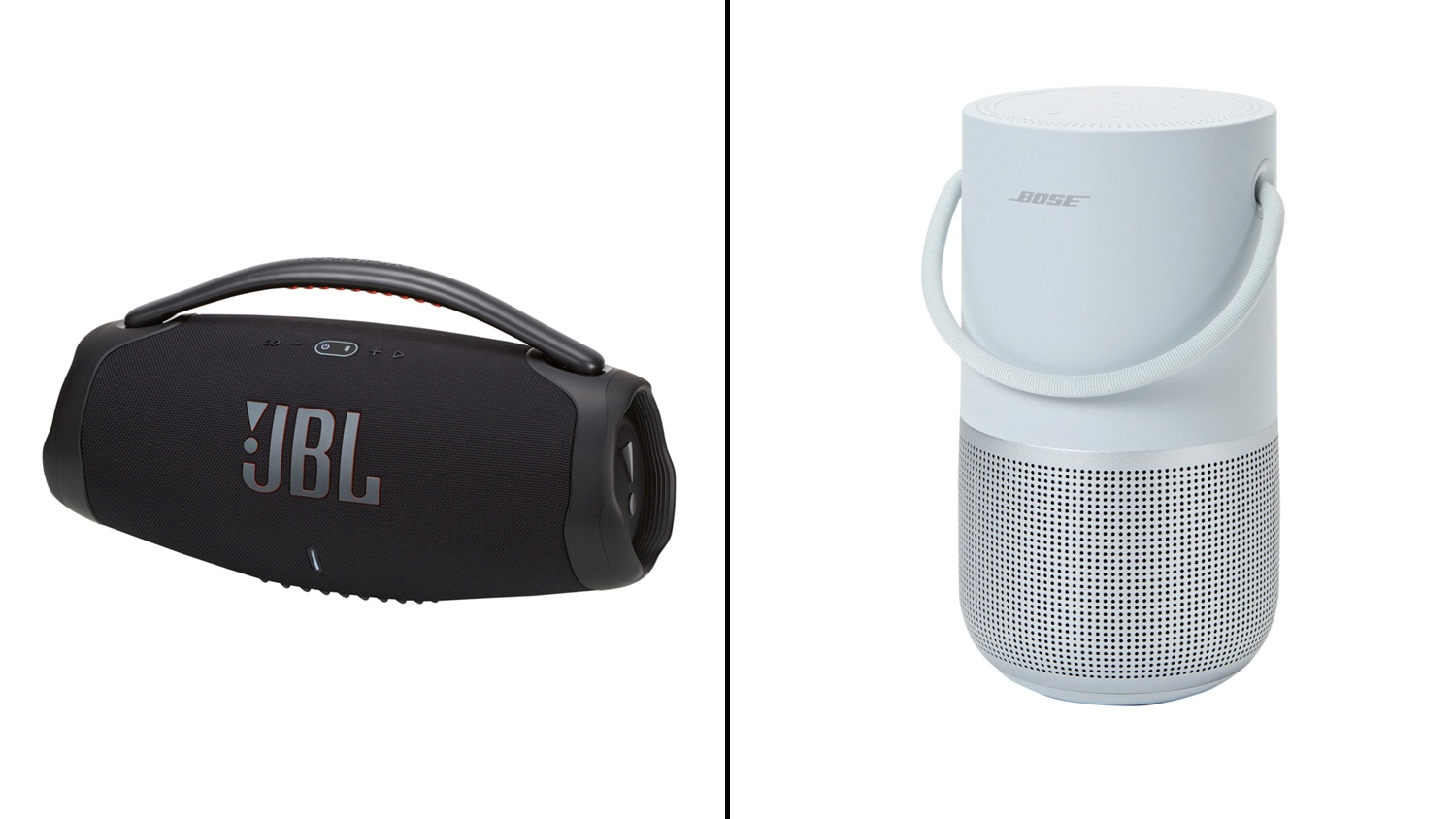
Battery powered portable speakers can be used at home or on the go.
They usually have some sort of rugged design for outdoor use. This could be a robust case, weather sealing, waterproofing or a specific ingress protection (IP) rating which denotes its level of dust and water resistance.
But portable speakers can be just as useful as your main home speaker. You can work from home in the study all day, before heading to the kitchen to make dinner with your portable speaker in tow – no break in the music required.
Home speakers
Home wireless speakers usually look nicer and sound much better than portable models. Many have smart functions and networking features including voice commands, Wi-Fi streaming (via Google casting and Apple AirPlay) and speaker pairing.
They’re typically an indoor-only affair, though models with dust, water and weather protection claims may be suitable for the balcony or back deck. Even so, portability isn’t a priority for home wireless speakers.
Most are designed to take up a permanent place in the house – such as a kitchen counter, bedside table or corner of the loungeroom. In fact, they don’t even use rechargeable batteries (save for a couple of models). Instead, they rely on a permanent power supply from a wall socket.
Improved performance and fancy features do come at a cost. Home wireless speakers usually cost more than portable models with some crossing the $1500 mark.
Party speakers
These modern day boom boxes straddle the line between portable and home speakers. They’re usually quite large and flashy with a rugged design, good audio quality and the kind of volume that will irritate (or entertain?) the neighbours.
Portability is pretty limited, however. They’re designed to be carried short distances – say from one room to another – and most even come with built in handles and wheels to make things easier.
But they’re far too big and bulky to fit in a bag, so don’t expect to travel very far with a party speaker under one arm. A vehicle is the best option for carting one around.
As far as design goes, most party speakers aren’t what you’d call subtle. They’d look right at home in the corner of a bar or house party, but probably won’t quite match your general home décor – unless you’re into nightclub chic.
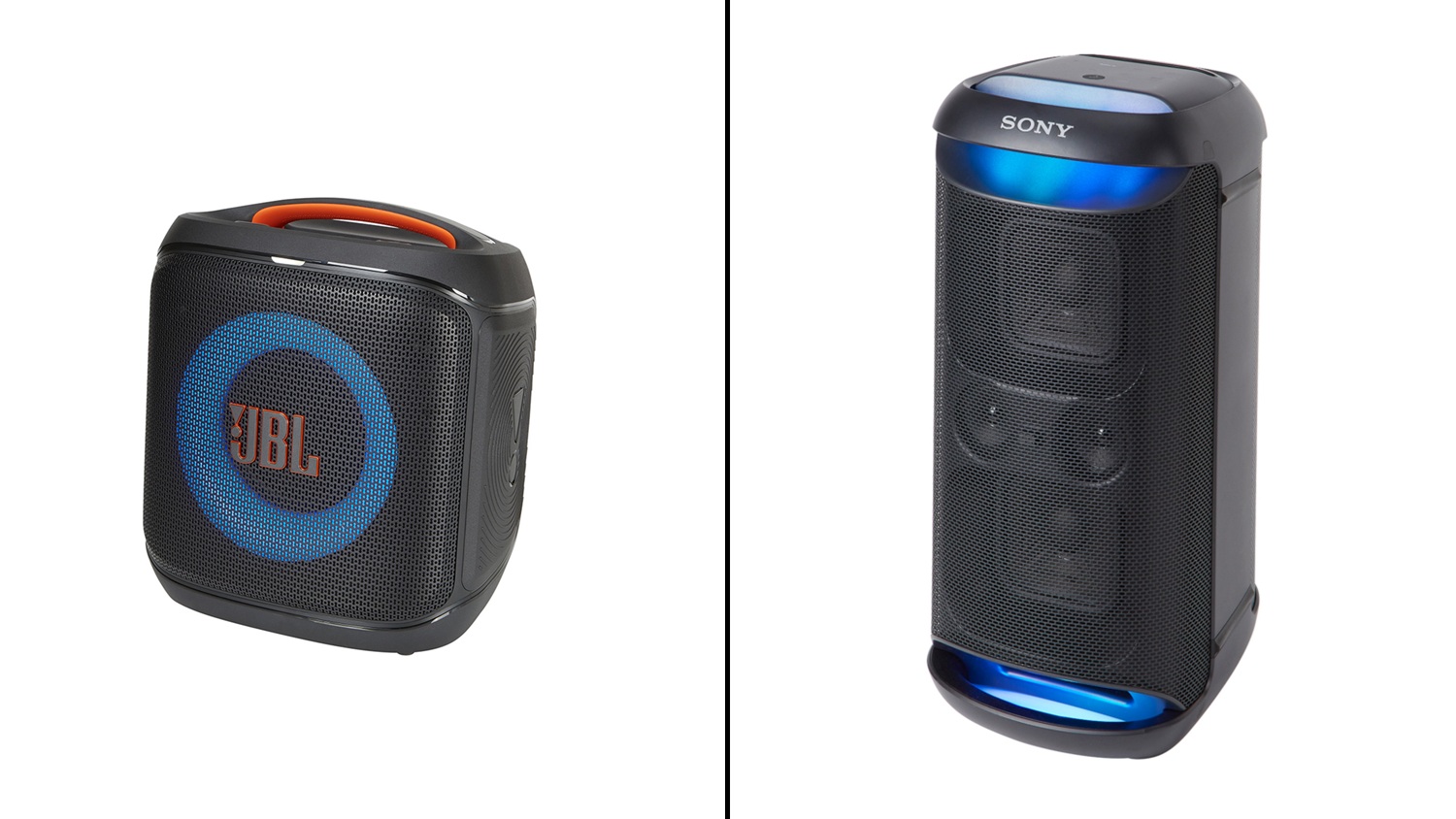
Party speakers are loud, flashy and though portable, pretty bulky.
Smart speakers/screens
Smart speakers are more of a small, low- to medium-cost home network communication device. The idea is to place a few around the house to issue voice commands, without having to reach for your smartphone.
Some have a built-in screen so you can pull up websites, videos and apps as needed – like recipes, news updates or music streaming services. These cost quite a bit more than their screenless counterparts.
They can play audio, usually via Bluetooth or Wi-Fi. But sound quality is pretty average, so you wouldn’t want to use one as your primary speaker.
More and more Wi-Fi-enabled home wireless speakers support digital assistants including Siri, Gemini (formerly OK Google) and Alexa. They respond to voice commands which can be very handy, especially in high-tech homes with lots of smart devices.
This opens up a world of useful, if somewhat awkward, conversations with your devices to control settings and select content. You can ask it to “play ABBA on Spotify”, “read tomorrow’s weather forecast” or “reduce the volume by 50%”.
They’re also quite useful as smart home hubs, used to control other devices on your home network. Commands such as “turn on the loungeroom lights” or “switch the TV to Channel Seven” are available, provided the devices can talk to one another.
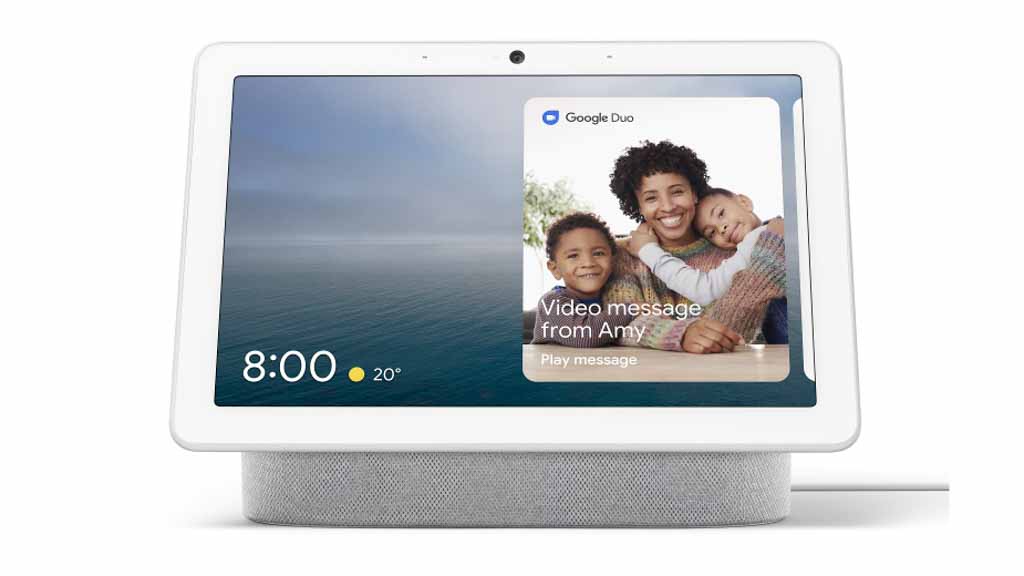
Smart screens tend to skimp on sound quality.
Lots of Wi-Fi-enabled home speakers include one or more of these assistants as an added feature. You may not need to buy a dedicated smart screen if you already own, or are looking at buying, a home speaker with Wi-Fi.
Try to find a speaker that matches the digital assistant on your smartphone – such as Siri, Alexa or Gemini (aka Hey Google). It’s best to keep your smart devices in the same ecosystem if possible.
For example, iPhone owners should look for a smart speaker with Siri support. This can help you narrow down other smart devices that will work with the speaker on your home network.
Setting up a Wi-Fi speaker network
Wi-Fi also opens up the possibility of building a network of connected speakers around your home. Often called “multi-room pairing”, this feature lets you play audio across all supported speakers from a single source.
Sonos largely pioneered this feature in the consumer space and the brand name itself is now pretty much synonymous with it as a result. But you can find plenty of other brands with the same functionality these days.
But how is it better than Bluetooth? As well as offering improved audio quality, Wi-Fi does a much better job at broadcasting over longer distances and through obstructions like walls and floors. Bluetooth really relies on a clear line of sight and doesn’t really work through more than one or two walls.
Wi-Fi does a much better job at broadcasting over longer distances and through obstructions like walls and floors
The speakers need to be from the same manufacturer, and everything runs through an official app which basically acts as a hub for the connected units. You can turn them on and off, adjust settings, volume and so on.
Most also use the app as the streaming source rather than services like Spotify and Apple Music. This just means that you give the app permission to access your account on another streaming service. Then, you use the speaker’s app to play content from the service as normal.
Bluetooth multi pairing: similar to Wi-Fi networking, some brands let you connect multiple speakers to a single media player at the same time, via the manufacturer’s official app.
Stereo mode: two Bluetooth speakers from the same brand can act as left and right channels for stereo audio, when they’re connected to a media player at the same time.
Ingress protection (IP) rating: a two-digit rating, with each number denoting dust and water resistance respectively. The higher each number, the better the protection – e.g. IP54 is resistant to dust and water splashes, while IP67 is dust sealed and protected against brief submersion in water.
Weather sealing claims: broad claims such as “splash-proof” aren’t as definitive as an IP rating, but they’re still useful if you want to use your speaker outdoors.
Auxiliary (AUX) input: an old-school cable connection is handy for media players that don’t support Bluetooth or Wi-Fi, such as a CD player or tape deck.
Physical controls: pause/play, skip forward/back and volume controls can be much easier to use than a smartphone app or voice commands.
Speakerphone: a built-in mic lets you use the speaker for hands-free calls as long as your smartphone is connected via Bluetooth.
USB charging for other devices: allows you to charge other USB devices such as a smartphone or tablet. Handy if your media player starts to run out of juice while you’re out and about.
Given that speakers tend to last a while, you’ll probably find yourself upgrading to a higher quality model long before your current one stops working. So that means the old one is ready to be reused, possibly as a shed speaker or something for the kids that can get damaged. You’re probably not going to have any trouble giving it away.
Donate it
Many charities will accept old speakers that are in working order. Give yours a test run before taking it in, just to make sure that things connect and charge properly. Keep an ear out for distortion, muffled sound or humming that isn’t part of the music, as these can indicate faulty speakers or electrical components which mean it’s not fit for resale.
You should be able to take it to most Salvos (and some Vinnies) stores but The Red Cross doesn’t accept electrical goods. You should also get in touch with smaller charities that serve your community as entertainment items are regularly sought after by people in need.
Recycle it
Wireless speakers fall into the same awkward category as soundbars. They’re electronic items that don’t quite fit into e-waste (computers, smartphones and accessories) or appliances. Instead, wireless speakers are considered “home entertainment” and there are far fewer recycling services that cover these items aside from TVs.
Your best bet is to start with the Recycling Near You database. It’ll show you where to find e-waste services in your area which you can contact to see if they’ll take your old speakers.
JB Hi-Fi and The Good Guys will also recycle your old wireless speakers via a partnership with Ecoactive. All you need to do is head to the Ecoactive website, enter your details and the items you’d like to recycle, and a staff member will get in touch.
Mobile Muster has a similar program but will only accept smart speakers made by Apple, Amazon and Google. This doesn’t include standard wireless speakers or smart speakers from other brands you may have purchased through Amazon etc. You can take your old smart speaker to a Telstra, Optus or Vodafone store for collection.
It’s also worth heading to your local council website or giving them a call. Most are likely to take wireless speakers during e-waste drop-off events that happen throughout the year. For example, the Inner West council in NSW (where CHOICE is located) accepts entertainment appliances.
Denis Gallagher is a Senior project officer for Digital home products and also works on test projects for the laundry and fridge labs. He produces tests for gadgets, phones, cameras and home entertainment gear as well as TVs, washing machines, dishwashers and fridges.
Previously at CHOICE, Denis worked as a Content producer for digital products. Prior to CHOICE, Denis worked as an Assistant editor on Golf Australia magazine and Editor for Multimedia and Videocamera magazine.
Denis has a Bachelor of Arts from the University of New South Wales and a Diploma of Journalism from Macleay College.
Denis Gallagher is a Senior project officer for Digital home products and also works on test projects for the laundry and fridge labs. He produces tests for gadgets, phones, cameras and home entertainment gear as well as TVs, washing machines, dishwashers and fridges.
Previously at CHOICE, Denis worked as a Content producer for digital products. Prior to CHOICE, Denis worked as an Assistant editor on Golf Australia magazine and Editor for Multimedia and Videocamera magazine.
Denis has a Bachelor of Arts from the University of New South Wales and a Diploma of Journalism from Macleay College.
Peter Zaluzny is a Content producer in the Digital home team. He covers everything from home entertainment and personal safety devices to tech for your car and mattresses.
Peter enjoys cutting through the nonsense to help people understand the products they’re considering to buy. He helps consumers make educated, informed decisions.
Peter has a Bachelor's degree in Journalism and a Bachelor of Arts from the University of Wollongong.
Peter Zaluzny is a Content producer in the Digital home team. He covers everything from home entertainment and personal safety devices to tech for your car and mattresses.
Peter enjoys cutting through the nonsense to help people understand the products they’re considering to buy. He helps consumers make educated, informed decisions.
Peter has a Bachelor's degree in Journalism and a Bachelor of Arts from the University of Wollongong.
For more than 60 years, CHOICE has been fighting the good fight for Australian consumers.
In the past year alone we've uncovered systemic issues with sunscreens, investigated shonky supermarket pricing, fought for stronger scam protections and helped make complex energy pricing fairer and clearer.
CHOICE is here to provide unbiased advice and independent testing in our world-class labs. We buy the products we test, just like you do, and our expert reviews are influence free. We’re here to help you choose smarter. Hopefully you’ll also save some money along the way.
Thanks to CHOICE, you’ll never be alone when a business treats you unfairly. You can support our work by joining or donating to our cause.