01.Where to start
You don't need to spend hundreds of dollars on home publishing software to design your own greeting cards – if you keep it simple, you can get away with using a word processor and a few extras:
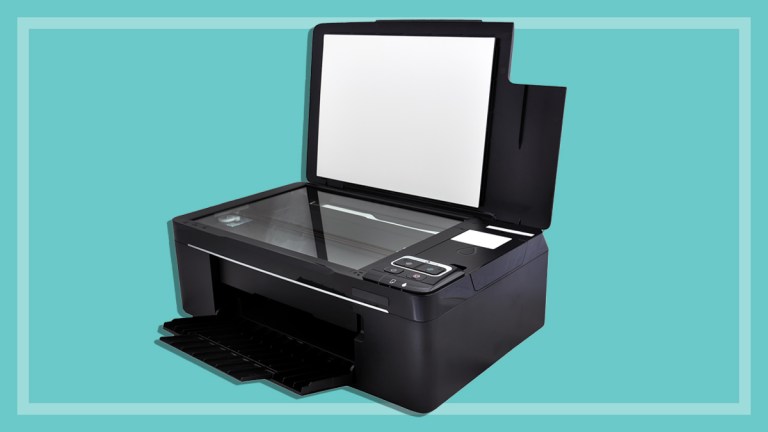
- A colour inkjet printer.
- Extra thick paper or card available from stationery and computer stores.
- Photo editing or home publishing software if you want to combine a number of images for your card.
Finding pictures
Before you start, you'll need a suitable image in digital form. If you're using Microsoft Word, it's far easier to stick with a single image. If you want to be more creative and combine two or more pictures, use dedicated photo editing software to modify the image, then import it into Word.
To print well, the image needs to be of a reasonable quality – a resolution of about 150 dots per inch (dpi) has enough detail to make your prints look smooth.
To check the resolution of your picture
- Click on Start, and select All Programs, then Accessories.
- Click on Paint to open Microsoft Paint program.
- Open the image file.
- From the Image menu, select Attributes.
- Check the dots per inch under Resolution.
In addition to your image, you may want add a clipart border. Word includes some artwork, but there's more for download at http://office.microsoft.com.
To view available clipart
From the Insert menu, select Picture then Clipart.
It could take some time to view the whole list, so if you're after something specific, type a keyword such as 'Christmas' into the search function.
There are also lots of photos available online - try searching the image library at www.google.com.au - but remember that most images are subject to copyright, so be sure to ask permission before using them. Many people are happy for you to use their artwork for a personal project such as a greeting card, provided you ask first.