Want More?
This report is for members and single purchase only.
Member-only content

Media hub reviews

Media hubs plug the gap between your TV and your PC
 
Get access to all CHOICE BENEFITS
$1.91/wk
*Billed quarterly


01.Introduction

Media-Hub-Lead-w340pxXh232px

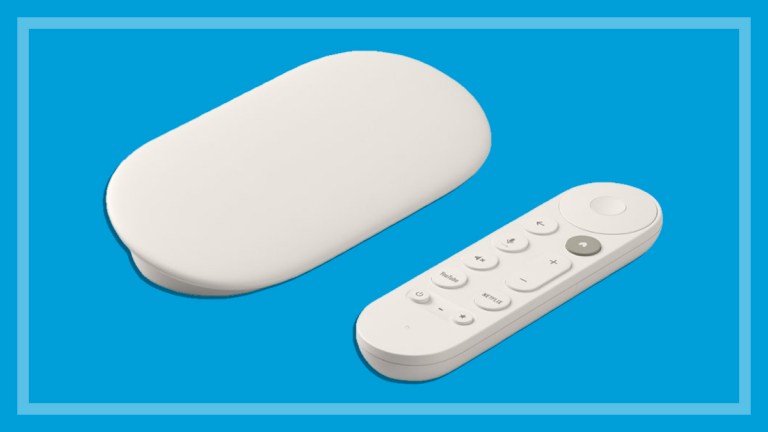
Collecting massive amounts of digital movies, music and pictures on your computer is easy, but how do you free them up so everybody can easily see, browse and enjoy them? The answer is a media hub. These versatile little boxes take your digital content from your PC and play it on your TV with the flick of a remote control.

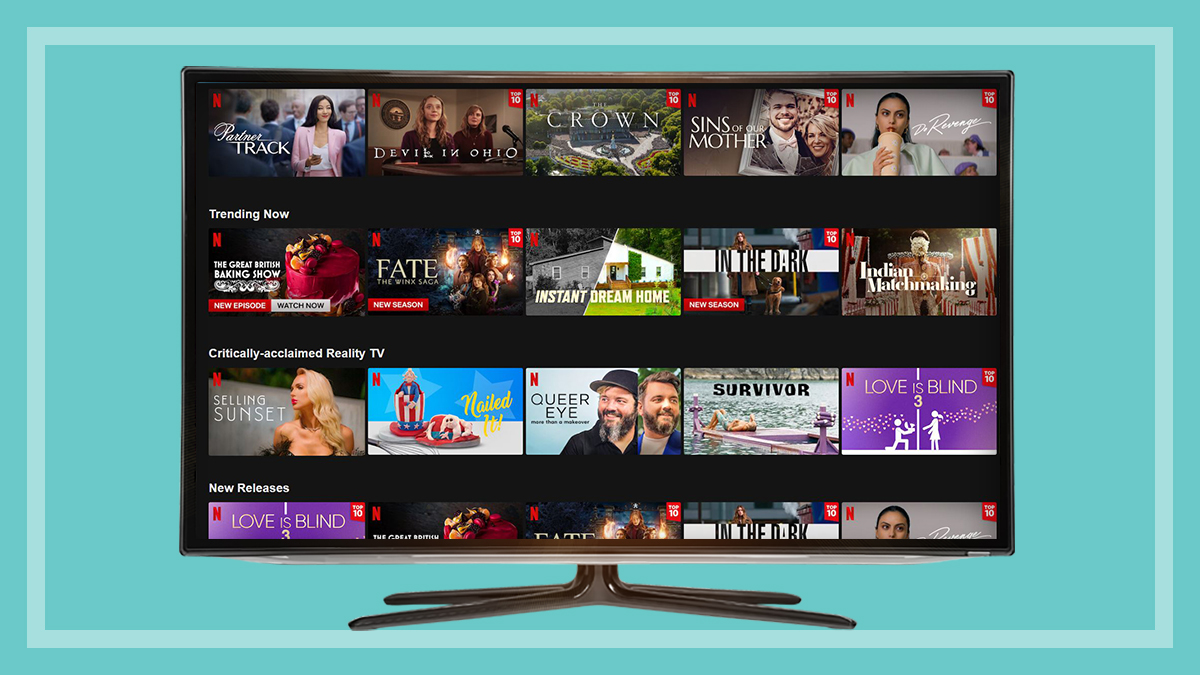
They can also open up a world of free internet TV channels and subscription services as alternatives to free-to-air and cable TV, without you having to go near your computer. Many offer internet radio and direct access to online sharing services YouTube, Picasa and Flickr. They can also be a jukebox for your digital music collection and photo albums.

Some hubs have a built-in hard drive for file storage, while others can be fitted with a hard drive or let you attach an external drive. Some just stream content from your computer and the internet. Either way, a media hub should be simple to operate via remote control.

We bought and tested 12 media hubs to see how they compare for ease of use, features and their ability to cope with a wide range of digital media formats.

For more information on Digital, see Home entertainment.

CHOICE's experts independently test a wide range of products and services to bring you unbiased reviews, product comparison tools and buying advice that is trusted by 160,000+ members.
Get access to all
CHOICE benefits.
$1.91
/week
Subscribe to Choice
*Billed quarterly
Purchase this
single report.

$20
Purchase the Media hub reviews report

Models tested

  • Apple TV
  • Asus O!Play Air HDP-R3
  • AVerMedia AVerLife Extreme Vision
  • D-Link Boxee Box
  • DViCo TViX HD N1 Café
  • iomega ScreenPlay MX 1TB
  • LaCinema Classic HD 1TB
  • Netgear NeoTV 550 Ultimate HD
  • Seagate FreeAgent GoFlex TV
  • Sony SMP-N100 Network Media Player
  • WD TV Live Network Media Player
  • XtreamerPro Media Player & Streamer

Hub, tank, DVR or NAS?

By and large, the media hub marketing folk haven’t really got their act together. There’s still much confusion as to what makes a media hub and what they’re supposed to do. Some call them media tanks, streaming servers or something similar. Adding to the confusion, there’s crossover with NAS (network-attached storage) drives, which provide mass storage of files for anybody on a computer network, but may also include software to stream audio and video to other network devices, including some TVs.

Some DVRs (digital video recorders) can also add an external hard drive via a USB port, letting them act as a media hub. And, of course, if you have an Xbox or PlayStation 3 you can access content from your computer and online, as well as playing movies on disc and games.

However, if you lack an NAS, networked TV and games console, you’ll need a standalone media hub, which are built to play the widest range of file formats.

Generally, we found getting content onto and playing on these hubs is quite easy. However, because they take widely varying approaches to navigation and features, we recommend getting some hands-on time with them in store before buying.

Subscribe to CHOICE Computer
Want more?
Get access to our independent testing reports and save yourself time and money.
Purchase the Media hub reviews report
Subscribe to Choice


Your say - Choice voice

Make a Comment

Members – Sign in on the top right to contribute to comments