106cm TVs review

Large screen HD plasma and LCD televisions on test. Review and compare models to find the best TV.
 
Get access to all CHOICE BENEFITS
$1.91/wk
*Billed quarterly


  • Updated:1 Feb 2011
  • Author:Chris Ruggles
  • rateraterateraterate: Member rating
 

04.What to look for

Essential Features

  • Built-in digital tuner so you don't have to buy a set-top box to receive digital TV. All the TVs on test have HD tuners.
  • On-screen menus should be easy to read and understand without having to resort to the manual. The remote control should be easy to read with large, well-spaced buttons and clear labels.
  • If you're likely to lose the remote control, choose a TV with easily accessible controls on the TV itself.
  • All models in this test are wall-mountable. However, none comes with wall mounts, so you have to buy a separate kit.

Connections

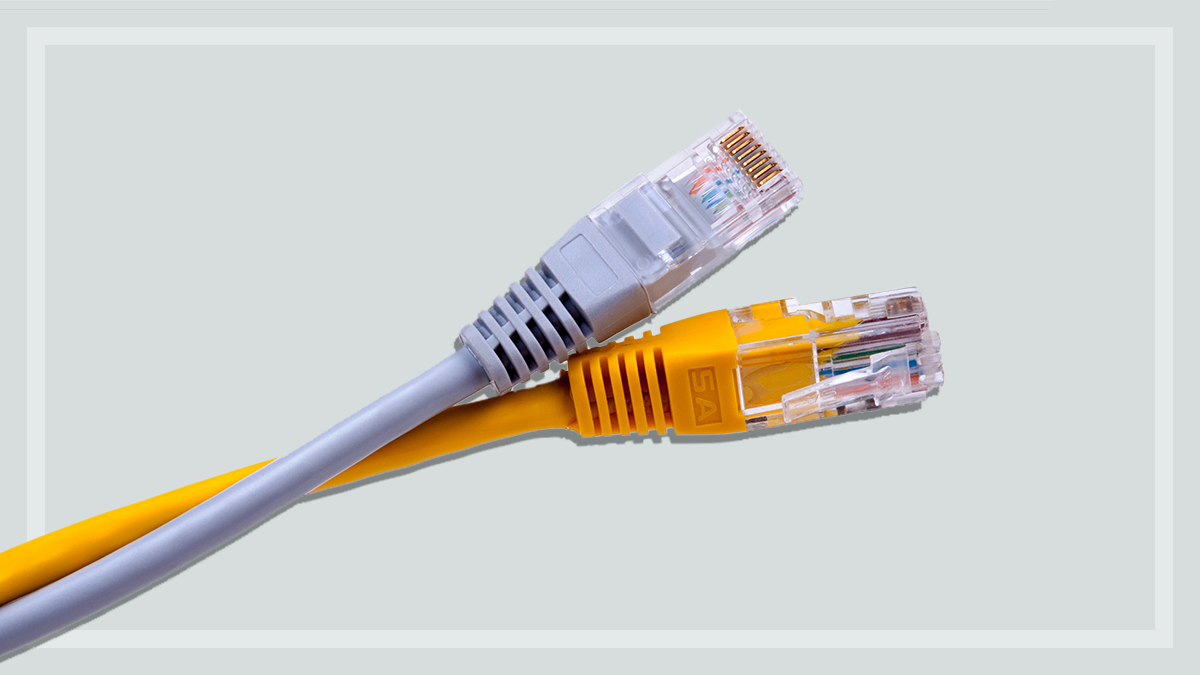
  • Look for easy-to-access sockets that allow you to get to the connections for DVD players, cable TV and other devices, particularly if you plan to mount the TV on a wall. Some have additional inputs, usually on one side.
  • Check that the input connections on the TV match the output on the devices you want to hook up to it, such as a DVD player/recorder, cable TV or games console, and that there are enough connections for all the devices you want to attach at the same time.
  • HDMI (High-Definition Multimedia Interface) is a digital connection for sound and video in one cable. Even if you don't have any gadgets with HDMI output now, expect more devices to use them in future, so it might be worth having at least one HDMI socket on your TV. If you want to use your TV as a computer display, you'll need a DVI input for newer computers or a VGA input for older ones. Or you could use HDMI if your computer has an HDMI output.
  • Audio outputs are usually at the back of the TV. In this test all have at least one analog and one digital audio output. The Sony and Philips have two.

How to compare TVs in the store

  • Viewing angles have improved in newer models, but some still have a dimmer picture when viewed from different angles, which is important if several people will be watching the TV at once. Stand square to the screen then walk sideways until you notice the image quality drop. If you normally sit lower than the screen, make sure you try looking up at it as well.
  • Watch a variety of programs in the shop. Look for natural skin tones and texture on a person in a studio setting, such as a news presenter.
  • Check the picture for a colour cast, such as a pinkish or greenish tinge that can't be fixed by adjusting the controls.
  • Measure how far you normally sit from your TV. Make sure you're this distance from the TV you're considering purchasing. Look for areas of plain colour to see if you can spot pixels or dither patterns.


How to comment

Here's your chance to join in the debate. Just click in the comment box and let the CHOICE Community know what you think, or view all of the comments on this article.

Reporting offensive comments

If you see something offensive or something that just shouldn't be there, hit the report button and let us know immediately. View the Terms of use for user comments.

 

Make a Comment