Digital home networking

How to create your perfect home entertainment environment.
 
Get access to all CHOICE BENEFITS
$1.91/wk
*Billed quarterly


01.Networking options

Digital home entertainment

Here, we look at how the latest networked and wireless technologies can help you get the most out of your digital home entertainment gear.

We've looked at:

Getting connected

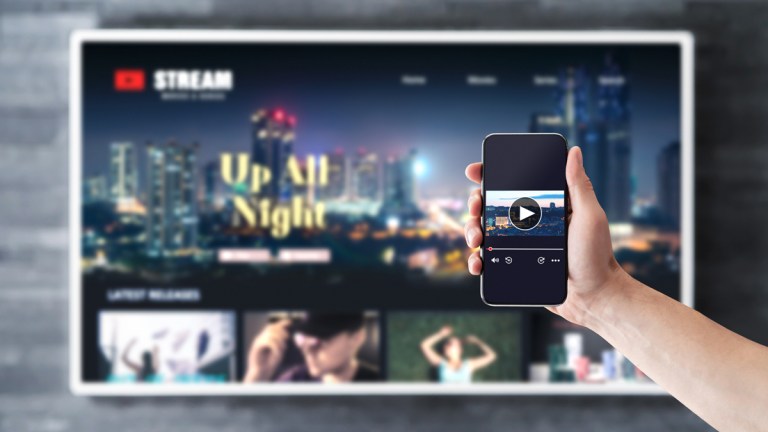
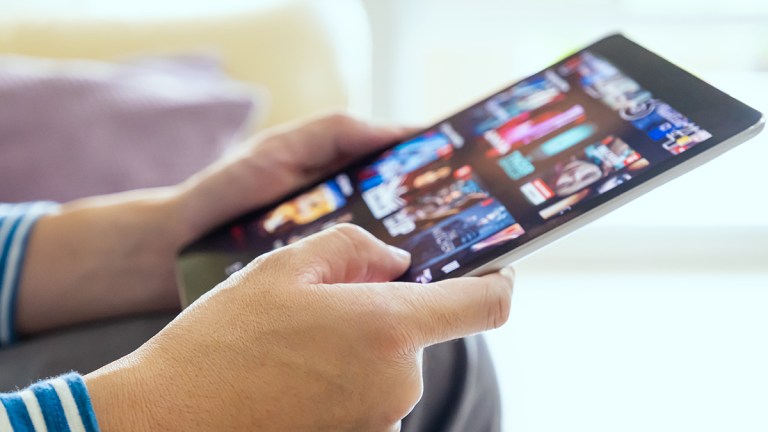
Recent developments in digital technology mean we can watch our favourite programs when we want, and we can also watch them where we want on one of the many connected devices in the home. For example, we can now watch a TV show from a DVD or Blu-ray disc or on a media player or via online streaming services such as iView, Quickflix or iTunes. We can view them on an iPad, Android tablet or even a smartphone. With this versatility, it’s easy to be confused about your best viewing and connection options.

Netgear-XAV5501 Setting up your initial network connection

If you can’t get a network cable to your player or TV, you may be able to connect it to your home network wirelessly, with many of the latest TVs, players and personal video recorders offering wireless support. A wireless dongle specifically made for your DVD/Blu-ray player may be available, however a more affordable solution would be to use a powerline networking unit, allowing you to plug the devices into a power socket near your internet router and the other device into a power socket near the device.

The Digital Living Network Alliance (DLNA)

The Digital Living Network Alliance (DLNA) protocol was introduced to help simplify the process of sharing content around the home, allowing connected devices to “talk” to one another as seamlessly as possible over a wireless or wired network. Companies supporting DLNA include Microsoft and Nokia, as well as home electronics companies such as Panasonic and Sony. Apple is the notable omission from the DLNA consortium, however as with all things Apple, there’s an app for that, giving iPad and iPhone users similar DLNA functionality to that enjoyed by Android device owners. A search for "DLNA viewer" in the Appstore will show available programs.

Most TVs that claim to be “Smart TVs” should support DLNA. A look at your TV’s network settings will confirm whether it has DLNA support, and it may even connect to your smart device automatically. Once selected, you can access music, photos and video through the use of the TV remote control. If the back of your TV has a LAN connection (a network port that looks like a large telephone jack) and you can get an ethernet cable to the TV, you should be able to watch online video applications such as ABC TV's iView, or access video, photos and music stored on your home network. If you have a wireless home network and a TV with wireless connectivity, you may not need to connect a cable at all.

Smart devices

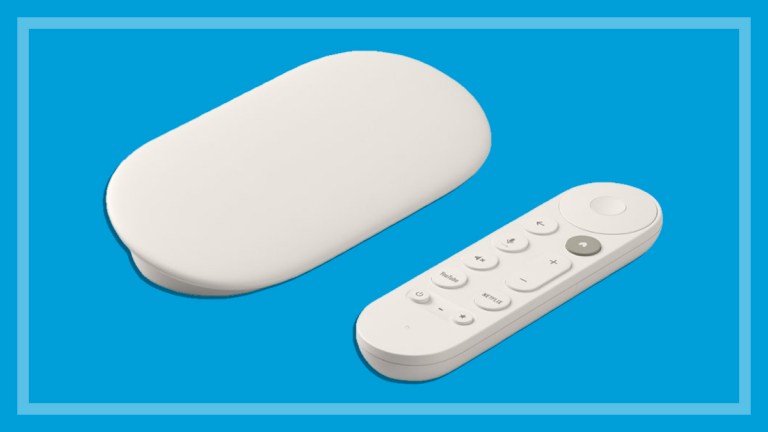
If your TV doesn’t have network connectivity, all is not lost. The latest batch of Blu-ray players tested by CHOICE or PVRs are also “Smart” with the ability to access online TV programs or content stored on your home network. Once you have your player or PVR connected to your network, simply connect it to your old TV using an HDMI, component or composite cable and transform your ageing TV into a Smart TV.

Blu-ray player


How to comment

Here's your chance to join in the debate. Just click in the comment box and let the CHOICE Community know what you think, or view all of the comments on this article.

Reporting offensive comments

If you see something offensive or something that just shouldn't be there, hit the report button and let us know immediately. View the Terms of use for user comments.


Make a Comment