How to buy the best webcam
Elevate your work meetings or kick off your Youtube career with a webcam. Here's what to look for.
Last updated: 8 Dec 2020
There are a few reasons to get a dedicated webcam for your desktop PC and even your laptop, but choosing a webcam is tough. Measuring a camera’s quality by its resolution is a classic mistake made by webcam and smartphone buyers the world over.
There’s much more to a quality webcam than a high number of pixels. Lens quality, software and numerous other features play a big part too, and the only way to really judge is to try them out.
But there are also some features to keep an eye out for, and some tips to get the most out of your webcam.
Why get a webcam?
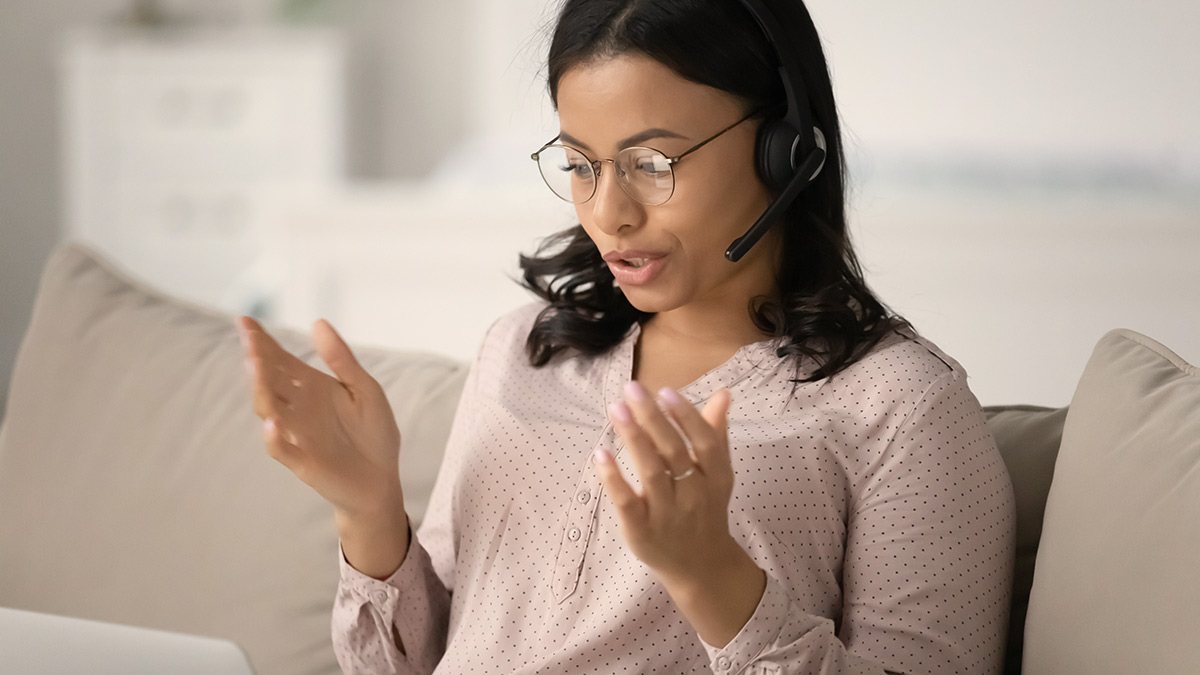
Video calls have become practically an everyday occurrence, for both work meetings and keeping in touch with family and friends.
But if you have a laptop more than a year or so old, there’s a good chance its camera isn’t crash hot. It’s also difficult to position laptops at comfortable or flattering angles.
If you use a desktop computer, you probably won’t have a camera built-in to your monitor at all. And using a phone or tablet for video calls or recording can be fiddly, not to mention harder to manage on a smaller screen.
Premium vs budget: which webcams are best?
We’ve found cheaper webcams tend to perform worse overall, but on the other hand, a high price isn’t an indicator of a great webcam. Even within the same brand, a premium-priced camera might perform similarly to something significantly cheaper.
Familiar brands such as Logitech and Microsoft are good options. And just buying the cheapest webcam from online vendors such as Amazon and Ebay is a risky venture.
Features to look for
Clamp Plenty of webcams come with a clamp that can attach to both a thick monitor and a thin laptop screen. In general, we’ve found most rest slightly better on a thick monitor, but still sit securely on thin ones.
Tilt and swivel The ability to tilt up and down is common, but not all webcams can swivel side to side. This is fine if you have your main (or single) display head-on, but if you use a dual-screen set-up then a lack of swivel might cause problems.
Cable length This matters if you have a monitor on an arm or a desktop that sits on the ground, especially if you have a standing desk. Monitor arms in particular can add a surprising need for length – if you need to move them around, this means you’ll need a little give in the cable to avoid unplugging it or pulling your camera from the screen. And keep in mind that cables are often connected to the camera, so if you want to lengthen it you’ll need an extension cable (usually USB).
Tripod mount Some webcams come with a tripod mount.
Autofocus Some webcams have autofocus to keep your image clear as you move, but they rarely have zoom.
Resolution It might be tempting to go for the webcam with the highest resolution, but other factors matter, too. Aim for 1080p (full HD) at a minimum and don’t be caught out by “High definition (HD)” labels, which only means 720p and up.
Still images Be wary of high megapixel ratings for still images. As a general rule, many of those pixels are added by software interpolation, which generates additional image pixels to produce a higher resolution.
Lens As with a standard camera, a webcam’s quality is largely dependent on the quality of its lens. In general, a bigger lens means better image quality, although there are always exceptions. And glass lenses are preferable to plastic.
Size If you want to carry the webcam around with you for your laptop, something small and lightweight would make a lot more sense than a large, bulky unit.
Software If you plan on using your webcam to become an internet sensation, you’ll need some decent video editing software that works with your camera, which may mean buying an additional program. Check that your model camera is supported by your software before you buy.
Security software Some webcams come with bonus security software for face recognition or motion detection. If these are features you’d like, check if they’re included before you buy anything.
Mac compatibility Some webcams don’t work on Macs (OS X and macOS), so check for compatibility before buying if you’re using a Mac.
Microphone Most webcams these days also feature a dedicated microphone in the camera’s body. Remember though, not all mics are created equal. Look for stereo microphones with noise cancellation, which should help deliver higher quality audio while filming.
Software matters
It’s not just camera hardware that matters; software can seriously affect the quality of an image. Some cameras perform quite differently between programs.
Video conferencing apps in particular record and transmit video in lower resolutions to save bandwidth and ensure a smooth experience – so even if your webcam is top-tier, you can’t guarantee a high-definition, crystal-clear image.
But a good camera will still have advantages in even lighting, colour tones and motion blur.
Lighting
Some webcams don’t handle varied or extreme lighting situations perfectly.
A room that’s too bright, too dim, or a mixture of the two can create significant contrast between the light and dark areas, a lack of colour accuracy, visual anomalies and distortions (usually highly localised and short-lived), motion blurring, and skipped frames.
You should achieve better results with more even lighting. It’s often a good idea to have at least one additional light source such as a lamp to even out your ceiling light or light through a window.
Some webcams come with their own light, which sits near or around the lens and shines directly into your face.
Webcams and safety
As with anything you connect to your computer or home network, webcams can be hacked, even if you don’t have any video software open.
Importantly, many webcams lack an off-button to totally disconnect them from your PC. Most have a recording light that turns on when the camera is active, which is a valuable but not infallible privacy feature.
Physical lens caps and covers are pretty rare, which means doing the old piece-of-tape-on-some-cardboard trick if you want to create your own.
While all these privacy concerns might sound like an argument against dedicated webcams, laptop cameras have the same problems, and often their recording lights (if they have them) are small and dim. But laptops can be folded shut when not in use.
Alex Angove-Plumb worked at CHOICE from 2018 to 2024 as a technology content producer.
You can find him on LinkedIn.
Alex Angove-Plumb worked at CHOICE from 2018 to 2024 as a technology content producer.
You can find him on LinkedIn.